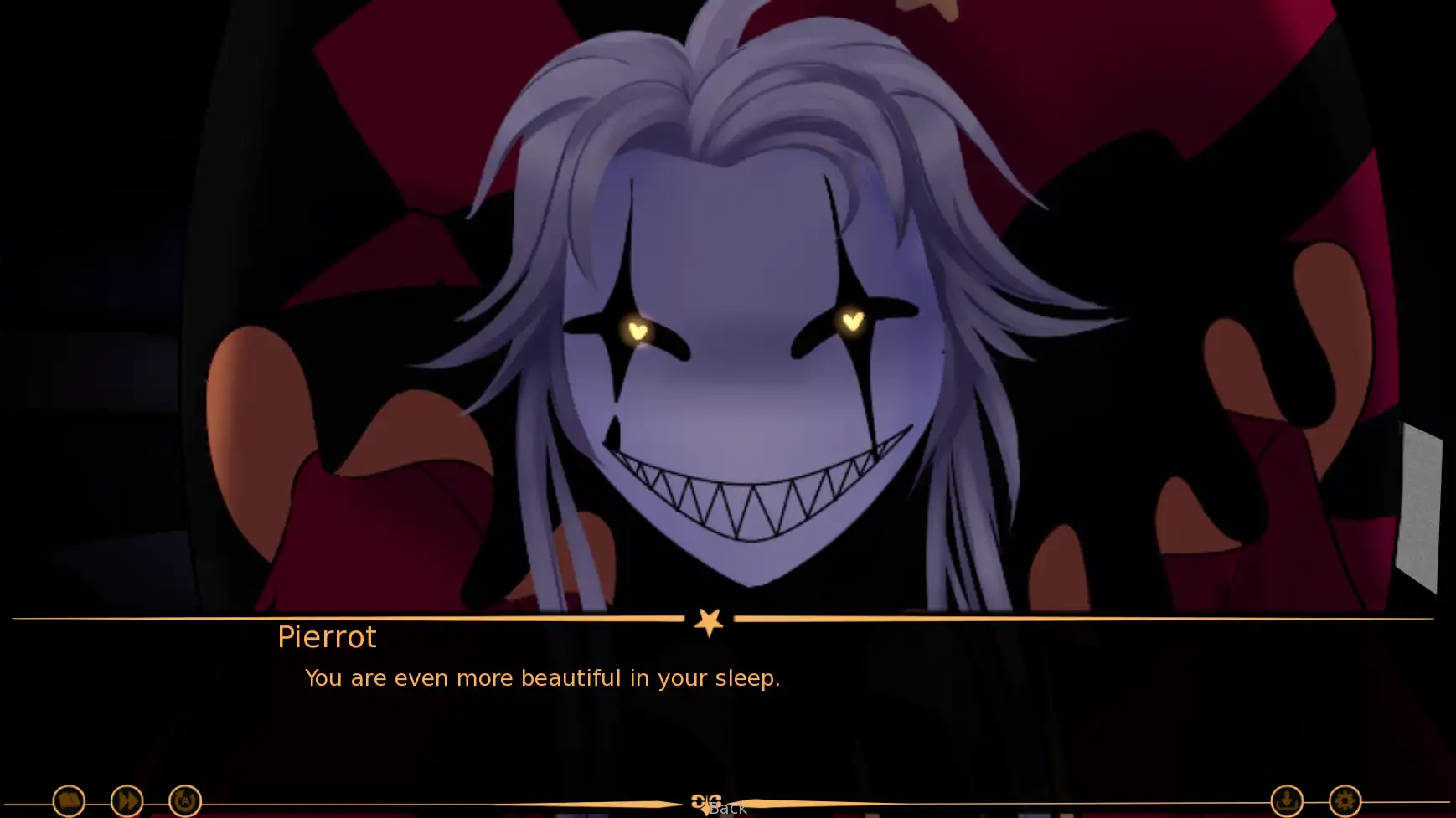
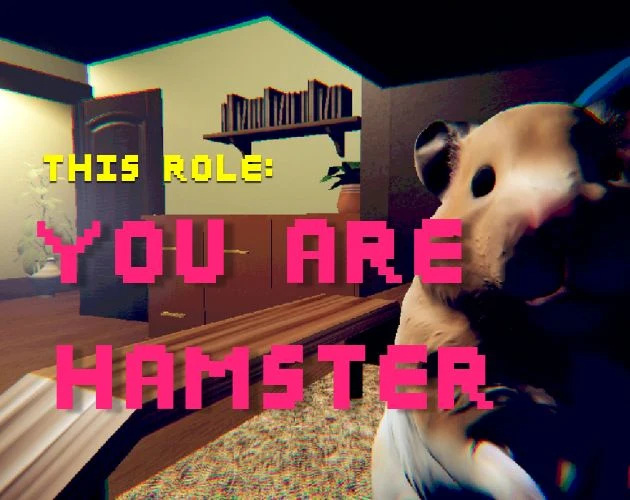
Suzy Says is a first-person, rule-based survival horror game built around a familiar idea becoming uncomfortable. You return home and discover an interactive DVD alongside colorful floor mats. Those objects suggest a simple activity, but the experience asks you to treat instructions seriously rather than trusting the cheerful appearance of the setup. The central reference is Simon Says: listening to the condition attached to a command matters as much as knowing the movement it requests. This page approaches the game as an exercise in attention under pressure, not as a list of secret answers. It gives you the confirmed controls, practical preparation, and a way to organize what you notice without pretending that every encounter has been documented.
For visitors arriving from Frankie's Fun House, the useful change of mindset is to stop treating every strange object as a puzzle that needs an immediate click. Here, a command can be the important event. Before trying to move quickly, establish what you actually heard or read and what the current instruction asks of you. The advice below is a cautious playing method, not a tested route to a particular ending. There is no promise that following these suggestions removes the danger, reveals every secret, or completes the hosted adaptation. The tension comes partly from making decisions while a familiar room no longer feels dependable.
Prepare before pressing Play
The embedded Suzy Says adaptation uses Construct 3 and has an approximately 256 MB initial load. That is substantial for a browser game, especially on a mobile connection or a device with limited available memory. Choose a stable connection and allow time for the first download before deciding that a blank or loading screen means failure. Starting several copies in different tabs is unlikely to make this easier to diagnose and can consume additional resources. The player loads only after you press Play, so you can read the warnings and preparation notes before requesting the game. No exact loading time is promised because connection speed, cache state, and device performance vary.
Set a comfortable volume before starting, and consider whether flashing imagery, jump scares, and unsettling themes are suitable for you. These are content warnings, not optional difficulty settings that this page can switch off. A smaller player or lower speaker volume does not guarantee the removal of disturbing material. If the experience feels uncomfortable, leaving the game is a valid choice; completing a horror session is not a requirement. Keep the surrounding page available so that you can return to the controls and loading notes. The preparation checklist below belongs to this page only and does not change anything inside the game.
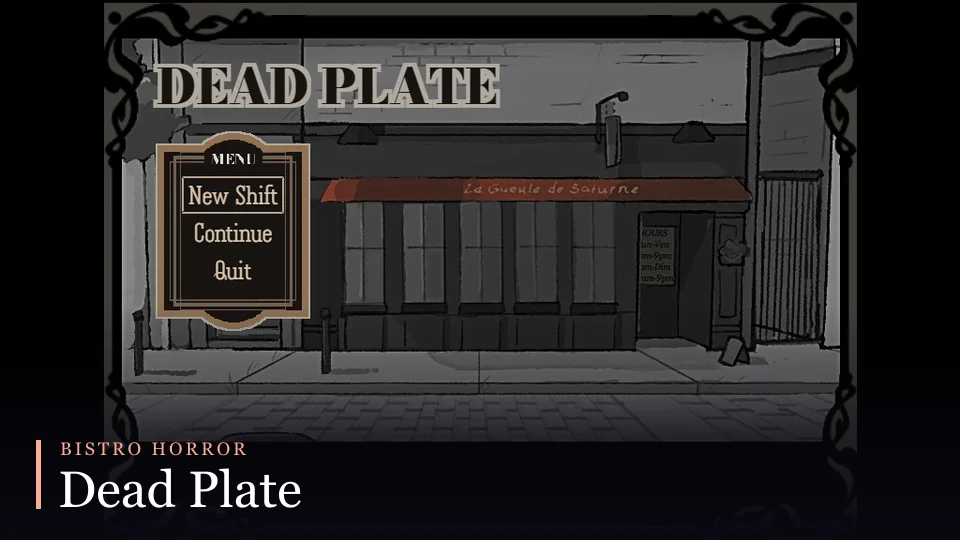
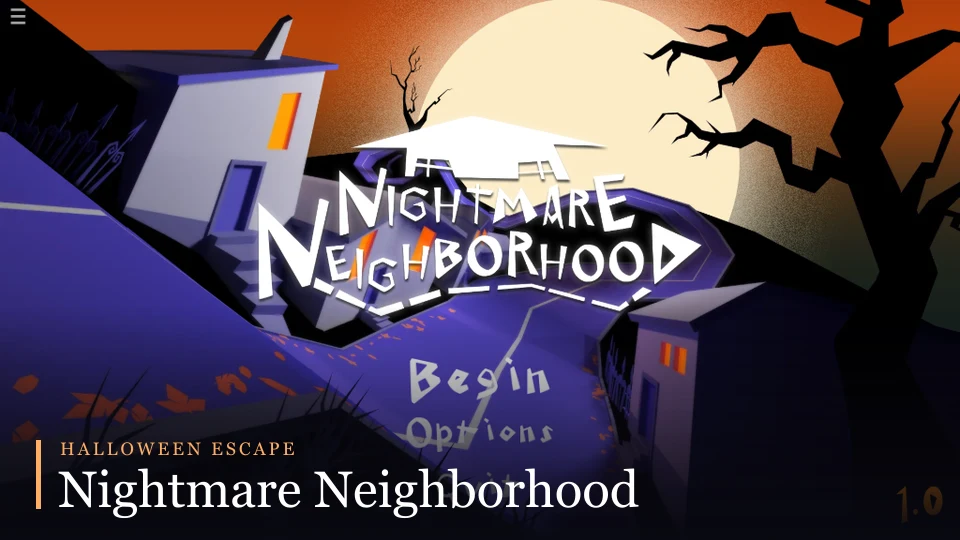
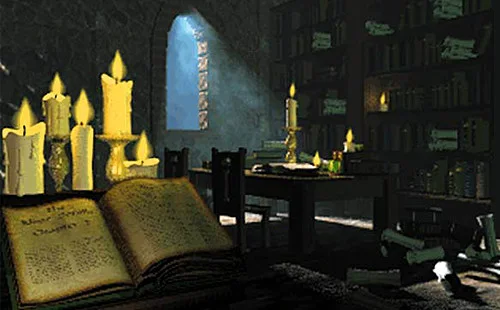
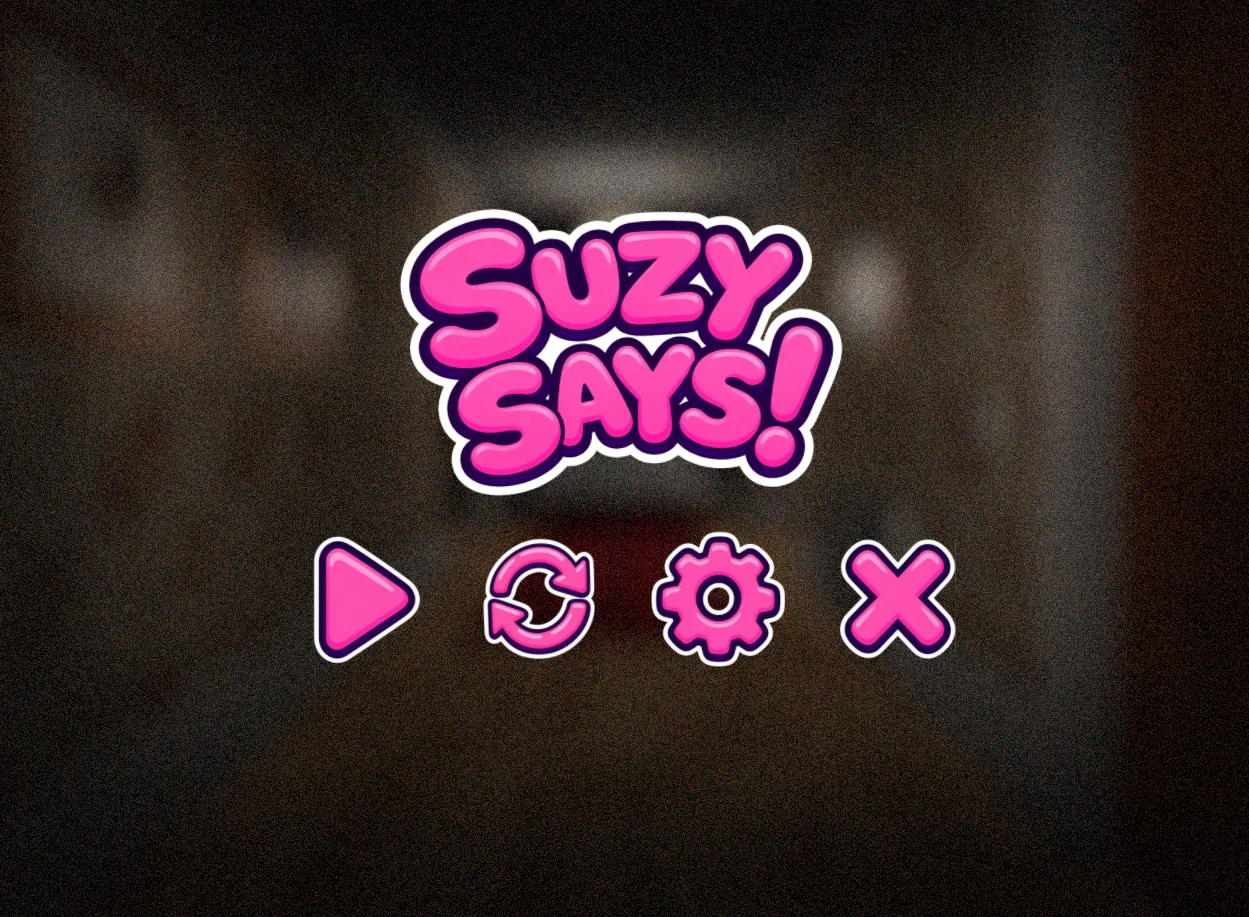
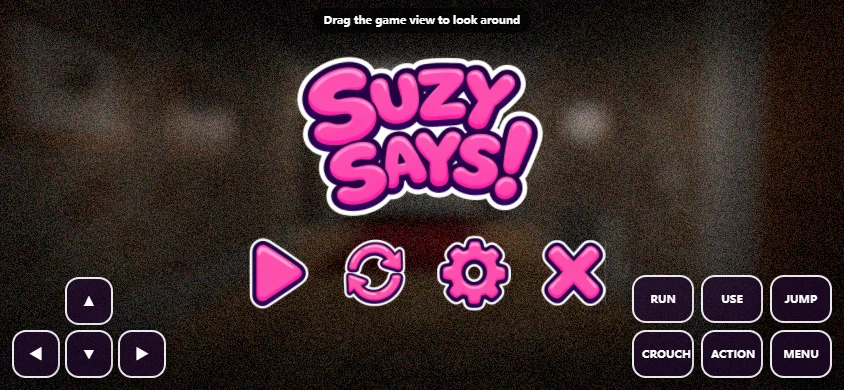
Existing gameplay capture: the title menu and its four icon controls.
Learn the inputs without guessing extra controls
The confirmed keyboard controls are WASD for movement, Space to jump, and C to crouch. Keep these three actions distinct in your mind before the instructions become demanding. A movement command and a posture command are not interchangeable simply because both make the character respond. If you are unfamiliar with this keyboard layout, identify the keys physically before starting rather than looking down during a tense moment. Click inside the embedded game when you intend to control it; a browser page and an embedded player can have different keyboard focus. Do not assume that a key which scrolls the surrounding page has reached the game.
This guide does not invent an interaction key, a sprint key, a pause shortcut, or a guaranteed mouse configuration. Follow any additional control information actually presented by the hosted build. When an input seems ineffective, separate two questions: did the player receive the input, and was that action appropriate for the instruction? Repeatedly pressing several keys at once makes those questions harder to answer. If you need to check focus, wait for a suitable moment rather than testing movement blindly during a command. The page's fullscreen control affects the player presentation, while its reload control restarts the embedded frame and may lose unsaved progress. Neither is a gameplay shortcut.
Read the whole instruction before committing
The Simon Says comparison is useful because it encourages conditional thinking. Instead of reducing an instruction to its final action word, pay attention to the wording that makes the action relevant. In a rule-based horror setting, reacting to the first recognizable word can be less useful than understanding the whole command. This is a general observation strategy, not a claim about the exact script, timing window, or penalty for every command in Suzy Says. The current game presentation remains your authority. If it gives a specific instruction, use that instruction rather than substituting a pattern remembered from a different game or video.
A practical mental routine is to identify the instruction, identify the required response, and then act with as little unnecessary movement as possible. If something goes wrong, reconstruct the sequence rather than immediately assuming the game was unfair. Were you responding to a complete instruction or anticipating one? Did you press the intended key? Was your attention on the colored mats, the wording, or a distracting visual event? These questions help distinguish an interpretation error from an input problem. They do not establish a hidden rule by themselves. Treat a single unusual result as something to investigate, not enough evidence to publish a universal solution.
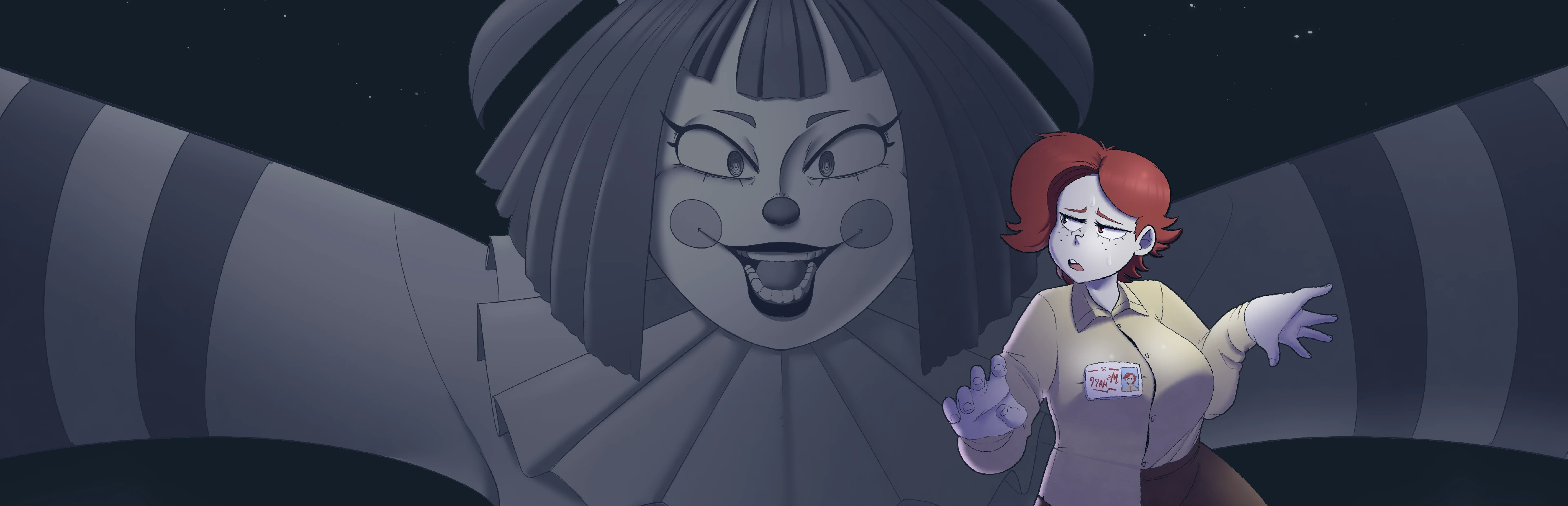
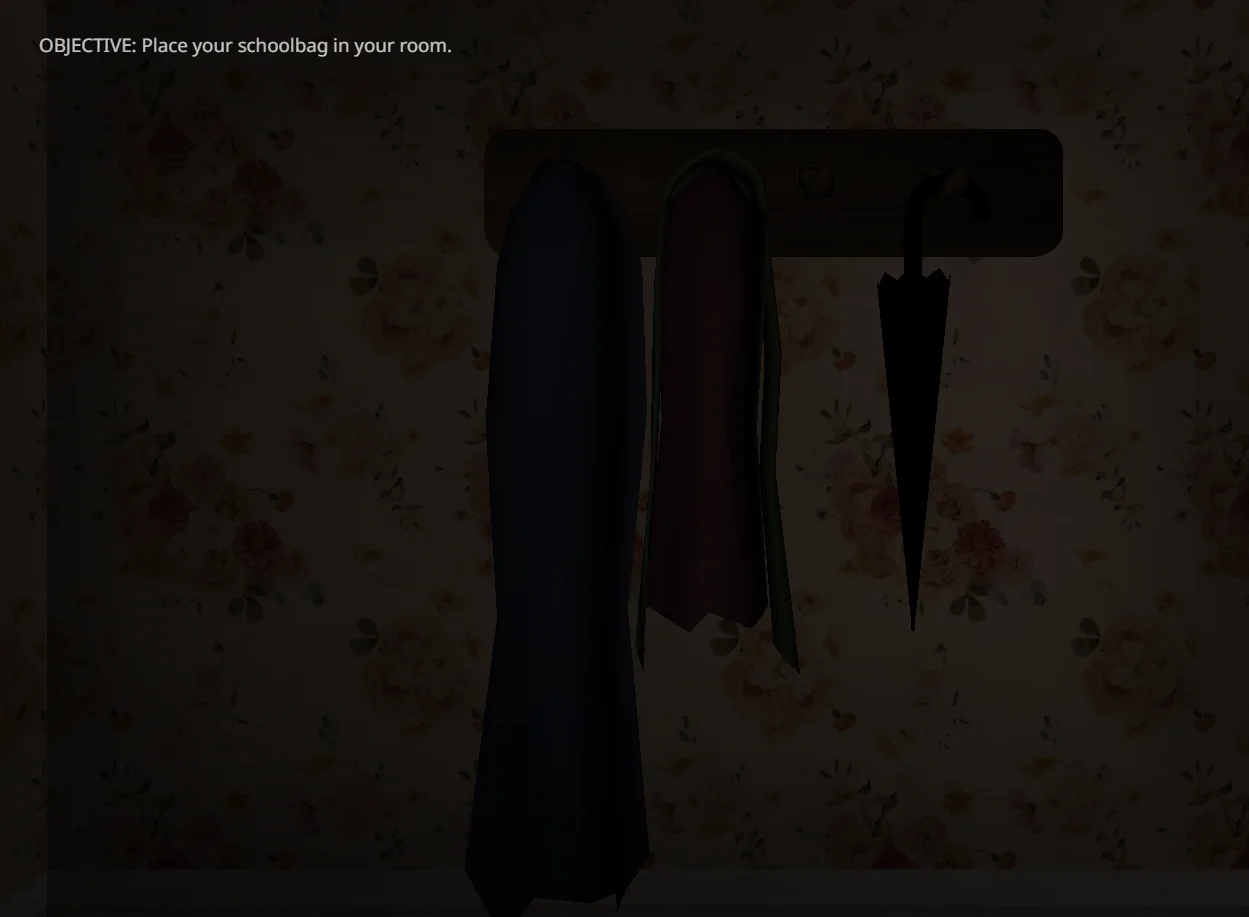
Existing opening capture: the objective reads 'Place your schoolbag in your room.' This is not evidence of a later level or completion.
Observe the mats without inventing a route
The colorful floor mats are part of the confirmed setup, but their presence should not tempt you into inventing a fixed sequence before the game explains what matters. Notice their relationship to your position and to the current instruction. A first-person view can make direction and distance feel less certain when you are distracted, so take opportunities to orient yourself when the game permits it. This page deliberately does not prescribe a color order, a safe corner, or a movement count. Those details would need evidence from the actual hosted version, not an inference from the premise or a still image.
When learning an unfamiliar encounter, change one thing in your approach at a time where practical. If you alter your timing, direction, and posture together, it becomes difficult to identify which change affected the result. You can use the checklist to remember your preparation, but it is intentionally not a command log or a solution database. Write down your own observations elsewhere if you want a more detailed record. Label uncertain interpretations as uncertain. This keeps an exploratory session from turning into a false memory of a rule that the game never stated, and it makes comparing later attempts more useful.
Separate browser problems from game pressure
Slow loading and frightening presentation can both make a player feel that something is wrong, but they call for different responses. Before the game menu appears, the large initial transfer is a plausible reason for waiting. Once the game is responding, an unsettling scene may be intentional rather than a technical fault. Neither observation proves that everything is working. If the player stays unresponsive, avoid describing the failure as a secret ending or a scripted event without evidence. Check your connection and whether the browser is still busy before using the reload control. A reload can discard progress and may require resources to be requested again.
Fullscreen is an optional convenience for seeing the embedded view more clearly. If the browser rejects fullscreen, continue in the player on this page; there is no top-level game link offered as a fallback. Browser restrictions, permissions, and device behavior can differ. The surrounding page cannot inspect the internal state of a third-party frame and cannot certify that a loading event means the game is ready to play. For that reason, this interface does not show a fabricated download percentage or a guaranteed completion timer. Judge readiness by the game's own visible interface, and keep technical troubleshooting separate from interpreting its story.
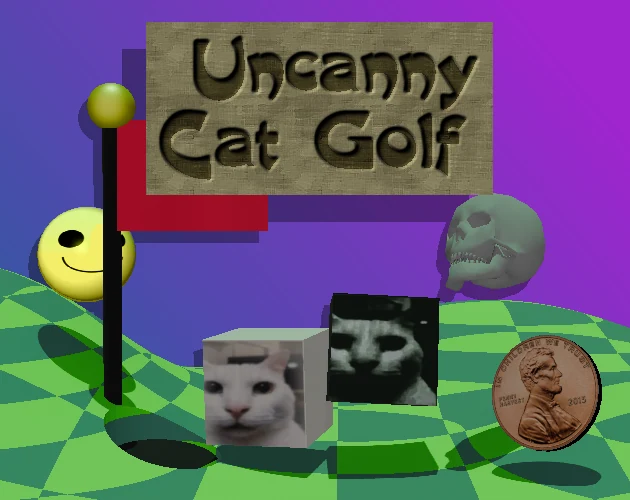
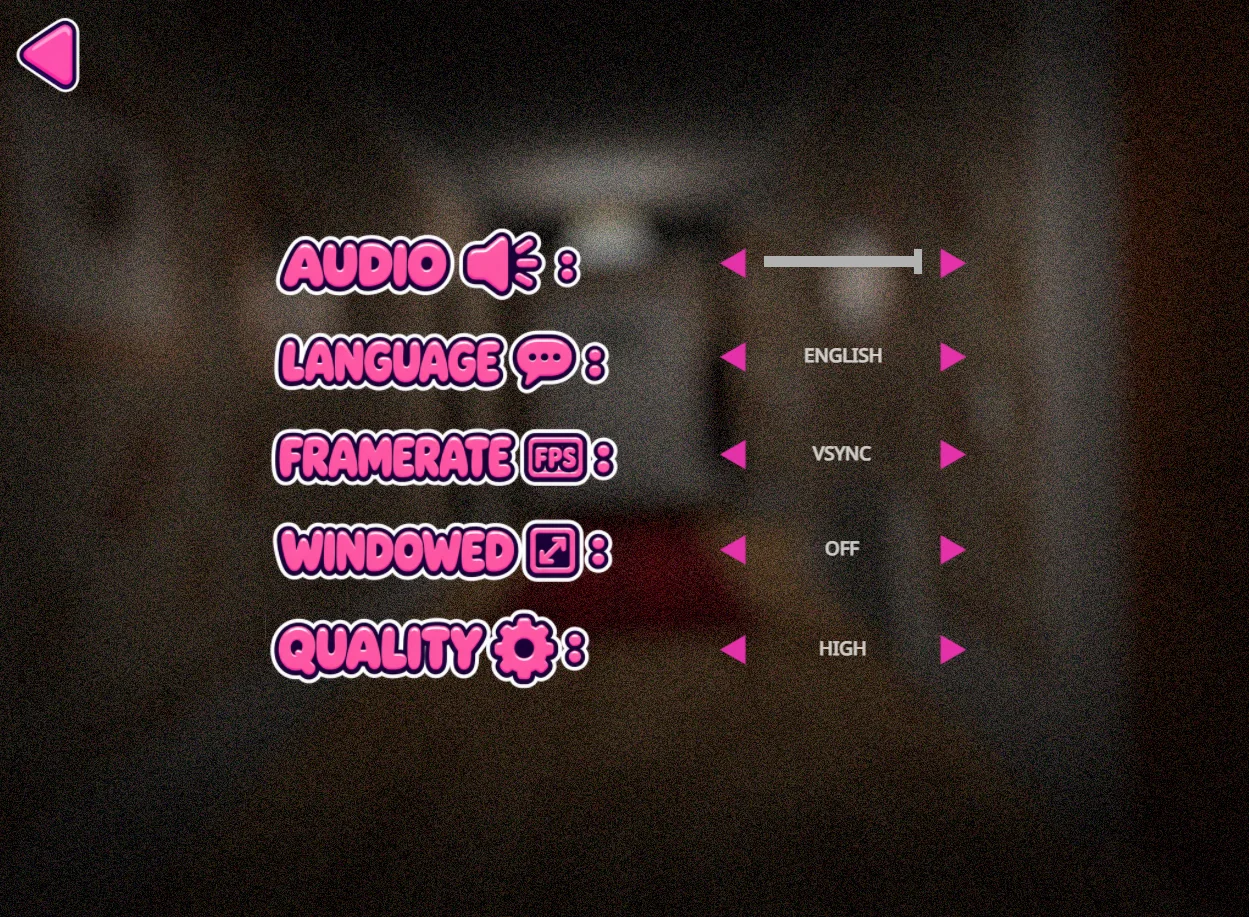
Existing settings capture showing the available labels, not a benchmark or a recommended configuration.
Know what this adaptation has not established
The original full release is described as having an endless mode and hidden endings, but those features have not been verified in this hosted adaptation. Their existence elsewhere is not a promise that this player includes them, reaches them correctly, or reproduces every part of the original release. This page therefore avoids calling the embed a guaranteed complete edition. It also avoids listing ending requirements or a completion time as if they had been tested here. If a video shows a menu or event that you cannot find, a version difference is one possible explanation, not proof that you missed a secret.
Touch adaptation exists in the hosted game, but real-phone play has not been verified for this page. A responsive website only establishes that the surrounding layout is designed to fit smaller screens; it does not prove that a game can be completed with touch controls. Memory limits, orientation, browser behavior, and control placement can still matter. Keyboard play is the clearest documented input reference here, not a guarantee of compatibility with every computer. Use the on-screen information actually available to you, and avoid planning a mobile session around an untested promise. No save synchronization, account progression, or cross-device continuation is claimed.
Use videos and the checklist deliberately
The two videos below provide another way to look at Suzy Says, but they are optional and may reveal scenes you would prefer to discover yourself. Watching footage is not necessary before pressing Play. If you do watch, compare only what is clearly visible and avoid assuming that the footage uses the same hosted build. A video can help you recognize a control demonstration or the general atmosphere while still leaving important version questions unanswered. This guide does not label either video as a verified walkthrough of this embed, and it does not treat an edited recording as evidence that your device will run the game smoothly.
Use the session checklist for preparation rather than achievement hunting. Mark the controls you have reviewed, acknowledge the content warning, and decide whether you are ready to wait for the initial load. The counter reflects only your checked boxes. Reset clears those page-local choices; it does not restart the game, erase a save, unlock an ending, or mark an encounter complete. This separation is intentional: a useful companion page should help you make informed choices without pretending to know what happened inside the player. When you finish, you can return to the shared game shelf, including this game's own card, and choose your next attraction without losing your place in the guide.
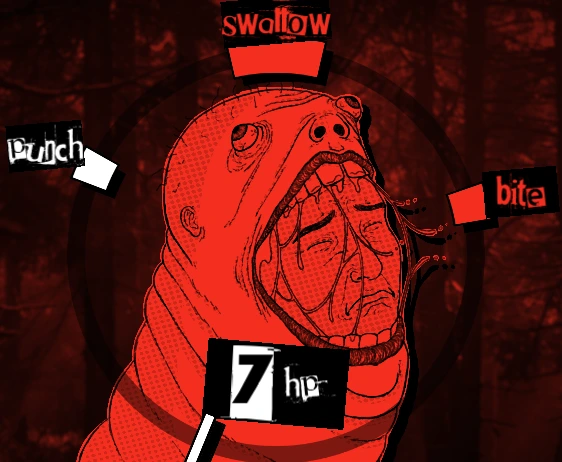
Existing touch-overlay capture: visible control layout only, not proof of real-phone compatibility or completion.
Before the DVD starts: preparation checklist
Session-only preparation notes. These boxes do not track or change the game.
0 of 6 preparation steps marked.
Optional Suzy Says videos
May contain spoilers. Footage is not verification of this hosted version or your device compatibility.
Frequently asked questions
What kind of game is Suzy Says?
It is first-person, rule-based survival horror involving an interactive DVD, colorful floor mats, and Simon Says-style instructions.
Which keyboard controls are confirmed?
Use WASD to move, Space to jump, and C to crouch. Follow any further instructions shown by the hosted game.
Why can the initial load take a while?
The Construct 3 browser adaptation loads approximately 256 MB. Connection speed and device resources affect the wait; no fixed loading time is guaranteed.
Is this guaranteed to be the full release?
No. Endless mode and hidden endings are described for the original full release but have not been verified in this hosted adaptation.
Can I finish it on a phone?
That has not been verified. Touch adaptation exists, but real-phone compatibility and completion are not guaranteed.
Are there flashing images or jump scares?
Yes. Expect flashing imagery, jump scares, and unsettling themes. Do not start if that content is unsuitable for you.
Does resetting the checklist reset the game?
No. It only clears this page's session checklist. Reloading the game frame is a separate action that may lose unsaved progress.
Must I watch both videos first?
No. They are optional and may contain spoilers. They are not certified walkthroughs of the hosted build.
What happens if fullscreen is unavailable?
Continue in the embedded player. This page does not provide a direct top-level game fallback.