 01 / Sound cue
Open the input
Test normal speech before performing.

Free online / Voice performance
Allow the mic, listen carefully, commit to the character, and let each take become a tiny show.









Sound check / 01
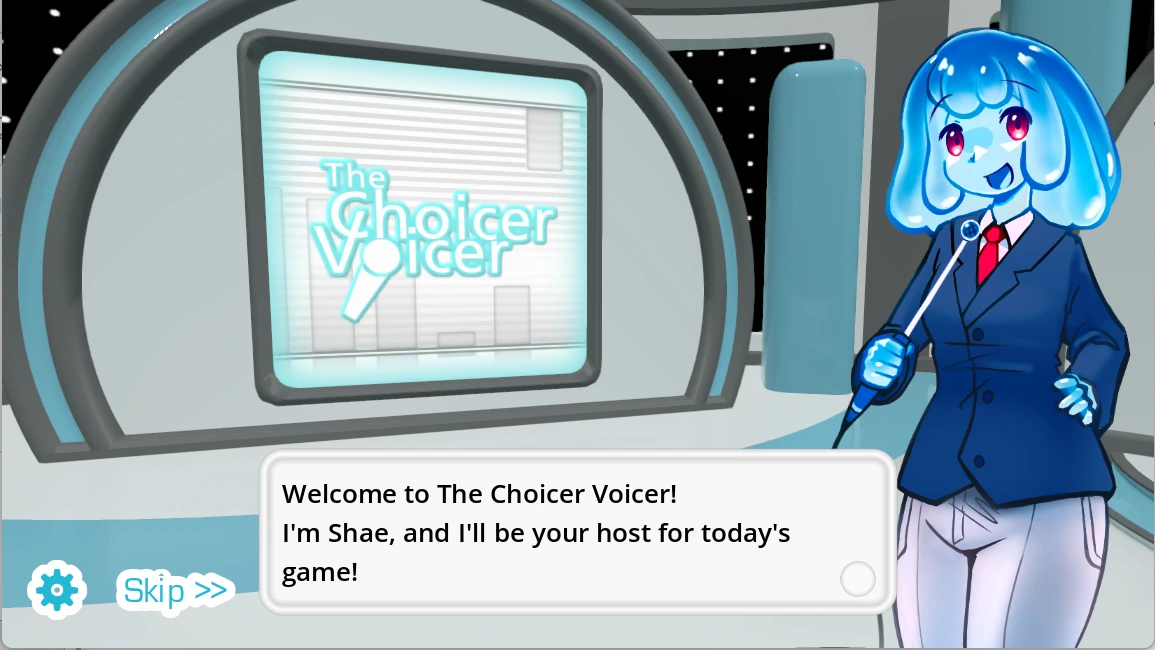
The Choicer Voicer turns impressions into a customizable game show where microphone setup matters as much as comic commitment.
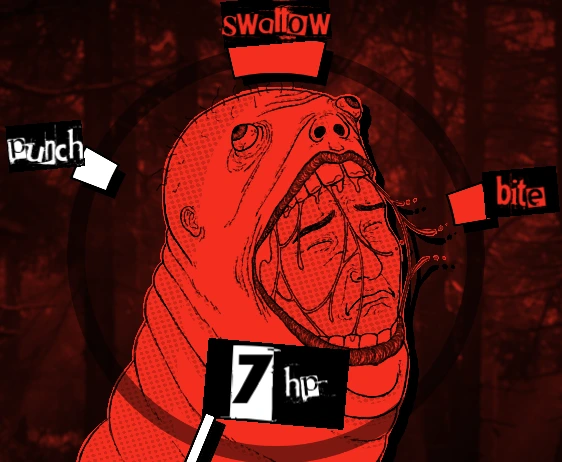
This Fun House edition includes five guide images, two videos, microphone troubleshooting, voice-pack advice, a long original performance guide, and eleven FAQs.
01 / Sound cueTest normal speech before performing.
 02 / Sound cue
Separate words, cadence, pitch, and intent.
 03 / Sound cue
Use custom packs and presentation you have rights to use.
 04 / Sound cue
Respect consent and comfortable volume.
Studio gallery / 02
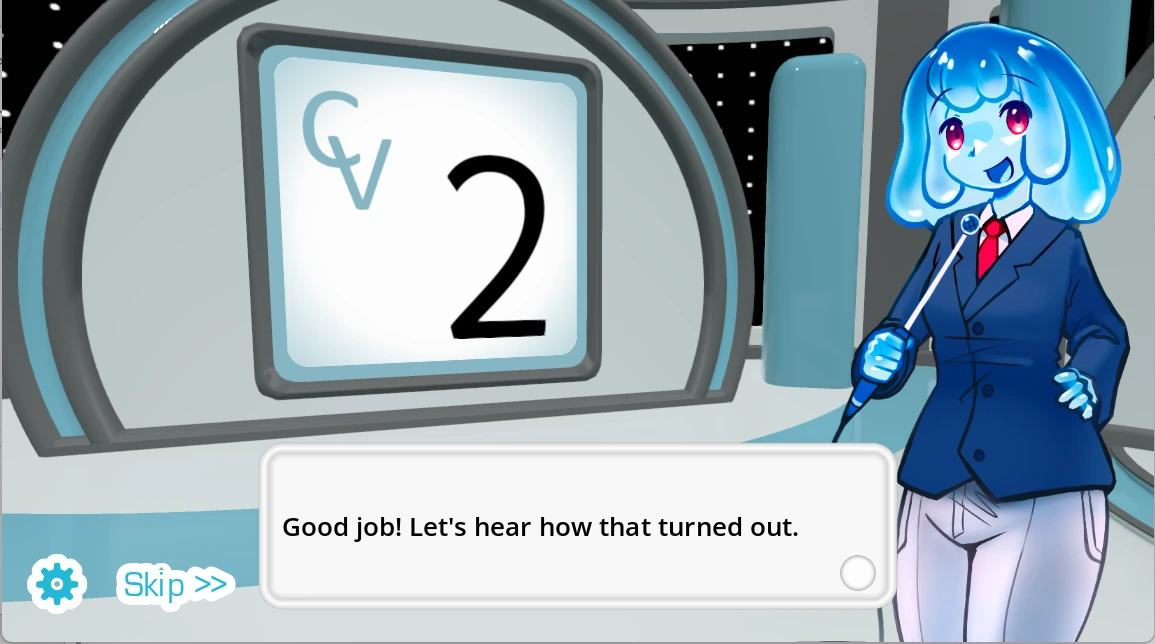
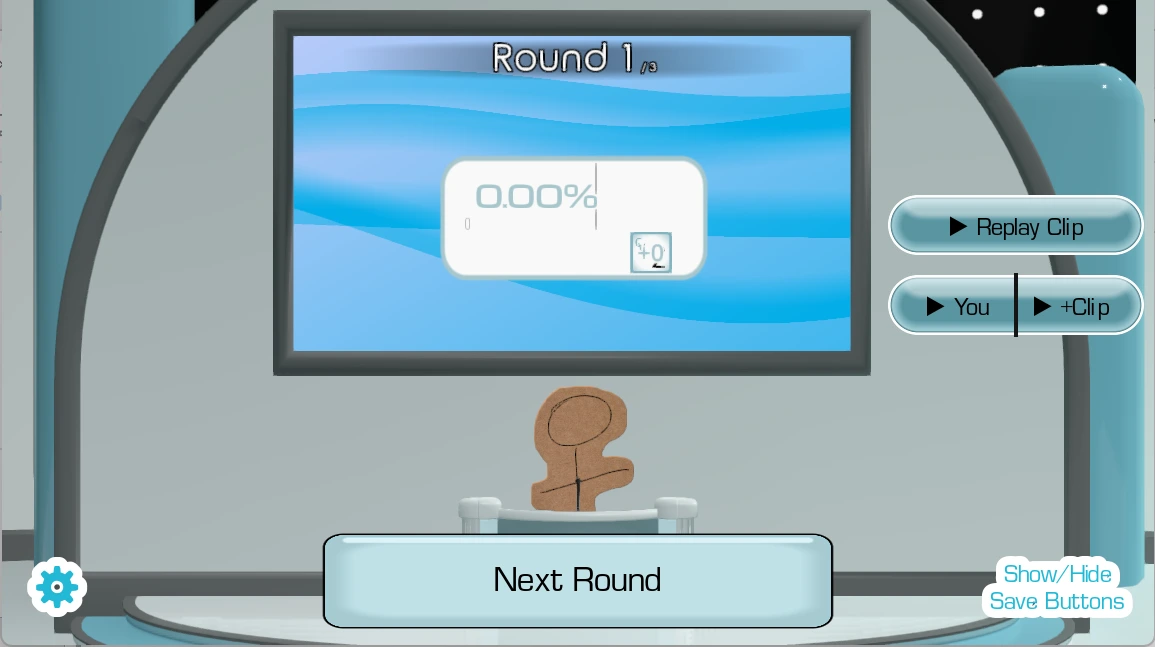
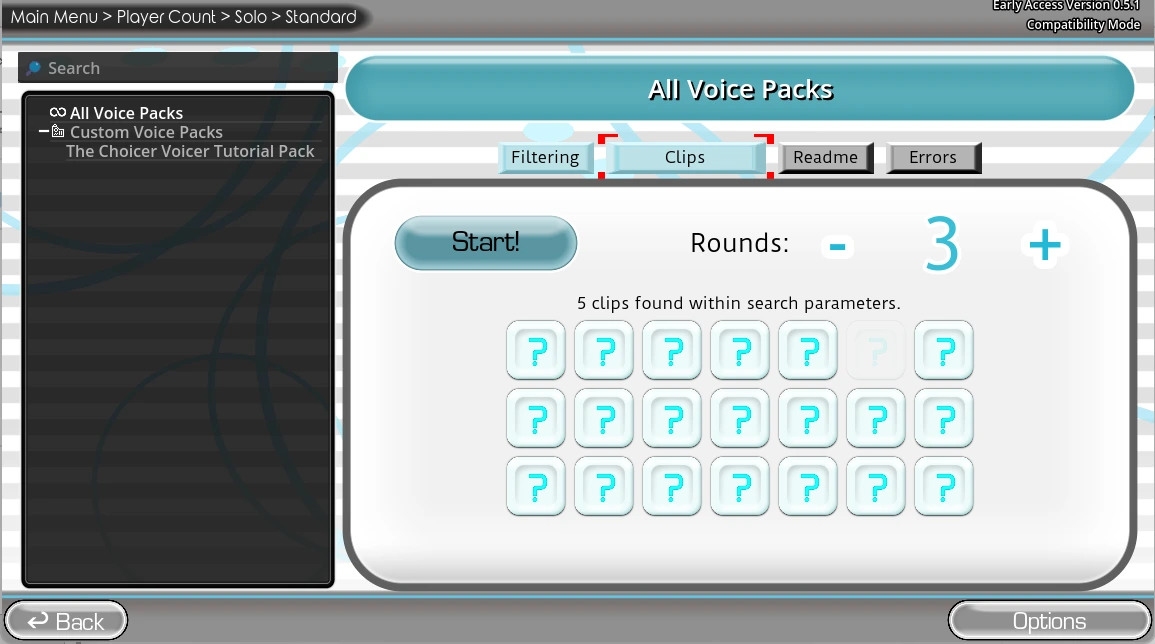
Studio staging, judging, customization, microphone setup, and How to Play material make the invisible recording chain easier to understand.
Screening tent / 03
Two supplied recordings show the studio presentation and voice-driven performance flow.
Watch how prompts, staging, voice input, and reactions shape a round.
Watch how prompts, staging, voice input, and reactions shape a round.
Backstage guide / 04
The Choicer Voicer turns permission and input selection deciding whether the attraction can hear a guest before the lights come up into part of the show. The screen supplies lights, a host, contestants, and judges, but the real stage extends into the room around the player. A source clip must be heard, understood, performed, captured, and interpreted. Laughter can support a take or overwhelm it. Distance can preserve clarity or turn the microphone into an echo chamber. A performer can make a strong character choice while the wrong input device records silence. The fun improves when those layers are visible enough to manage.
A practical backstage rule is to test a normal sentence before attempting a character. Use the mouse to select the mode, pack, studio, host, or judge panel, then pause for an ordinary-speech test. Approve the browser request, confirm the system microphone, click inside the embedded player, and speak without a character. Listen to the prompt once while silent. Mark its words, rhythm, pauses, pitch direction, strongest emphasis, and emotional intention. Select two features, perform from a steady position, and change only one feature on the following take. Volume is not a substitute for interpretation.
Think of the first result as a rehearsal ticket: it identifies which booth deserves another visit rather than declaring the whole attraction successful or failed. The developer describes the project as early access with limited built-in content and known microphone compatibility reports. Test before gathering a group. Use clips you created, licensed, or have permission to use, and obtain consent before saving or sharing another person's voice. Local and streamer-oriented modes can expand the room, but the developer states that online multiplayer is not currently available.
The microphone attraction turns custom prompts providing the material that hosts, judges, and performers turn into a show into part of the show. The screen supplies lights, a host, contestants, and judges, but the real stage extends into the room around the player. A source clip must be heard, understood, performed, captured, and interpreted. Laughter can support a take or overwhelm it. Distance can preserve clarity or turn the microphone into an echo chamber. A performer can make a strong character choice while the wrong input device records silence. The fun improves when those layers are visible enough to manage.
A practical backstage rule is to start with a small familiar set you are allowed to use. Use the mouse to select the mode, pack, studio, host, or judge panel, then pause for an ordinary-speech test. Approve the browser request, confirm the system microphone, click inside the embedded player, and speak without a character. Listen to the prompt once while silent. Mark its words, rhythm, pauses, pitch direction, strongest emphasis, and emotional intention. Select two features, perform from a steady position, and change only one feature on the following take. Volume is not a substitute for interpretation.
Think of a clean second take as continuity: preserve what worked and revise one cue so the audience can recognize the change. The developer describes the project as early access with limited built-in content and known microphone compatibility reports. Test before gathering a group. Use clips you created, licensed, or have permission to use, and obtain consent before saving or sharing another person's voice. Local and streamer-oriented modes can expand the room, but the developer states that online multiplayer is not currently available.
The microphone attraction turns cadence, pauses, pitch movement, emphasis, texture, volume, and intention giving one line several possible identities into part of the show. The screen supplies lights, a host, contestants, and judges, but the real stage extends into the room around the player. A source clip must be heard, understood, performed, captured, and interpreted. Laughter can support a take or overwhelm it. Distance can preserve clarity or turn the microphone into an echo chamber. A performer can make a strong character choice while the wrong input device records silence. The fun improves when those layers are visible enough to manage.
A practical backstage rule is to choose two recognizable qualities before speaking. Use the mouse to select the mode, pack, studio, host, or judge panel, then pause for an ordinary-speech test. Approve the browser request, confirm the system microphone, click inside the embedded player, and speak without a character. Listen to the prompt once while silent. Mark its words, rhythm, pauses, pitch direction, strongest emphasis, and emotional intention. Select two features, perform from a steady position, and change only one feature on the following take. Volume is not a substitute for interpretation.
Think of the first result as a rehearsal ticket: it identifies which booth deserves another visit rather than declaring the whole attraction successful or failed. The developer describes the project as early access with limited built-in content and known microphone compatibility reports. Test before gathering a group. Use clips you created, licensed, or have permission to use, and obtain consent before saving or sharing another person's voice. Local and streamer-oriented modes can expand the room, but the developer states that online multiplayer is not currently available.
The microphone attraction turns clear acting reading better than clipping, room echo, panic, or repeated shouting into part of the show. The screen supplies lights, a host, contestants, and judges, but the real stage extends into the room around the player. A source clip must be heard, understood, performed, captured, and interpreted. Laughter can support a take or overwhelm it. Distance can preserve clarity or turn the microphone into an echo chamber. A performer can make a strong character choice while the wrong input device records silence. The fun improves when those layers are visible enough to manage.
A practical backstage rule is to keep a comfortable distance and conversational level. Use the mouse to select the mode, pack, studio, host, or judge panel, then pause for an ordinary-speech test. Approve the browser request, confirm the system microphone, click inside the embedded player, and speak without a character. Listen to the prompt once while silent. Mark its words, rhythm, pauses, pitch direction, strongest emphasis, and emotional intention. Select two features, perform from a steady position, and change only one feature on the following take. Volume is not a substitute for interpretation.
Think of a clean second take as continuity: preserve what worked and revise one cue so the audience can recognize the change. The developer describes the project as early access with limited built-in content and known microphone compatibility reports. Test before gathering a group. Use clips you created, licensed, or have permission to use, and obtain consent before saving or sharing another person's voice. Local and streamer-oriented modes can expand the room, but the developer states that online multiplayer is not currently available.
The microphone attraction turns computer reactions creating a funny verdict without perfectly measuring talent or intention into part of the show. The screen supplies lights, a host, contestants, and judges, but the real stage extends into the room around the player. A source clip must be heard, understood, performed, captured, and interpreted. Laughter can support a take or overwhelm it. Distance can preserve clarity or turn the microphone into an echo chamber. A performer can make a strong character choice while the wrong input device records silence. The fun improves when those layers are visible enough to manage.
A practical backstage rule is to compare takes instead of ranking people. Use the mouse to select the mode, pack, studio, host, or judge panel, then pause for an ordinary-speech test. Approve the browser request, confirm the system microphone, click inside the embedded player, and speak without a character. Listen to the prompt once while silent. Mark its words, rhythm, pauses, pitch direction, strongest emphasis, and emotional intention. Select two features, perform from a steady position, and change only one feature on the following take. Volume is not a substitute for interpretation.
Think of the first result as a rehearsal ticket: it identifies which booth deserves another visit rather than declaring the whole attraction successful or failed. The developer describes the project as early access with limited built-in content and known microphone compatibility reports. Test before gathering a group. Use clips you created, licensed, or have permission to use, and obtain consent before saving or sharing another person's voice. Local and streamer-oriented modes can expand the room, but the developer states that online multiplayer is not currently available.
The microphone attraction turns up to four nearby performers negotiating microphones, turns, laughter, embarrassment, and consent into part of the show. The screen supplies lights, a host, contestants, and judges, but the real stage extends into the room around the player. A source clip must be heard, understood, performed, captured, and interpreted. Laughter can support a take or overwhelm it. Distance can preserve clarity or turn the microphone into an echo chamber. A performer can make a strong character choice while the wrong input device records silence. The fun improves when those layers are visible enough to manage.
A practical backstage rule is to assign inputs and let every guest decline recording. Use the mouse to select the mode, pack, studio, host, or judge panel, then pause for an ordinary-speech test. Approve the browser request, confirm the system microphone, click inside the embedded player, and speak without a character. Listen to the prompt once while silent. Mark its words, rhythm, pauses, pitch direction, strongest emphasis, and emotional intention. Select two features, perform from a steady position, and change only one feature on the following take. Volume is not a substitute for interpretation.
Think of a clean second take as continuity: preserve what worked and revise one cue so the audience can recognize the change. The developer describes the project as early access with limited built-in content and known microphone compatibility reports. Test before gathering a group. Use clips you created, licensed, or have permission to use, and obtain consent before saving or sharing another person's voice. Local and streamer-oriented modes can expand the room, but the developer states that online multiplayer is not currently available.
The microphone attraction turns voiceover over a scene demanding sustained timing and character continuity instead of one short imitation into part of the show. The screen supplies lights, a host, contestants, and judges, but the real stage extends into the room around the player. A source clip must be heard, understood, performed, captured, and interpreted. Laughter can support a take or overwhelm it. Distance can preserve clarity or turn the microphone into an echo chamber. A performer can make a strong character choice while the wrong input device records silence. The fun improves when those layers are visible enough to manage.
A practical backstage rule is to test a brief segment before a long take. Use the mouse to select the mode, pack, studio, host, or judge panel, then pause for an ordinary-speech test. Approve the browser request, confirm the system microphone, click inside the embedded player, and speak without a character. Listen to the prompt once while silent. Mark its words, rhythm, pauses, pitch direction, strongest emphasis, and emotional intention. Select two features, perform from a steady position, and change only one feature on the following take. Volume is not a substitute for interpretation.
Think of the first result as a rehearsal ticket: it identifies which booth deserves another visit rather than declaring the whole attraction successful or failed. The developer describes the project as early access with limited built-in content and known microphone compatibility reports. Test before gathering a group. Use clips you created, licensed, or have permission to use, and obtain consent before saving or sharing another person's voice. Local and streamer-oriented modes can expand the room, but the developer states that online multiplayer is not currently available.
The microphone attraction turns known compatibility reports making technical diagnosis more useful than forcing the same performance again into part of the show. The screen supplies lights, a host, contestants, and judges, but the real stage extends into the room around the player. A source clip must be heard, understood, performed, captured, and interpreted. Laughter can support a take or overwhelm it. Distance can preserve clarity or turn the microphone into an echo chamber. A performer can make a strong character choice while the wrong input device records silence. The fun improves when those layers are visible enough to manage.
A practical backstage rule is to check permission, input, focus, stereo output, and competing apps. Use the mouse to select the mode, pack, studio, host, or judge panel, then pause for an ordinary-speech test. Approve the browser request, confirm the system microphone, click inside the embedded player, and speak without a character. Listen to the prompt once while silent. Mark its words, rhythm, pauses, pitch direction, strongest emphasis, and emotional intention. Select two features, perform from a steady position, and change only one feature on the following take. Volume is not a substitute for interpretation.
Think of a clean second take as continuity: preserve what worked and revise one cue so the audience can recognize the change. The developer describes the project as early access with limited built-in content and known microphone compatibility reports. Test before gathering a group. Use clips you created, licensed, or have permission to use, and obtain consent before saving or sharing another person's voice. Local and streamer-oriented modes can expand the room, but the developer states that online multiplayer is not currently available.
Questions and answers / 05
Permission, input choice, voice packs, local play, Dub Mode, consent, copyright, judging, and vocal comfort.
The Choicer Voicer is a customizable microphone party game about vocal impressions in game-show formats.
Launch the embedded player, allow microphone access, select available content, listen to a prompt, and perform into the chosen input.
Voice is the primary gameplay input, so both browser and operating-system permission are necessary.
Check the site permission icon, system privacy settings, selected input, other recording apps, iframe focus, and a basic stereo output setup.
A voice pack is a collection of audio prompts. Begin with a short familiar set containing only files you created, licensed, or have permission to use.
The published project information describes simple local multiplayer for up to four players.
Dub Mode supports voiceover performances across scenes, emphasizing timing and sustained character delivery.
No. The developer states that online multiplayer is not currently available.
No. Treat their responses as playful comparative feedback rather than an objective assessment of acting ability.
Explain what is recorded, let anyone decline, avoid sharing takes without permission, and delete unwanted recordings.
Use conversational volume, stay hydrated, keep sessions short, and stop if speaking becomes uncomfortable.