











Before your next attempt
Manual preparation only. This does not read or save game progress. Checks reset on reload.
A new attraction, a different rhythm
Odio el chocolate takes the familiar act of looking around a strange place and makes movement part of the pressure. You explore, search for chocolates and follow the chosen mode's objective while keeping track of the scene around you. It is an active browser horror experience, not another point-and-click chapter of Frankie's Fun House.
The connection is curiosity: both a room and an object can invite inspection before you know what they mean. The difference is how you respond. Here, camera movement, position and resource awareness matter. Do not wait for a dialogue choice to explain every action, and do not assume that every decorative object is part of an inventory puzzle.
Wantho's project is a Baldi's Basics mod. The player provided here opens the source site's browser-hosted edition, while the pictures and videos serve as references. They do not prove that the original download and current embed behave identically. Begin with the actual menu, then let the guide help you organize what you observe.
Start with a short visit
Choose a manageable first goal before trying to finish a run. You might learn to turn back toward an entrance, confirm one pickup, or understand the visible stamina display. A small goal makes an unfamiliar attraction less confusing. It also gives you a useful result if you decide to stop before reaching the game's full objective.
The preparation panel on this page supports that approach. Its checks are manual reminders, not game progress. They reset on reload and cannot read chocolate counts, inventory or saves. You are recording what you inspected, not reporting something to the remote game. That distinction keeps a simple helper from becoming a misleading imitation of a checkpoint system.
There is no obligation to explore every mode in one sitting. If the atmosphere or pace is not enjoyable, leave the frame and return later or choose another game. A browser collection is useful precisely because it offers different experiences. The guide should help you make that choice, not pressure you to complete a fictional task list.
Change from clicking scenes to controlling a view
The supplied browser controls use W A S D for movement and the mouse to look. Click inside the frame before testing them. Move a small distance, turn toward a doorway and return your view to the starting direction. This exercise establishes how the camera behaves before you combine it with searching and faster movement.
Left mouse is described for doors and collecting chocolate. Unlike an inventory adventure where a cursor may identify every hotspot, this interaction depends on what the live game accepts from your position. Approach, aim and check the result. If nothing changes, avoid assuming that more clicks are automatically the answer; focus and positioning may be involved.
Shift is the listed sprint control. Try it while watching the stamina display, then return to ordinary movement. Follow the current build's own instructions if they differ from the reference. The page does not claim that every device has been playtested, and a phone showing the scene is not proof that it supplies all required controls.
Inspect a room with an ending in mind
A room search becomes more useful when you know what would let you call it finished. Identify where you entered, inspect the areas that seem relevant, attempt interactions carefully and verify collection feedback. Then decide whether the room is checked or whether you left a reason to return. Avoid leaving every inspection half-complete.
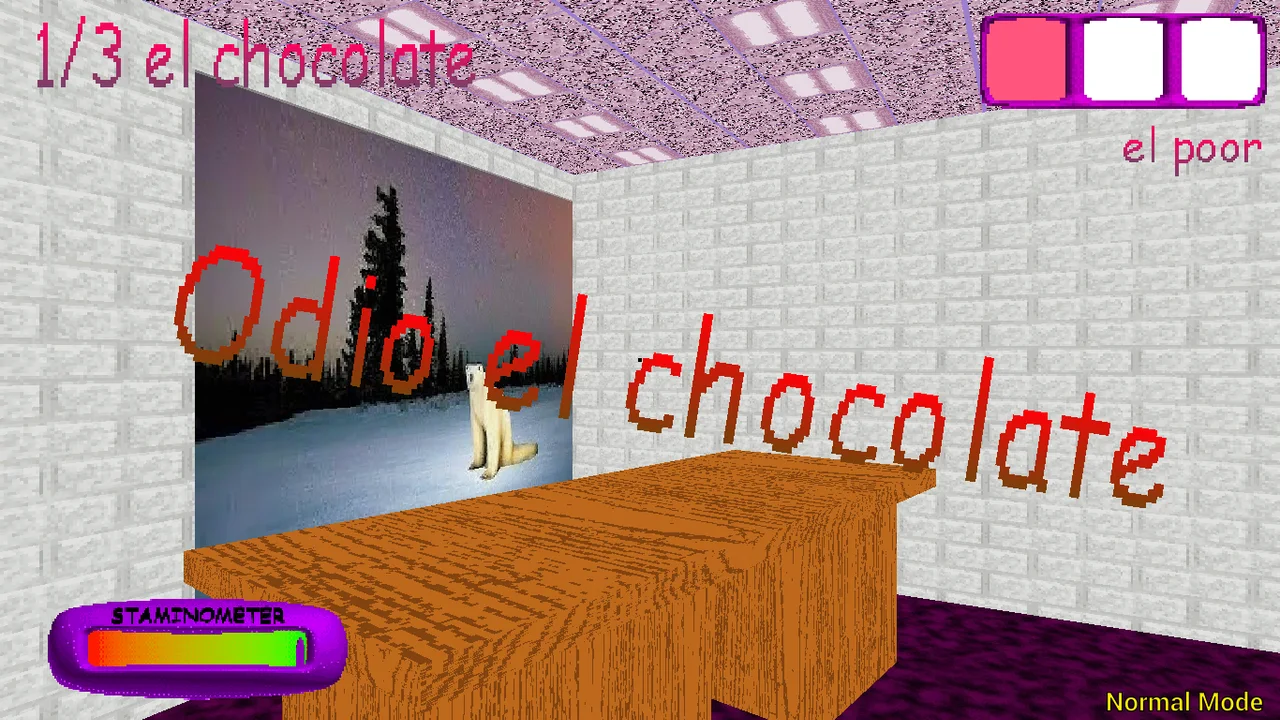
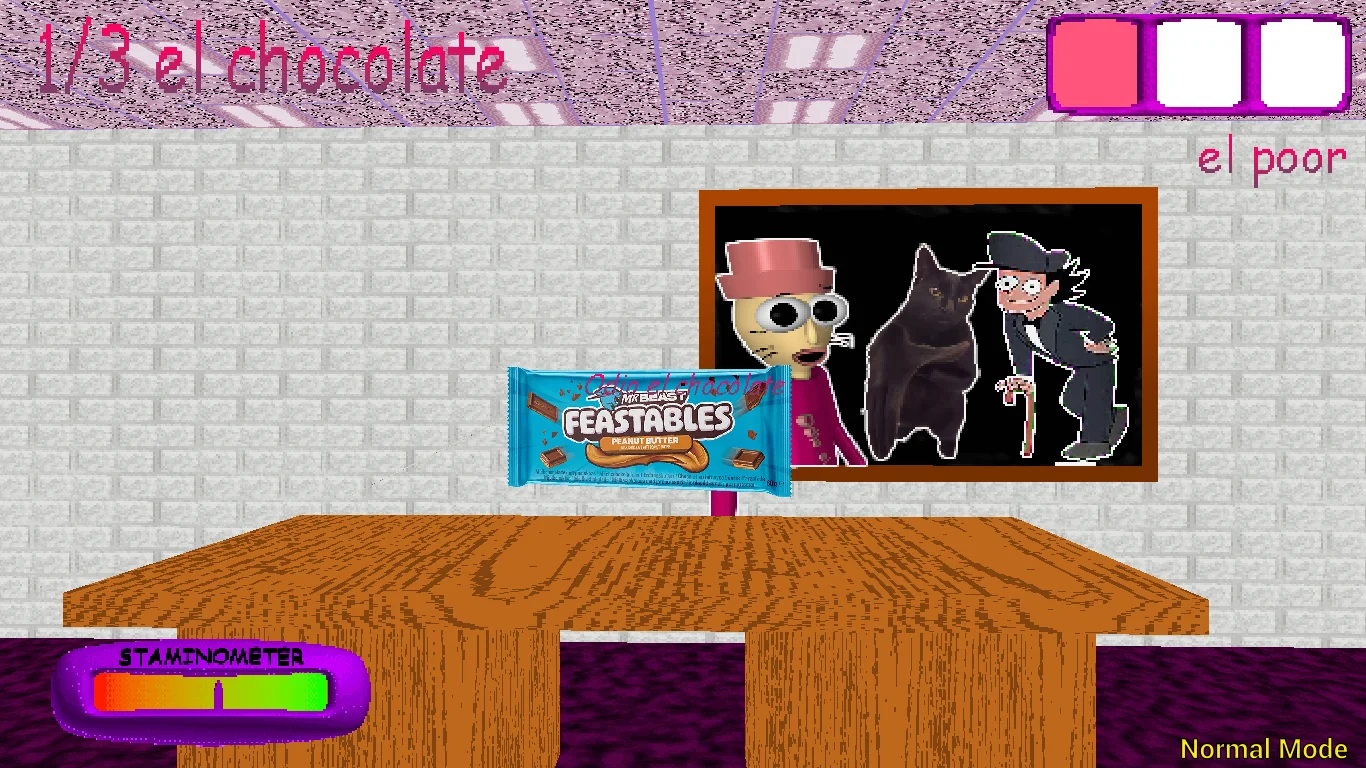
The desk screenshot belongs beside this advice because it presents an object within a room, not in isolation. Look at the relationship between furniture and the view direction. It does not establish a fixed pickup location or a safe route. A screenshot records one moment and cannot reveal which actions happened before or after it.
The classroom image offers another opportunity to practise a search order. It is easy to recognize a room without remembering whether you examined it. Use a short label such as checked or uncertain if memory becomes unreliable. The aim is not to create a full map during your first visit, only to give the next return a clear purpose.
Notice the border between exploration and pressure
Exploration asks what remains to be examined. A more pressured moment asks where you can move with the information you already have. Those are different tasks. Trying to continue an elaborate search while also reacting to an immediate change can make both less clear. Shorten the plan and focus on the next position you can understand.
A recognizable doorway can help, but recognition is not a promise of safety. The yellow-door reference is not a universal exit marker. Its usefulness is as an example of a visual landmark. Let the game establish a door's function before treating it as a solution, and recheck your surroundings rather than relying solely on an earlier impression.
Sprinting should also have a destination. Watch the visible resource and decide why you are spending it now. This guide offers no invented enemy speed values or recovery countdowns. You can improve your decisions by noticing whether faster movement left you oriented, even without knowing every numerical rule behind the scene.
Handle items like commitments
The reference scheme uses number keys one through three to select inventory slots and right mouse to use the selected item. Check the highlight before acting. A player can intend to use one object while the interface still points at another. Separating selection from use is a small habit that prevents a surprisingly confusing class of mistakes.
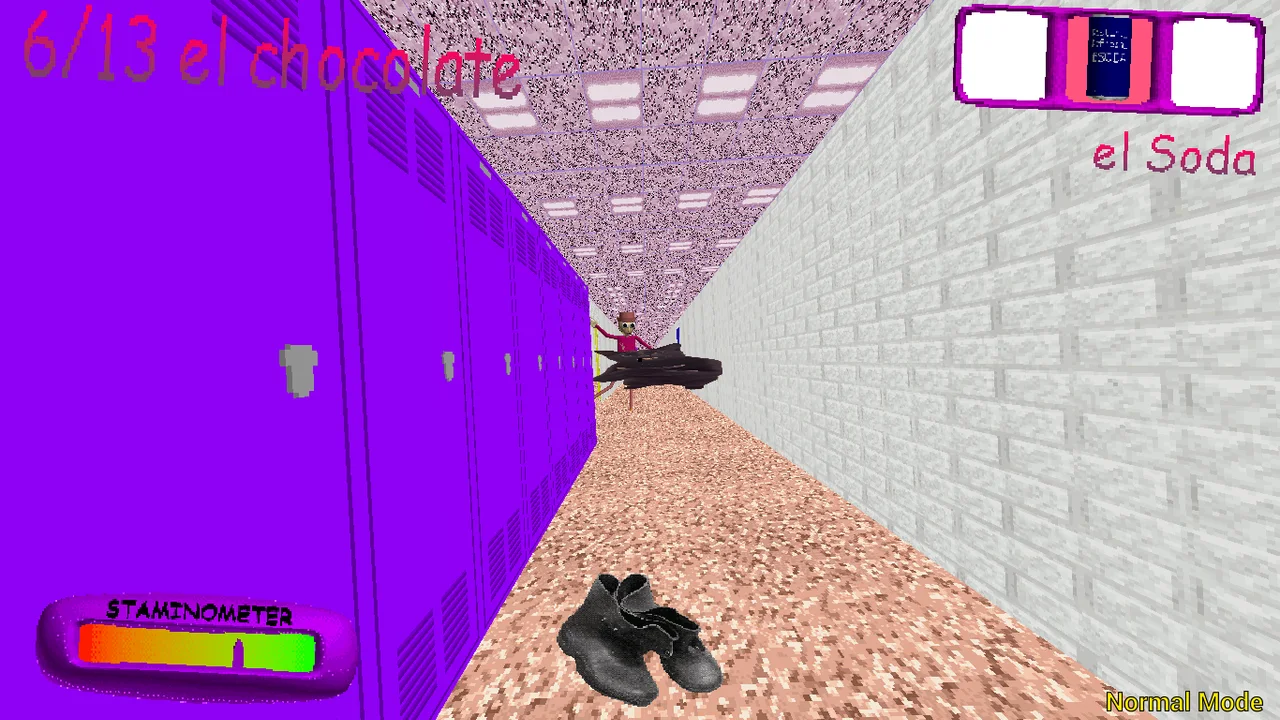
The soda-related inventory image shows an interface state, not a complete catalogue of effects. It cannot prove how long an item works or which encounters it solves. Look for descriptions in the live build and observe what changes after an action. If the effect is uncertain, preserve that uncertainty rather than creating a rule from the artwork.
A useful follow-up note describes the visible event: an item disappeared, a counter changed, or no feedback was noticed. The explanation can remain open. On another attempt you can watch for the missing detail. This approach is more productive than repeating several inputs together and being unable to tell which one caused the result.
Read the ticket for the mode you chose
The source material names Main, Baltazar, Low Cortisol and Triple Trouble. The names identify options; they do not provide a verified difficulty ladder. Inspect the text and objective of the selected mode. A playful phrase should not substitute for instructions, and an image with a small count should not become a rule about every complete run.
Main references describe collection followed by an exit objective. Do not stop paying attention merely because the chocolate requirement appears complete. The game's own completion response matters. The website helper cannot detect that response and will not award a victory badge for filling a manual checklist.
If you compare modes, keep the comparison narrow. Observe how the opening instructions differ while keeping your input setup unchanged. Switching device, mode and play style together may produce a different experience without showing why. A clear note about one visible difference is enough to make the next visit more informed.
Know what an installation button cannot do
The website's install feature is a convenient way to return to the site. It is not the original Windows download or an Android APK, and it does not guarantee that third-party game files will be available offline. Keep the distinction in mind before relying on a future session without a network connection.
Likewise, native Android screenshots show that edition's controls. They do not prove that the browser frame has an equivalent joystick or touch actions. Start with a keyboard and pointer for the documented scheme. Rotating a phone can improve visibility but does not create missing input support or establish that a complete run is possible on that device.
If input stops after using the guide, click back inside the frame. If loading remains blank, consider the separate game host and visible loading feedback before refreshing. Fullscreen can be refused by the browser; the ordinary frame and direct link remain alternatives. None of these access checks should be confused with failing the game's challenge.
Take one observation out with you
Before leaving, choose a detail worth remembering: an entrance you lost track of, a counter you forgot to check, or a slot you selected accidentally. Make the note practical enough to act on next time. You do not need a complete walkthrough or a theory about every strange image to learn something from the visit.
The two reference videos match the source site's selections. They may show scenes or outcomes you would rather discover yourself, and the footage may not match this hosted edition exactly. Watch only as much as answers your question. Pause video audio before resuming the game so the two experiences do not compete for your attention.
Frankie's Fun House remains a different kind of attraction. This page offers a more active search-and-pressure experience alongside it, without pretending the games share a story or save system. Use the illustrated guide and preparation checks when they help, ignore them when they distract, and return to the wider collection whenever you want a different rhythm.
A good short visit also has a stopping decision. Before opening a video or leaving the page, notice whether you are still in an active run and whether the game offers a relevant menu. The website cannot pause the remote game merely because you begin reading. Avoid assuming that switching tabs, checking a box or opening an FAQ protects your progress. Read the player's actual behavior before depending on any of those actions.
Odio el chocolate video references
Optional footage selected by the source website. Spoilers and version differences are possible.
Questions before playing
Is this another Frankie chapter?
No. It is a separate game with active movement, rather than another point-and-click chapter or shared story.
What should I do on a short first visit?
Learn one input, confirm a pickup or practise facing an entrance again. A small goal can make the next visit easier.
Are all objects adventure-game hotspots?
Do not assume so. Approach, aim and use the current game's interaction rules, then check the result.
Does the illustrated door identify the exit?
Not by itself. It is a reference landmark, not a guaranteed route instruction.
What does right mouse do?
The browser reference describes it as using the selected item. Verify the slot and current instructions first.
Do I need both videos before playing?
No. They are optional and may reveal outcomes. Begin with the controls if you prefer an unspoiled visit.
Does Install App download the native edition?
No. Website installation is not the Windows download or Android APK and does not promise offline game access.
Will checklist completion unlock a mode?
No. The checks are manual, temporary and unrelated to game unlocks.