Every prop can be part of the story.
Read labels, inspect decorations, and pay attention to small visual jokes. The room often communicates before a character does.
Free online / Unity browser game
A peculiar point-and-click puzzle adventure where an ordinary office day becomes a ticket to a colorful place built from tricks, clues, and surprises.









Welcome inside · 01
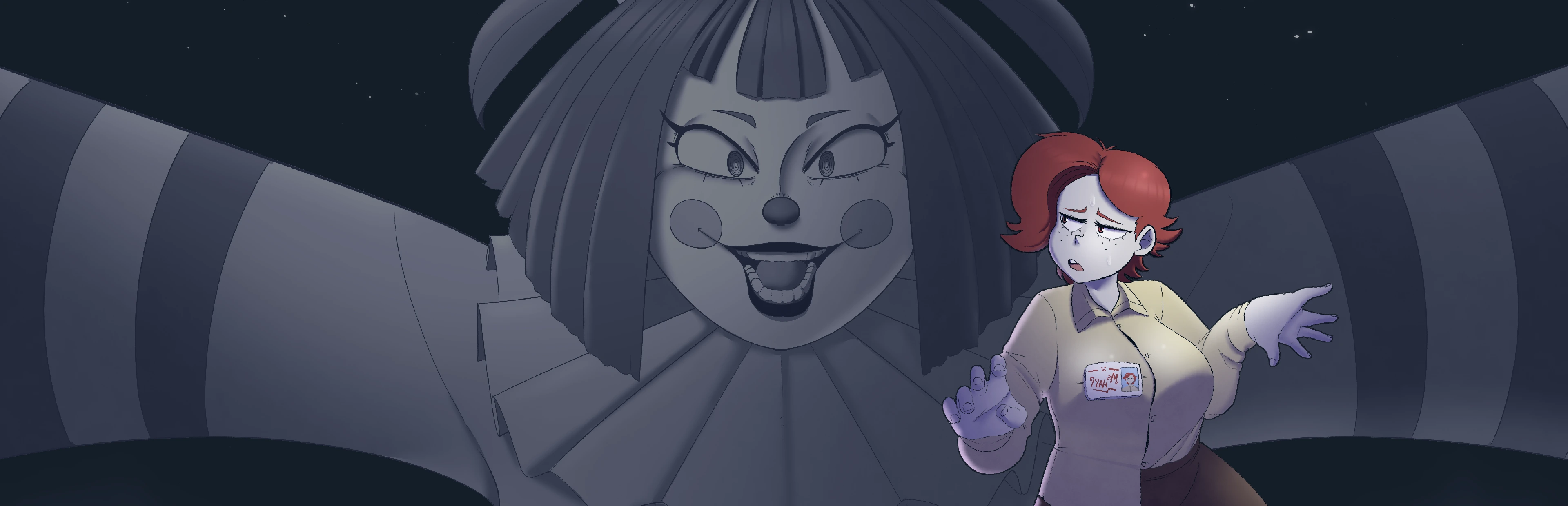
Frankie's Fun House begins with the familiar. You see the world through Ms. Happ, a tired office worker surrounded by desks, files, coffee, and the little routines that make up a workday. That practical opening matters because the game wants you to learn how to look. Drawers may open, objects may rotate, and ordinary decorations can carry a clue. Then the world shifts. What started as a mundane list of duties leads somewhere louder, stranger, and far less predictable: deep inside Frankie's fun house.
This free online game site is designed as a clean place to learn the basics and start the adventure without losing the playful atmosphere around it. Select the play button in the main attraction frame to load the Unity WebGL edition from the dedicated game subdomain. Keeping the large game files behind an intentional click lets the guide open quickly while still placing the playable browser version at the top of the page. This browser guide covers Frankie's Fun House: Chapter 1 Demo by StudioBigBun.
Interactive field notes
Read labels, inspect decorations, and pay attention to small visual jokes. The room often communicates before a character does.
 02 / Inspect
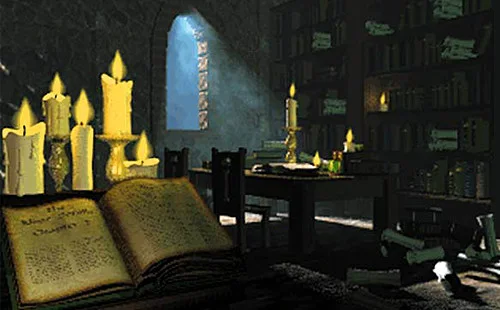
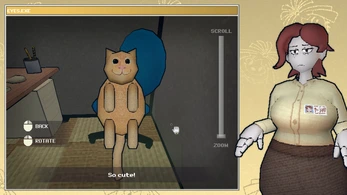
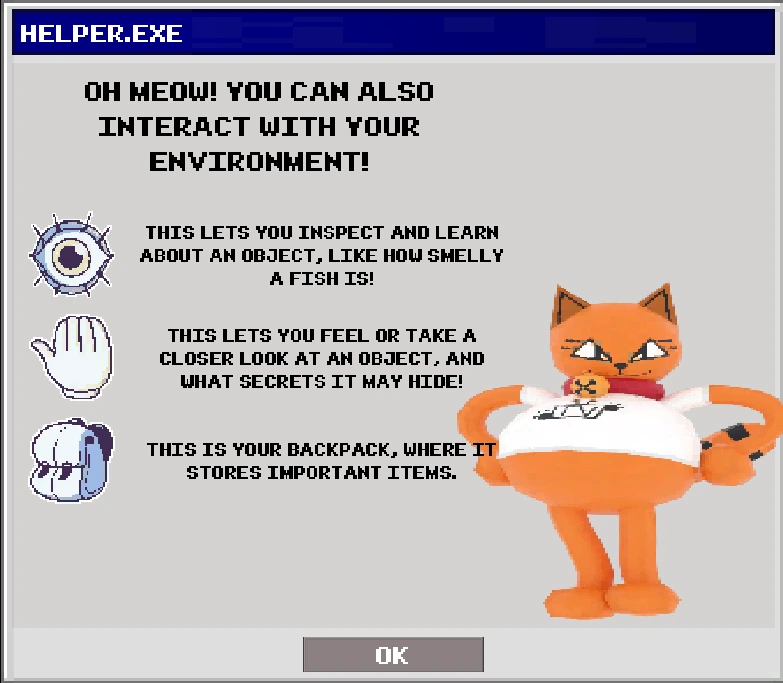
Object inspection gives you a closer view, useful flavor text, and sometimes the exact detail needed to proceed.
Posters, desk items, conversations, and room layouts can combine into a solution. Build a mental map as you explore.
 04 / Interact
The point-and-click vocabulary stays direct, letting the personality of each location carry the adventure.
How it plays · 02
The game rewards patient curiosity. Slow down, test interactions deliberately, and treat each room as a collection of connected ideas.
Begin by turning through the whole space. Notice doors, shelves, posters, desktop objects, and anything with a distinct silhouette. A broad first pass prevents tunnel vision and gives later clues a place in your memory. Frankie's Fun House uses its environment for both humor and practical information, so a decorative detail can become meaningful when a new objective appears.
When the interface offers a closer look, rotate the item and read the accompanying text. An object can have a useful back, underside, removable part, or relationship to something elsewhere in the room. Point-and-click puzzles feel fair when players understand the available actions, and careful inspection is one of the central actions here.
Exploration is playful, but progress still follows objectives. If you feel lost, restate the immediate task in simple language: find a way through, prepare an item, unlock a container, or learn a code. Then compare the goal with what your inventory and environment actually provide. The useful solution is usually grounded in objects you can see or information the game has already introduced.
Collected objects are not trophies; they are tools and possible answers. Revisit the inventory after a conversation or a change in the environment. Try logical combinations before random ones, and remember that an item may be useful in a different location from where it was discovered.
Stuck on a puzzle? Follow the Frankie's Fun House Complete Walkthrough for the full Chapter 1 Demo route. Browse Puzzle Guides →
A look inside · 03
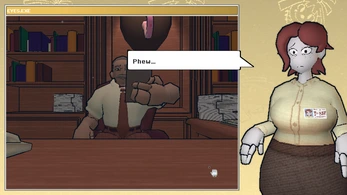
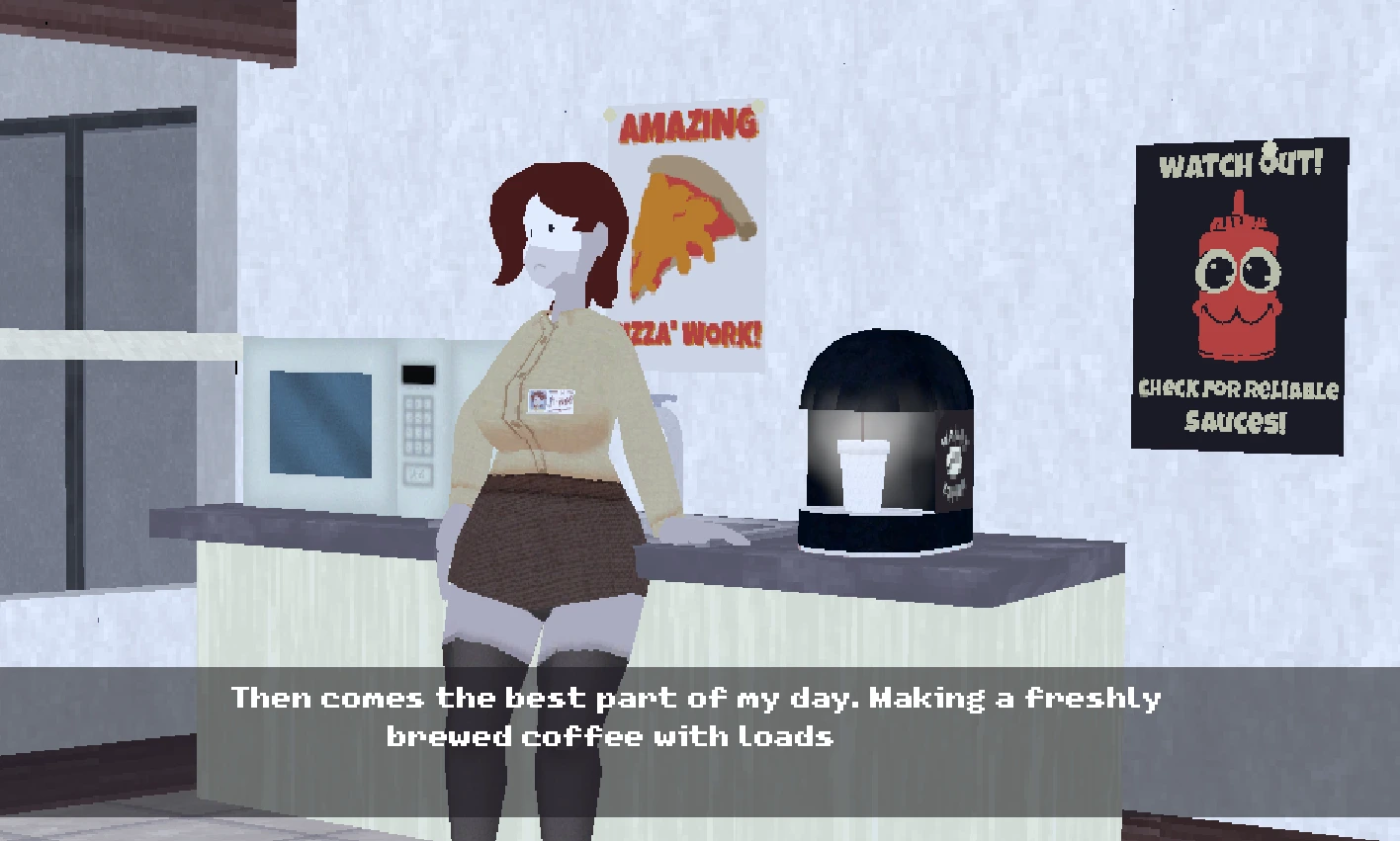
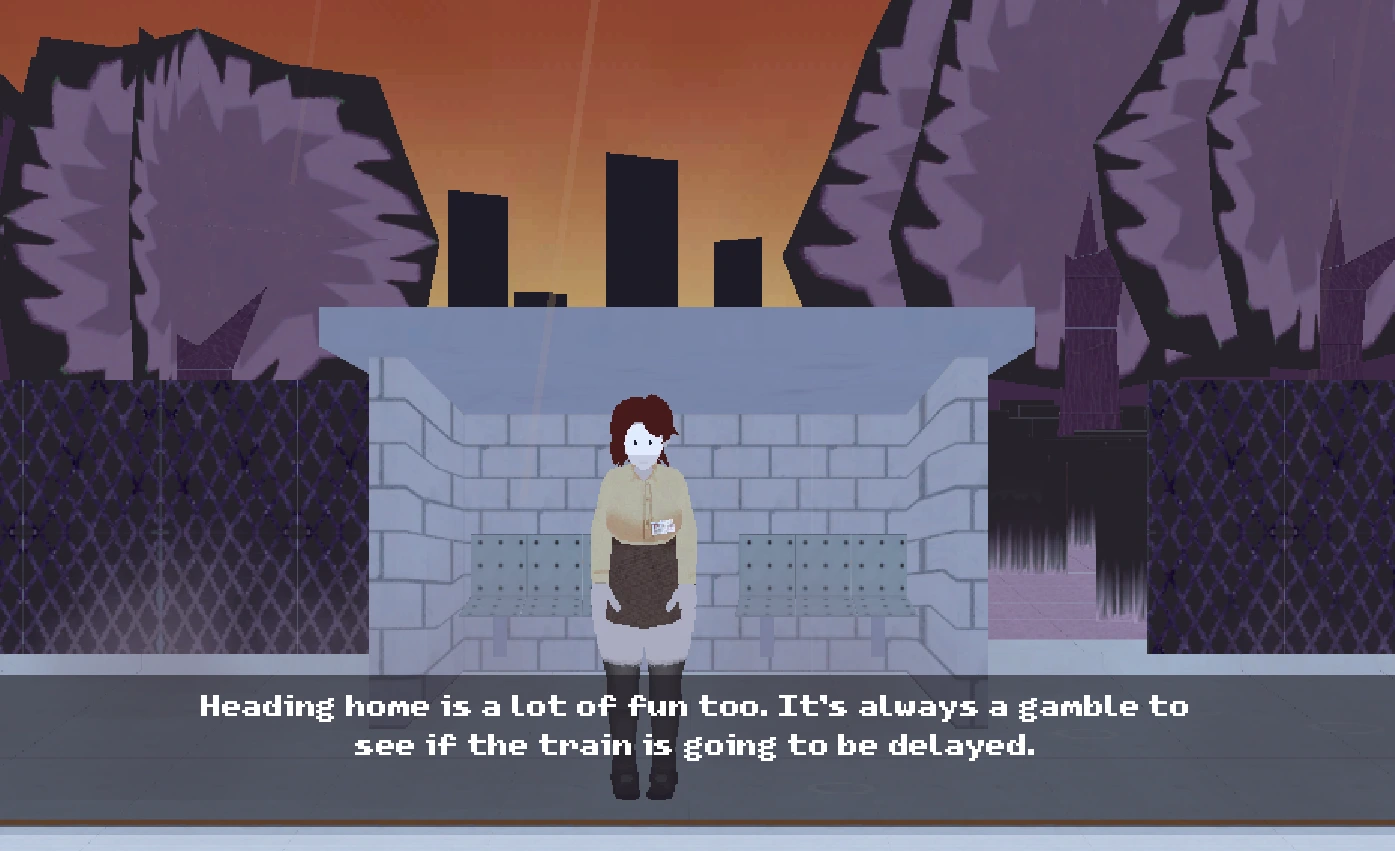
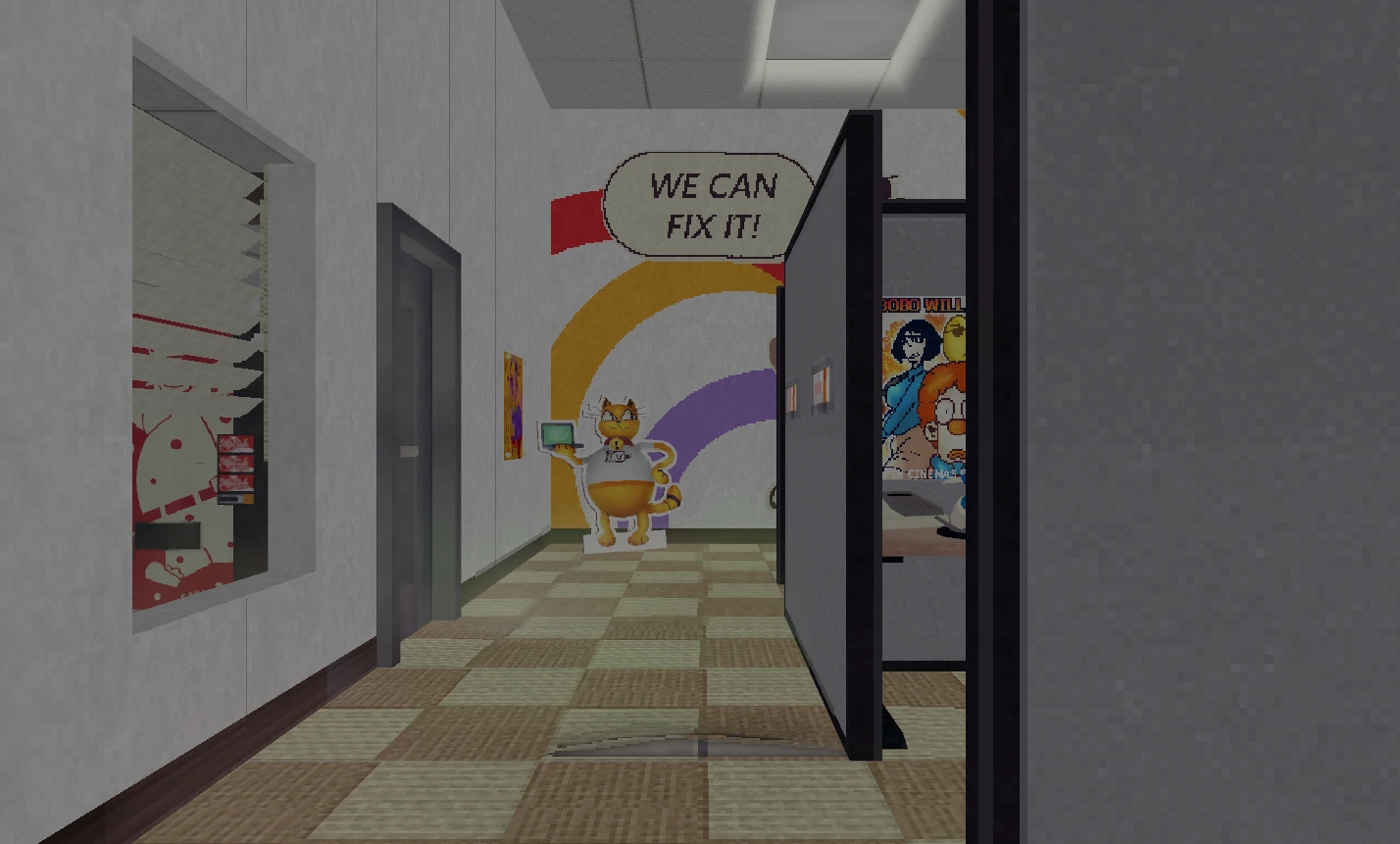
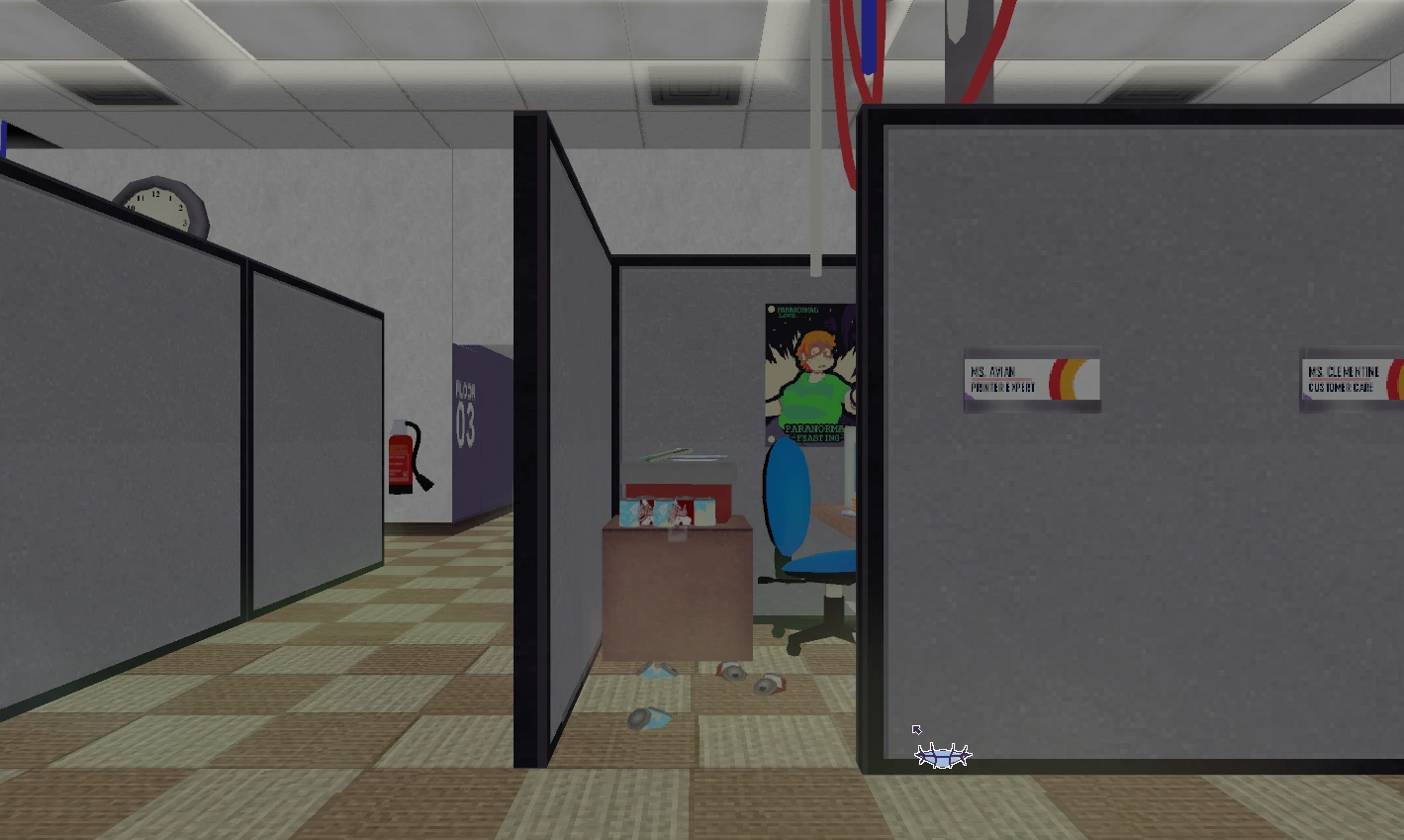
The visual style pairs illustrated character reactions with an interactive first-person view.
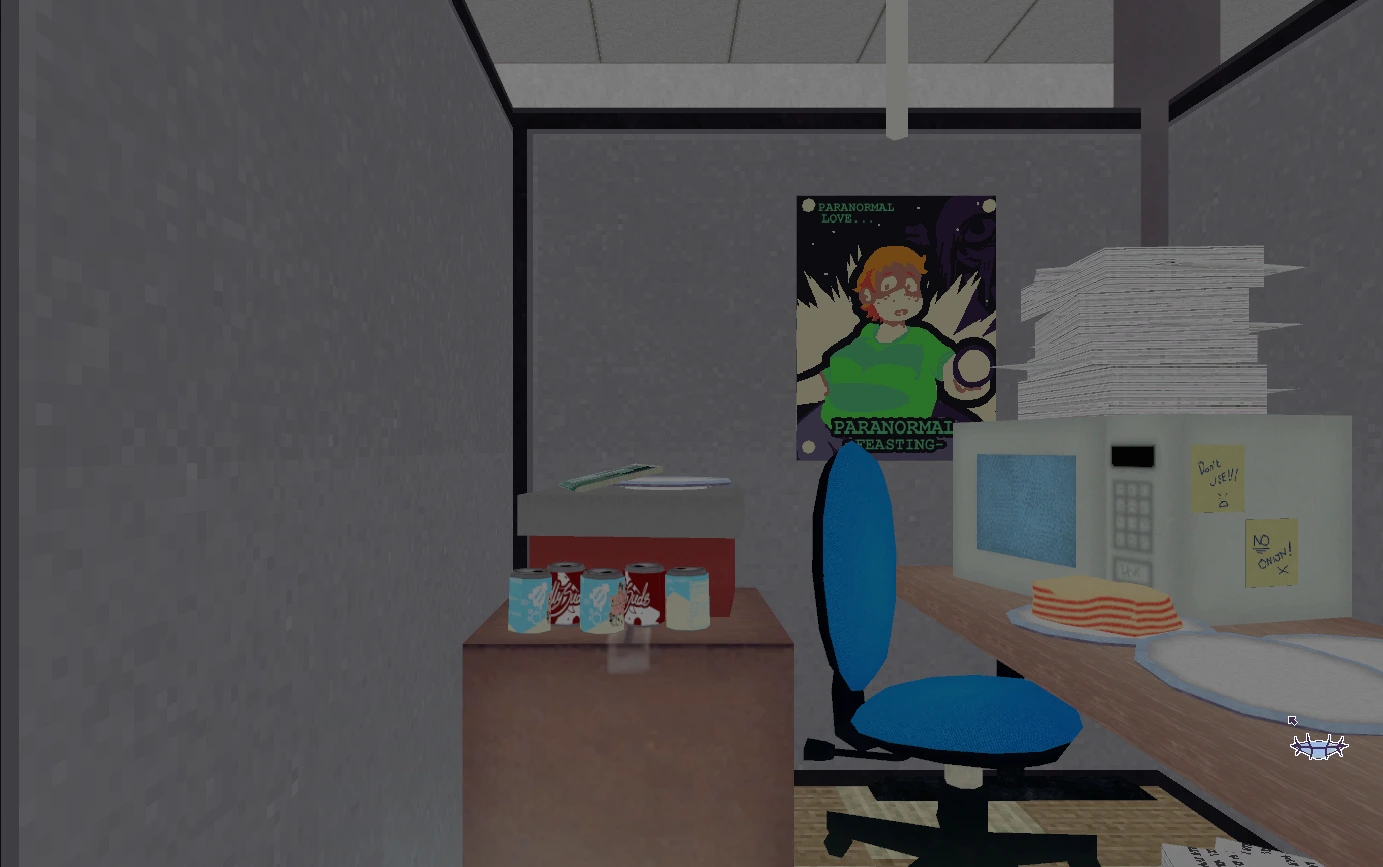
Viewing room · 04
Watch these gameplay selections for a closer look at the office, the fun house, and the puzzle-adventure atmosphere.
See how the game turns an ordinary workday into a strange first-person journey built around exploration, clues, and unexpected interactions.
Explore more of the colorful environments and observe the deliberate point-and-click approach used to investigate objects and solve puzzles.
The attraction guide · 05
Frankie's Fun House belongs to the tradition of point-and-click adventures that turn observation into progress. The pleasure does not come from rushing across a map or defeating a long line of enemies. It comes from recognizing that two details belong together. A note changes how you interpret a prop. A conversation points you back toward an object you dismissed. A room that first felt like scenery gradually reveals itself as a deliberate system.
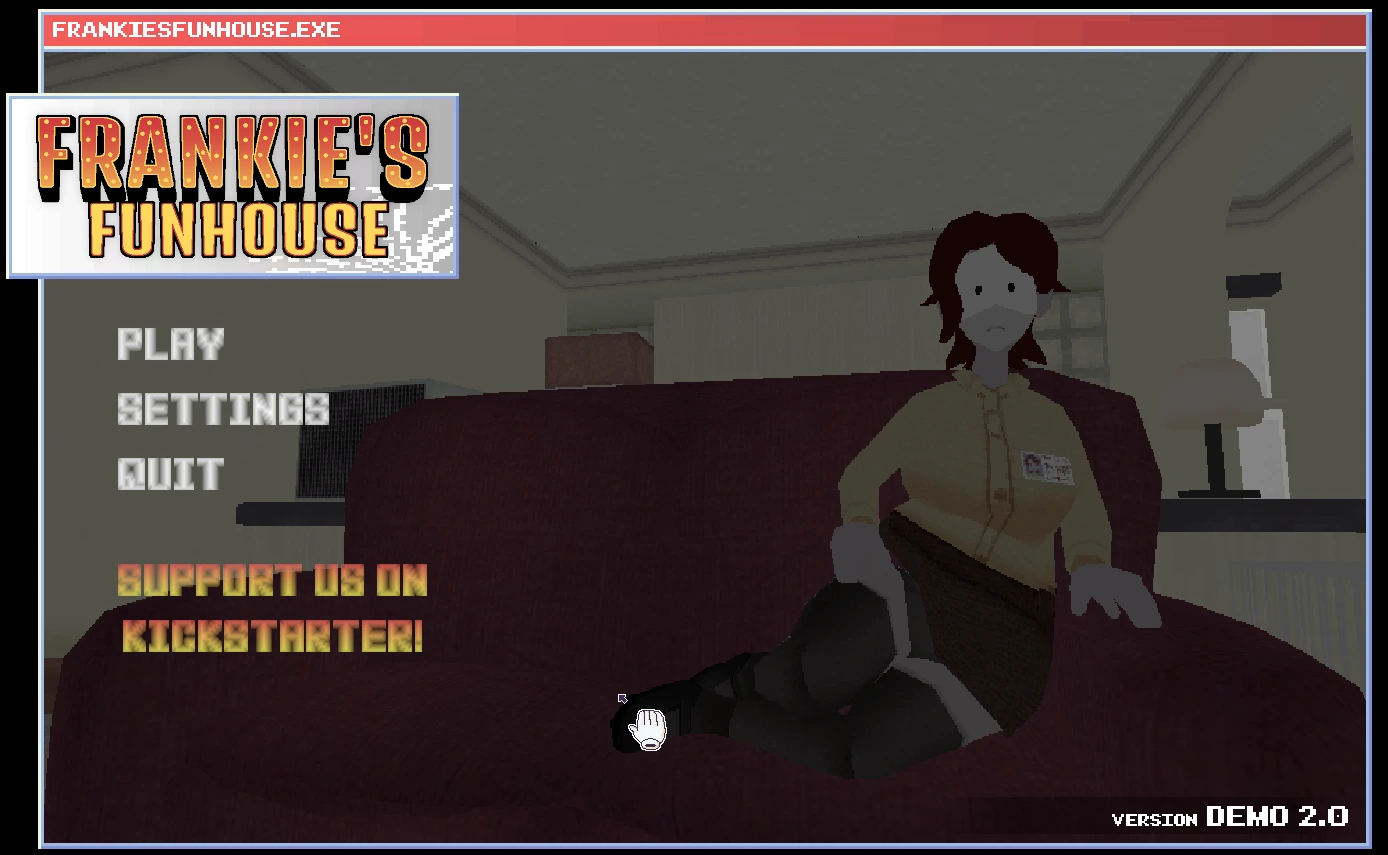
The first-person presentation makes that process immediate. You are not looking down at Ms. Happ from a distance; you are looking with her. At the same time, her illustrated figure and expressions remain visible in the interface, giving the protagonist a distinct personality instead of treating the player as an anonymous camera. That combination helps the game balance environmental puzzle solving with character-driven comedy.
The opening workplace is more than a tutorial. Its neutral corridors, desks, and practical tasks create a baseline. When the fun-house imagery arrives, the contrast makes its colors, oversized shapes, and theatrical attitude feel more intense. The best carnival spaces always promise two things at once: entertainment on the surface and a puzzle behind the curtain. This site follows the same idea through dark navy backgrounds, warm ticket colors, round marquee lights, striped borders, and soft paper panels.
We keep the story description broad so new players can discover the transitions themselves. The essential setup is enough: Ms. Happ begins with office life, circumstances pull her into the thickness of a larger mystery, and Frankie's domain becomes the stage for deeper exploration. The route is driven by goals and puzzle solving, not by a conventional level-select menu.
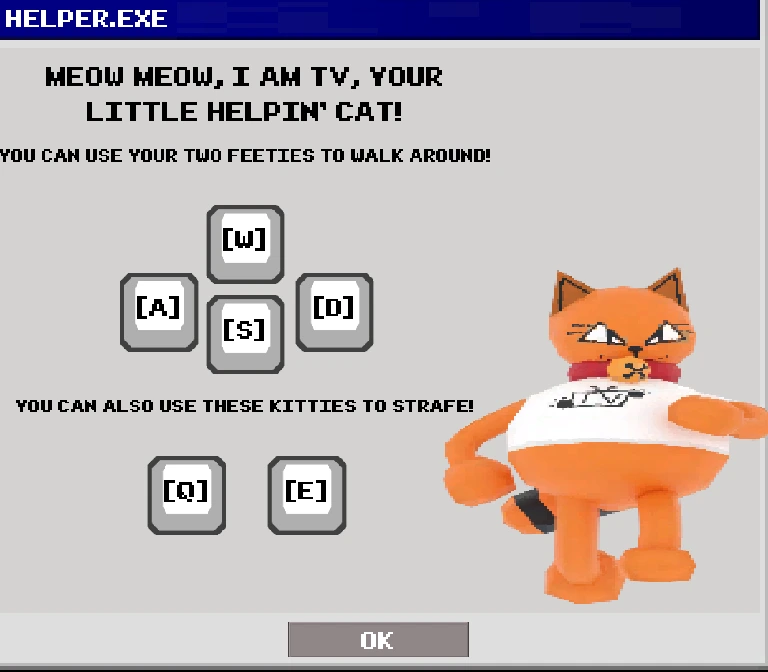
The official downloadable demo uses left and right mouse buttons for interacting and moving the view, WASD for forward movement and turning, and Q and E for strafing. Those controls reflect a hybrid design. You navigate a three-dimensional world, yet the reasoning remains similar to a classic adventure game: identify a point of interest, examine it, choose an appropriate action, and consider what changed.
The free browser version now occupies the central attraction frame at the top of the page. Use the frame's fullscreen control when you want more room for the detailed interface, and click inside the game before using keyboard controls so the iframe receives focus. The Windows demo remains available from the original creator's itch.io page.
If progress stops, avoid clicking everything without a theory. Return to the last clear objective and list the information the game has supplied. Check whether a movable object has another side, whether a small item can be selected from inventory, or whether a message refers to something visible nearby. Then revisit earlier spaces. Adventure games frequently teach an interaction in a safe setting before expecting you to apply it in a more complicated one.
Short breaks help as well. Visual puzzles depend on pattern recognition, and a detail hidden by familiarity may become obvious after you step away. The demo has also been presented by its creator as a work that may contain bugs. If an interaction seems logically correct but produces no result, confirm the target area, try the action from a slightly different view, and consult the current official release notes before assuming your reasoning is wrong.
FrankiesFunHouse.org is an independent fan-made website. It is not StudioBigBun's official home, does not claim ownership of the game, and does not replace the creator's release page. The purpose of this project is to offer a focused, responsive guide and an online launch point. “Free online” describes access through this portal; it does not imply ownership, redistribution rights, or any claim about the schedule for a full commercial release.
That distinction keeps expectations clear. Creator news, downloads, patch notes, and official status should always be checked at the source. This page concentrates on an approachable overview: what the game is, how its interactions work, and how to prepare for its blend of office routine and fun-house puzzle design.
The website is lightweight and responsive, while the embedded Unity game is much more demanding than the surrounding guide. Desktop Chrome, Edge, or Firefox with hardware acceleration enabled is the safest starting point. Close heavy tabs, keep enough free memory available, click Play only when you are ready for the larger download, and allow the loading bar to finish before refreshing.
Detailed mouse interaction is generally easier on a laptop with a mouse or on a desktop than on a phone. Touchscreens can imitate clicks, but dragging, view movement, keyboard travel, and precise object selection may feel less natural. If the game appears unresponsive, click once inside its frame to restore focus before trying WASD or the mouse again.
Questions & answers · 06
Simple answers about free online play, gameplay, controls, saves, and the official source.
Yes. Use the Play Frankie's Fun House button in the main attraction frame to load the Unity WebGL game from the dedicated game subdomain without downloading an installer.
It is a first-person point-and-click puzzle adventure. You explore rooms, inspect objects, manipulate items, use an inventory, follow clues, and complete goals while playing from Ms. Happ's perspective.
The player follows Ms. Happ, an office worker whose ordinary routine gives way to a much stranger journey inside Frankie's colorful fun house.
The official demo lists the mouse buttons for interaction and view movement, WASD for walking and turning, and Q or E for strafing. Individual puzzles may add their own visual instructions.
No. FrankiesFunHouse.org is an independent fan-made guide and browser portal. StudioBigBun is the creator of the game, and all game names and artwork remain the property of their respective owners.
The browser build can use local browser storage for game data. Private browsing, browser cleanup settings, or clearing site data can remove that storage, so keep the same browser profile and avoid clearing site data if you want the best chance of retaining progress.
Yes. The embedded game now includes touch controls for W, A, S, D, Q, and E, a one-tap right-click mode, a fullscreen button, and a landscape reminder. Tap the game itself for a normal left click; landscape orientation provides the clearest interface.
Visit StudioBigBun's official itch.io page for the downloadable Chapter 1 demo, creator updates, platform details, and current release information.
Learn more from the creator
Visit the official itch.io page ↗