READ THE ROOM / TAKE YOUR TIME / QUESTION THE REQUEST / READ THE ROOM / TAKE YOUR TIME /
Midnight attraction / 01
When helping becomes an uneasy question.
A horror romance by creators Zieelane and Mousefishdog. This independent guide looks at the difference between affection, assistance, and control without inventing a route solution.
The official description lists four endings, five minigames, and name, pronoun, and body-type customization. Availability and behavior in this embedded version have not been playtested here.
Spoiler-light reading guide / 02
Helping Your Boyfriend: a careful visit after dark
An intimate room can be the most unsettling attraction
Helping Your Boyfriend brings a different kind of unease to Frankie's Fun House. Instead of looking for a code in a public attraction, you enter a relationship where familiar domestic gestures can become difficult to interpret. This horror romance visual novel is credited to creators Zieelane and Mousefishdog. Adrian is your doctor boyfriend, and the protagonist cannot walk because of a leg condition. Living together puts affection, practical assistance, and dependence in the same small space. Those facts establish the story's pressure without telling you which person deserves your confidence or how any particular branch will end.
The setup includes waking during the night, helping Adrian take apart old dolls, and encountering a stranger who threatens to administer medication. These are story premises, not instructions for reaching a secret route. A useful first approach is to notice what changes when a request stops feeling ordinary: who sets the terms, whether an explanation is offered, and how the protagonist can respond. You do not need to solve every uncertainty immediately. Let the scene establish its own evidence before treating a striking expression or an unfamiliar object as proof of a larger theory.
Read the warning before opening the curtain
This is not simply a gentle dating story with a dark color palette. Content warnings include violence, blood and gore, flashing imagery, jump scares, and toxic relationships. The presence of a romantic partner does not make every interaction comforting or consensual. Consider those themes before pressing Play, especially if medical threats or dependence within a relationship are uncomfortable subjects for you. Stopping halfway through is a valid way to engage with horror. There is no obligation to finish a frightening sequence just because the game offers several endings or because another viewer wants to watch your reaction.
Set up a viewing environment that lets you pause and step away easily. Keep volume at a comfortable level rather than turning it up to chase every sound cue. If flashing imagery is a concern, this page cannot promise that the embedded version provides an effective reduction setting; inspect the available options and avoid playing if its presentation is unsuitable. When sharing a screen, tell other people what kind of material may appear before starting. Screenshots and video footage may also reveal unsettling scenes, so the playable frame is not the only area where caution is useful.
Care and control are separate questions
Adrian's role as a doctor gives everyday assistance an additional layer of authority. That makes him an interesting character to read, but a professional role inside fiction is not evidence that every request is safe or reasonable. Separate what a character says from what the scene allows the protagonist to decide. A reassuring explanation, an affectionate expression, and an unrestricted choice are different kinds of information. The tension becomes more legible when you ask which of those things is actually present rather than accepting warmth as a substitute for agency. This is a reading framework, not a diagnosis of a fictional person.
The protagonist's inability to walk also deserves a thoughtful reading. Needing assistance does not mean lacking preferences, judgment, or a right to refuse. Watch how dialogue acknowledges or ignores those distinctions. A story about dependence can create suspense through restricted movement, but the most revealing moments may involve language rather than a physical obstacle. When you make a choice, consider what your version of the protagonist knows at that moment. Judging an early answer using information learned much later can flatten a deliberately uncertain scene into a puzzle that the character could never have solved in advance.
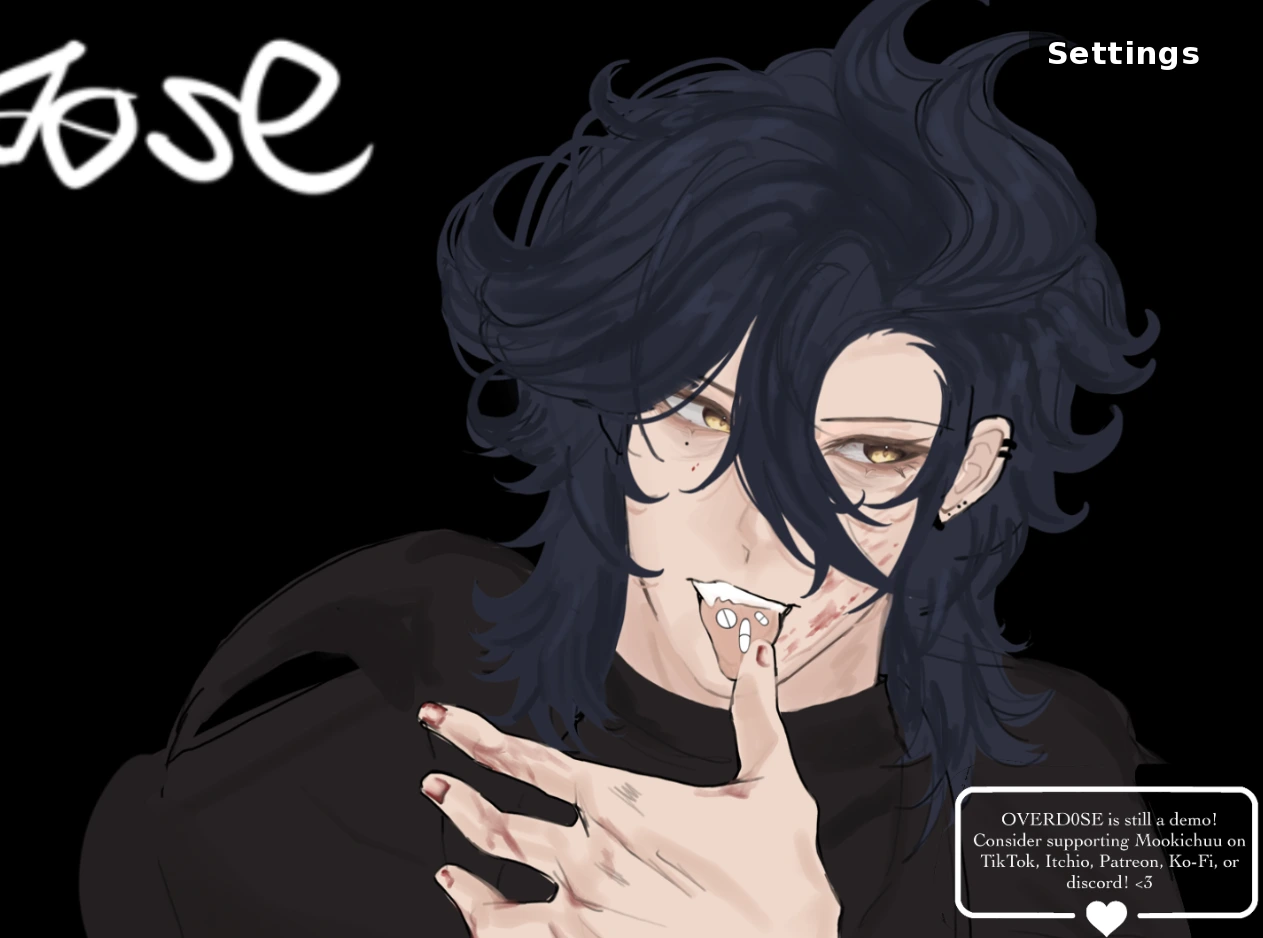
Warm colors and an intimate portrait invite a reading of affection; the surrounding dialogue still matters.
Learn the controls before the mood becomes urgent
The supplied controls use a mouse click or Enter to advance dialogue. Mouse dragging is used in minigames, while Space hides the dialogue interface. L opens dialogue history and A toggles automatic progression. Ctrl or Tab is used for skipping, and arrow keys together with Space are relevant to quick-time events. The bell at the top provides access to saving, loading, and settings. These are reference controls for the game, not a guarantee that every shortcut behaves identically in this hosted browser build. Follow any instructions shown inside the current scene when they differ from a general guide.
Before relying on shortcuts, click within the game frame so keyboard input is directed toward the game rather than the surrounding website. If the dialogue disappears after pressing Space, consider the hide-interface command before assuming that the story has frozen. If text begins moving too quickly, check whether automatic progression or skipping is active. History is useful for rereading an unfamiliar phrase, but it should not be confused with a confirmed rewind feature. Learning those distinctions during a quiet conversation makes it easier to recognize an input problem later without interrupting the scene through repeated accidental commands.
Let the dolls change the pace, not your assumptions
Helping Adrian dismantle old dolls gives an abstract relationship a physical task. A visual novel can ask you to read, decide, and then manipulate something with the pointer; that change of pace matters even before you interpret the object symbolically. Read each minigame's prompt before dragging. Identify what can move and what the interface asks you to accomplish, rather than assuming every object responds to the same gesture. A failed attempt does not by itself reveal a hidden moral choice. It may simply mean the pointer started outside the intended area or that the instruction was read too quickly.
The official description advertises five minigames. That number describes the creator's game, not a completion audit of this browser embedding. This guide does not promise that all five are reachable in a single session or specify unverified conditions for finding them. During play, keep mechanical observations separate from story theories: one note might record a drag gesture, while another records an unsettling line of dialogue. Keeping those categories apart prevents a control mistake from turning into invented lore. It also makes a second visit more useful because you can improve an interaction without pretending that every failure changes the relationship.
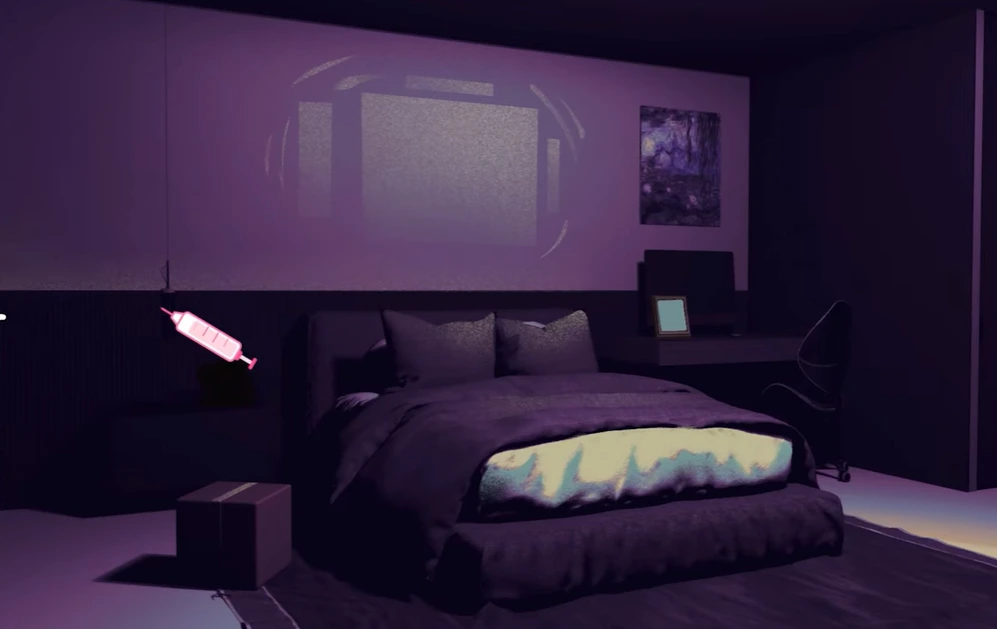
A quiet bedroom gives ordinary domestic space a more uncertain nighttime atmosphere.
Build a spoiler-light first visit
For a first playthrough, choose a simple attitude for your protagonist and answer consistently enough to understand that perspective. Curiosity, caution, and a desire to reassure someone can each produce a coherent reading without becoming an optimization strategy. You are not required to select whatever sounds nicest. Consider the immediate wording of a request and the information available to you. If a scene makes you uncertain, use dialogue history where available and reread the exchange. A slower first visit often produces better memories than racing toward an ending label and then wondering what the characters were arguing about.
Name, pronoun, and body-type customization are among the officially described features. Use those options to establish the character you want to read through, but do not assume they create additional endings or unlock secret responses. Presentation choices and branching conditions are not automatically the same system. This page does not map private variables or claim to know every consequence of personalization. If you later compare sessions, record the options you used so that you can distinguish a visible presentation difference from a genuinely different narrative event. Personalization can matter to the experience without needing to function as a hidden key.
Replay as a comparison, not a promised solution
The creator advertises four endings. That provides a reason to revisit the story, but it does not tell us the exact decision sequence for each outcome, and this page does not invent one. Save through the in-game bell menu when the interface permits it, then confirm that a slot is visible before depending on it. Keep a separate earlier save if the version offers multiple slots. An ending is more interesting when you can relate it to the conversations that preceded it, rather than treating the final image as a prize detached from the relationship you just explored.
On a return visit, change one meaningful decision or attitude at a time when practical. Write a short note in your own words about where the exchange diverged, not an entire transcript. This makes comparison easier and preserves the pleasure of noticing a new response. Do not use skip indiscriminately through unfamiliar dialogue or assume it will always stop at unread material. Browser saves may depend on local storage and the embedded host's behavior; persistence across devices, private windows, browser cleanup, or future host updates has not been verified here. Keep expectations narrower than a desktop installation's advertised feature list.
Watch the room as carefully as the faces
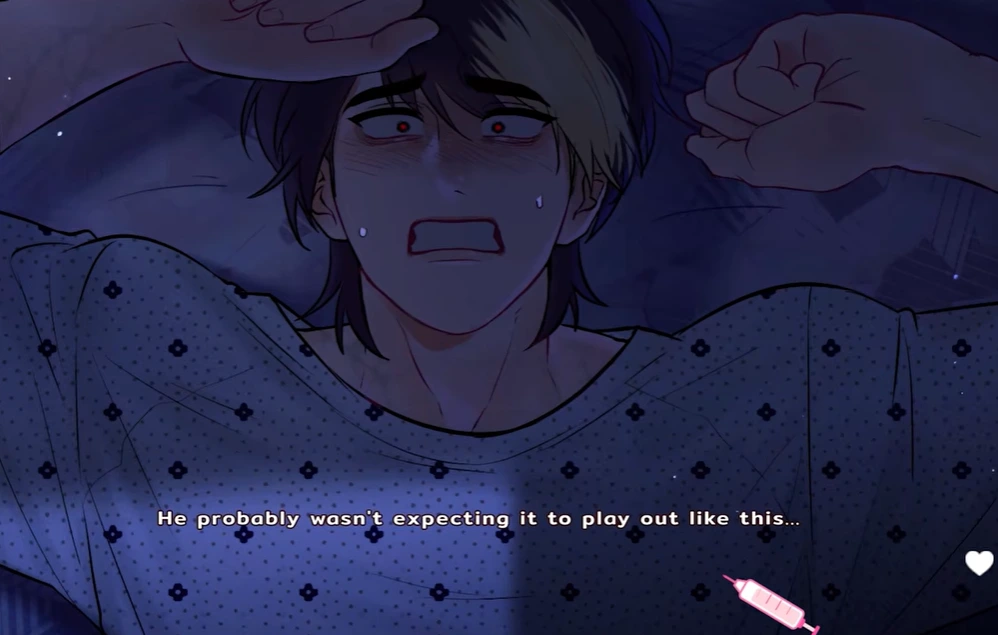
A bedroom at night can feel different from the same kind of room in a romantic illustration. Contrast, distance, and the amount of empty space change what the player expects before another line appears. The selected images on this page include a warmly colored portrait of Adrian, a dim bedroom, and a distressed close-up. They are supplied game artwork and screenshots, not evidence of a route completed on this website. Their purpose is to support discussion of tone. An expression can suggest discomfort or confidence without allowing us to identify the exact cause, chronology, or ending from a single frame.
The two supplied video embeds are optional viewing material. They may reveal scenes you would rather discover yourself, so leave them until after your first session if surprise matters to you. This page does not label either recording as a complete walkthrough, a canonical ending guide, or a demonstration of the precise hosted build. Compare what is visibly shown with your own experience instead of assuming that a difference proves a bug. A video can help you recognize the rhythm of dialogue and interaction, but its existence does not verify availability, compatibility, or save behavior in your current browser.
A distressed expression conveys tension without establishing which choices led to this moment.
When the browser interrupts the story
The player above creates its external iframe only after you select Play. If the frame stays blank, first allow time for the remote host to respond and check whether the rest of the page remains usable. A working article does not prove that the separately hosted game is online. A browser restriction, network failure, or host-side embedding rule can affect that frame independently. Avoid repeatedly refreshing while you have unsaved progress. If you can still reach the game's own menu, save before making changes, and remember that this guide has not verified recovery from a disconnected session.
A desktop keyboard and pointer provide a direct match for the listed controls. On a phone, tapping dialogue may be straightforward while dragging and keyboard-based quick-time events can require support that this page cannot guarantee. Fullscreen may provide more room where the browser allows it, but it does not create missing controls or prove mobile compatibility. If a particular input is unavailable, switch to a suitable device rather than treating an inaccessible action as a story choice. The practical goal is a readable, deliberate session: enough space to inspect the scene, enough control to respond, and enough freedom to stop when the atmosphere becomes too much.
Optional screening / 03
Watch only if you welcome spoilers.
Two supplied videos, not a verified walkthrough of this hosted build. Their scenes may contain unsettling material.
Optional video 1
Helping Your Boyfriend viewing 1
May reveal story scenes. Save this viewing for after your first visit if you prefer to discover events yourself.
Optional video 2
Helping Your Boyfriend viewing 2
May reveal story scenes. Save this viewing for after your first visit if you prefer to discover events yourself.
Questions and answers / 04
Before the next conversation.
Controls, content warnings, replay, and the limits of this browser presentation.
01What kind of game is Helping Your Boyfriend?+
It is a horror romance visual novel by creators Zieelane and Mousefishdog, combining relationship-focused dialogue with interactive minigames and an unsettling domestic setting.
02Who is Adrian?+
Adrian is the protagonist's doctor boyfriend. They live together, and the protagonist cannot walk because of a leg condition. That setup creates questions about assistance, dependence, and personal agency.
03How many endings and minigames are described?+
The official description lists four endings and five minigames. We have not verified that every feature is present or reachable in this particular embedded browser version.
04Can I customize the protagonist?+
The officially described options include name, pronouns, and body type. This guide does not claim that those options determine endings or that every hosted build exposes identical settings.
05How do I advance dialogue or find history?+
Click or press Enter to advance, use L for history, and use Space to hide dialogue. Click inside the frame first, and follow the current game's prompts if its controls differ.
06What controls do the minigames use?+
The supplied control reference includes mouse dragging and arrow keys plus Space for quick-time events. Read each activity's own instructions; touch-only compatibility has not been verified.
07Where are saving and automatic dialogue?+
The top bell accesses save, load, and settings. A controls automatic progression, while Ctrl or Tab is used for skipping. Browser save persistence and cross-device transfer are not guaranteed here.
08What content warnings should I know?+
Expect violence, blood and gore, flashing imagery, jump scares, and toxic relationships, including threatening medical themes. Optional pictures and videos can also contain unsettling scenes or spoilers.
09Does this page explain the exact ending routes?+
No. It offers original spoiler-light reading and replay advice, not invented ending recipes. The embedded version has not been playtested here, and the supplied videos are not presented as a verified route checklist.