







Choose your next stop
This companion tool does not read or change your game save. Selections reset when this page reloads.
A new attraction with a different pace
Aetheria Online is an adventure intermission in Frankie's Fun House: leave the familiar puzzle setting and guide a hero through a small fantasy campaign. The frame contains Aetheria: Emberlight, an independent solo browser edition. It is not another chapter of Frankie's story and does not connect to the original Aetheria MMORPG account system.
You do not need to understand an entire online world before starting. Choose a class, learn a few controls and follow the journal toward the current regional objective. The useful first goal is modest: recognise where you are, complete one task and know how to stop without losing progress you want to preserve.
This guide is organised as a set of stops rather than a strict speedrun. Use the activity selector to choose what you want to practise during the next visit. Its suggestions belong to this webpage only. They do not read your character, unlock a reward or claim that an activity has already been completed inside the game.
Meet the character you want to travel with
Warden, Ranger and Star Mage are the three starting choices in Emberlight. Warden begins with more health and fights nearby. Ranger offers a faster, longer-range approach. Star Mage emphasises ranged damage with less starting health. Think about how you want to move and react rather than treating the portraits as a personality test.
For a first visit, choose a style you are curious to learn. A durable character can make the relationship between distance and damage easier to observe. A ranged character encourages looking for open space before attacking. The most comfortable option is the one whose limitations you notice and can respond to, not a universal winner.
Changing your mind later is reasonable, but protect an existing adventure first. Export the current save before starting a new character. This site does not maintain a cast of automatically synchronised heroes for you, and a different class does not inherit another game's achievements or account benefits merely because both appear in the same collection.
Take a short orientation walk
Start near camp and look for the journal and map before committing to a long trip. Moving with WASD, arrow keys or click-to-move gives you several ways to explore. Click inside the iframe so the browser sends keyboard input to the game. If the webpage moves instead, refocus the game before testing again.
During the first walk, notice an enemy, a collectible and the route back. You do not have to pursue all of them immediately. The purpose is to learn how the world communicates opportunities and danger. Knowing where you can return is more useful than travelling far enough that every direction starts to feel unfamiliar.
Use E to interact with nearby objects and M to open the map. If an interaction does not occur, check proximity rather than assuming the object is broken. The guide cannot activate objects for you. Its links move between sections of this page, while the game's own controls handle movement and interaction inside the adventure.
Choose one purpose for a visit
A small objective makes a session easier to finish satisfactorily. You might practise reaching a collectible, learn how a skill behaves or return to camp with enough understanding to choose an upgrade. These are personal plans, not additional quests that the game will award. Keep the distinction clear when using the activity selector.
If you prefer discovery, focus on how the map connects places you recognise. If you prefer combat, practise a basic attack and a retreat before adding more inputs. If you want a quieter administrative stop, inspect your supplies and export a backup. There is value in ending a visit with better understanding rather than a larger number.
Avoid changing the goal every time something new appears. You can note an interesting possibility for later without abandoning the task that brought you outside camp. Finishing one deliberate activity helps you decide whether to continue, rest or switch back to another game in the collection without feeling that the session was directionless.
Follow the journal through three settings
The browser campaign travels through Tutoria Isle, Redwater Forest and Glacial Plains. Each region combines ordinary enemy defeats, starleaf collection and a guardian encounter. The journal is the place to check which part remains unfinished. More exploration alone does not complete a missing objective, and a reference video cannot mark it for your character.
The first region asks for five defeats and three starleaves; the next asks for seven and four; the final region asks for eight and five. Use those numbers as version-specific context, not as an excuse to ignore the actual journal. Your current count depends on what your own saved character has done.
After a guardian victory, return to camp to travel onward when instructed. Reaching the end of a website section is not the same as reaching the end of a chapter. Keep the game and this companion guide in their respective roles: one holds your adventure, while the other explains how to approach it.
Give each combat button a job
Space is the basic attack, Q activates your class skill, Shift dodges and R uses a potion. Learn these as separate tools rather than one cluster of buttons to press whenever an enemy appears. The useful question is what each action changes: damage, position or recovery. Check the cooldown indicators before expecting another immediate response.
Try attacking from a distance that suits the class, then move to somewhere with room around it. A ranged character still needs an escape route, and a tougher melee character still benefits from avoiding unnecessary hits. Learning that rhythm can make a small encounter feel more manageable without requiring a different character or expensive equipment.
When the screen feels too busy, make the next experiment simpler. Watch one threat, use one action and observe the result. This is not a promise that enemies wait politely while you learn. Pause when you need to read, and resume only when you are ready to keep attention on the active game.
Make camp your interval
At camp, check supplies and available equipment rather than immediately setting out again. Potions are consumable recovery items, weapons improve damage and armor adds health capacity. Buy for the difficulty you are actually noticing. If the problem is confusing inputs, a brief practice attempt may be more useful than spending all available gold.
A return visit also provides a natural moment to decide whether you want another chapter now. The game does not need to become a single uninterrupted sitting. Review the next objective, save what you want to keep and make a clear stopping point. A good intermission leaves you knowing what to do when you come back.
Do not assume that leaving the tab open is the only way to preserve a session. The pause menu provides save export, and a backup is easier to manage than relying on a device never sleeping, restarting or clearing data. The surrounding website cannot prevent those events or reconstruct a character after its only progress is lost.
Look at the artwork as a window, not a map
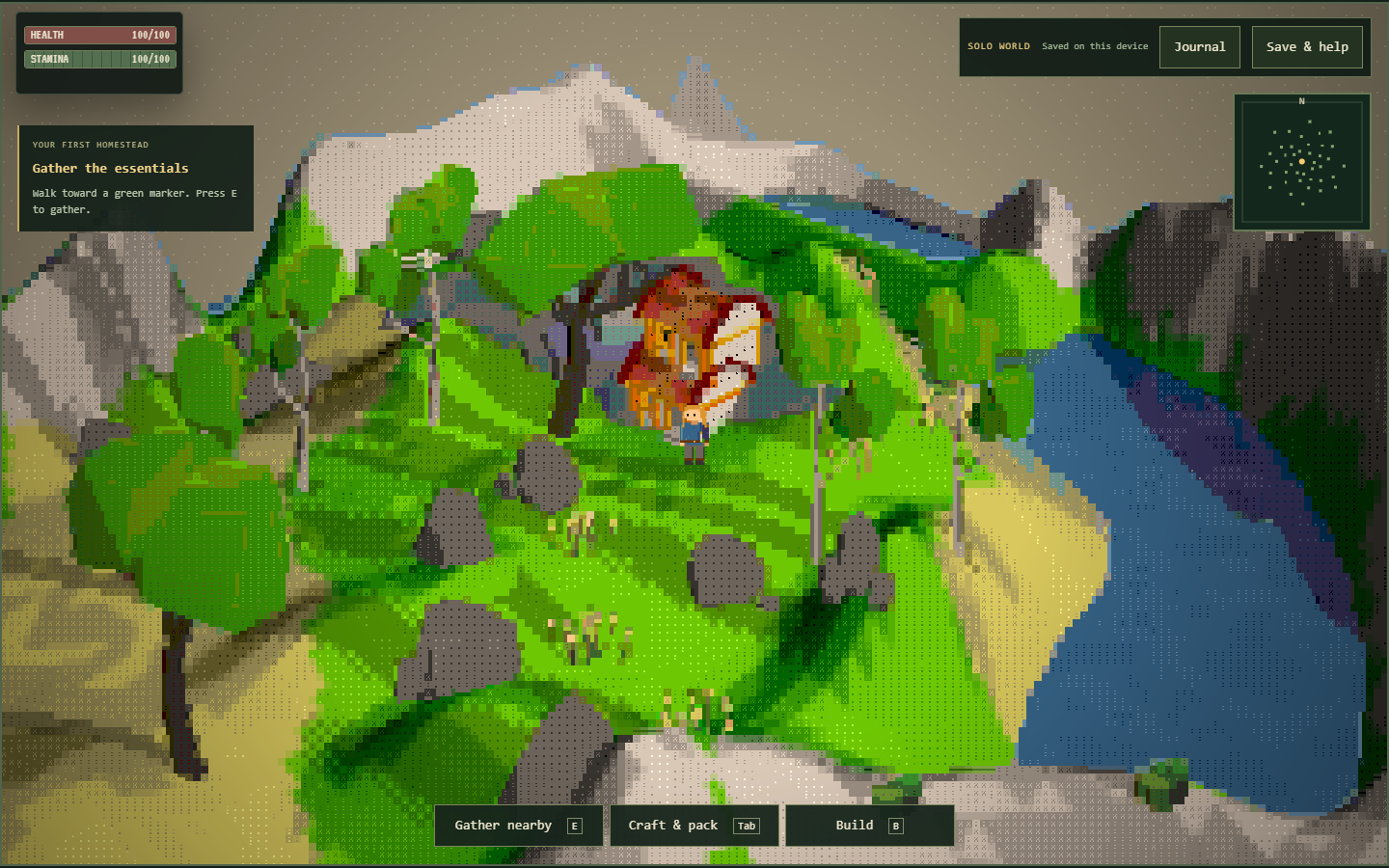
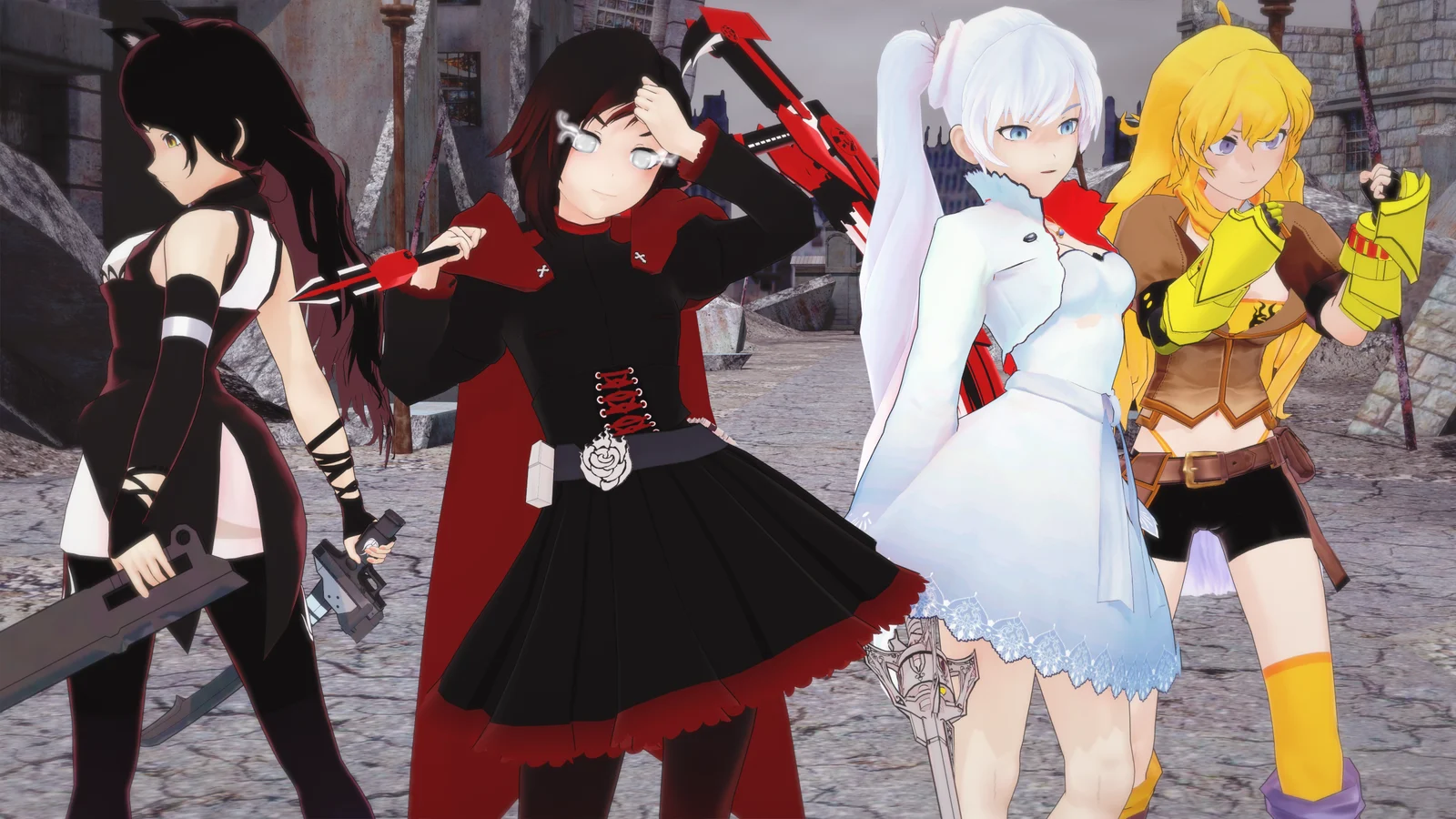
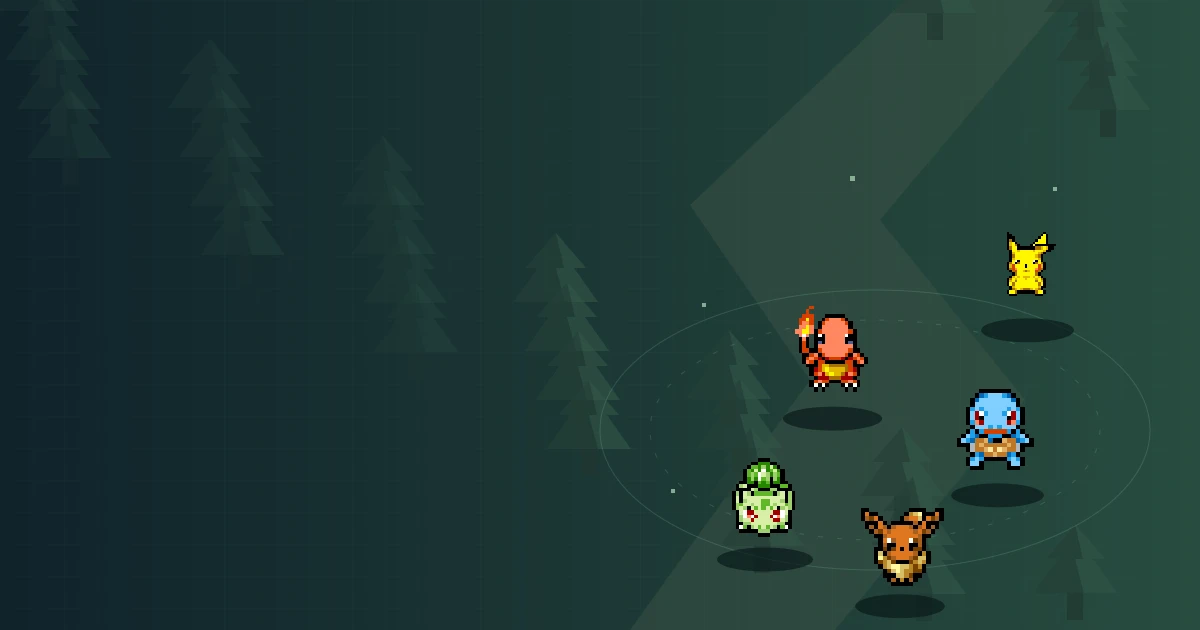
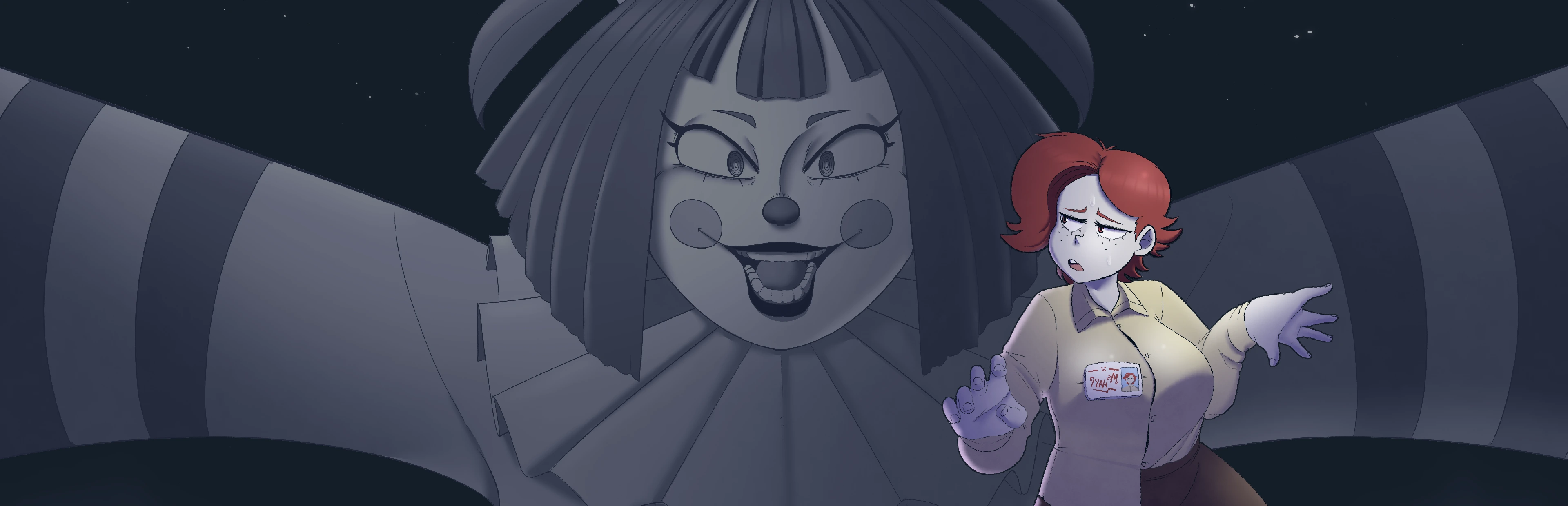
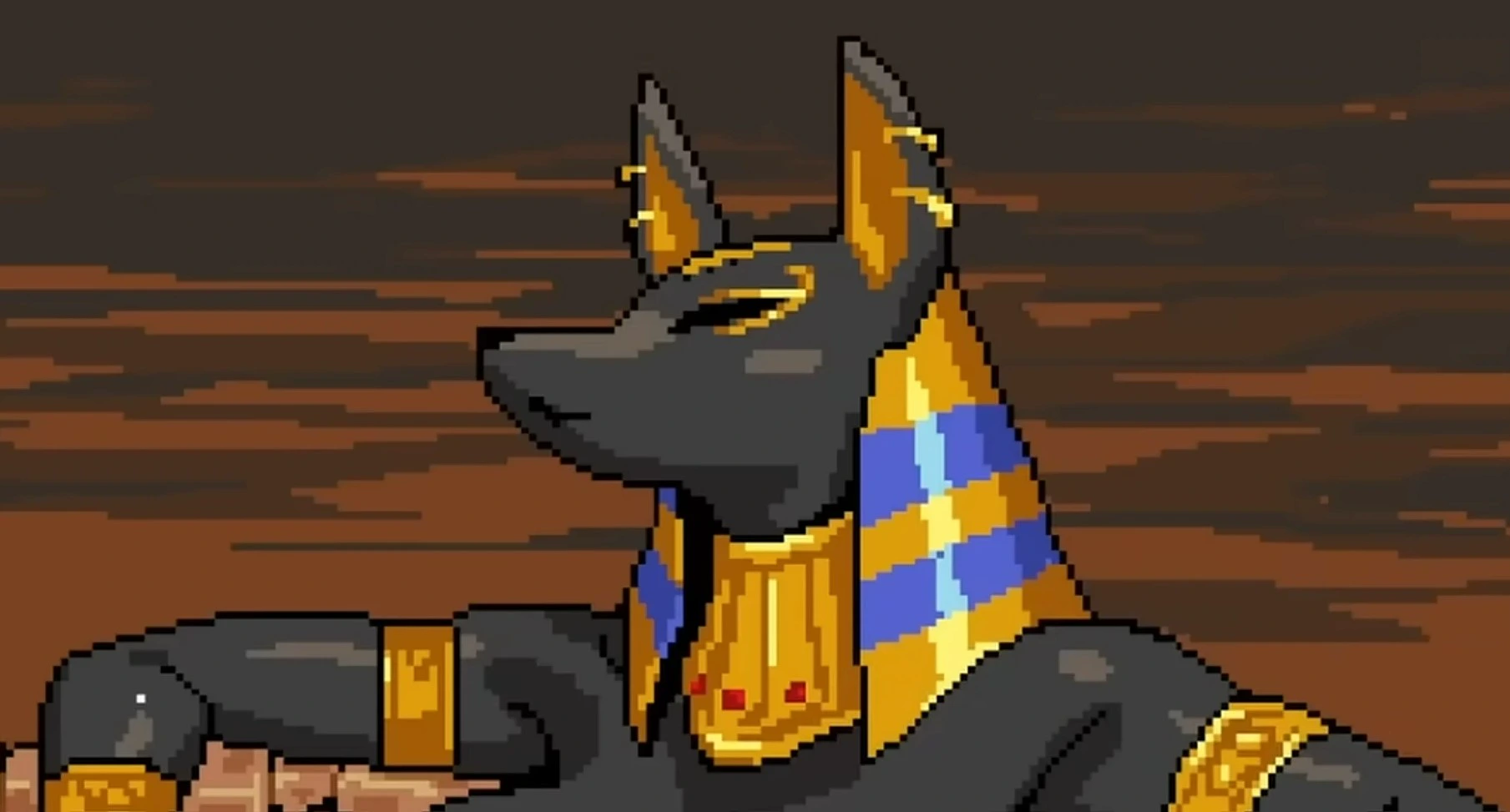
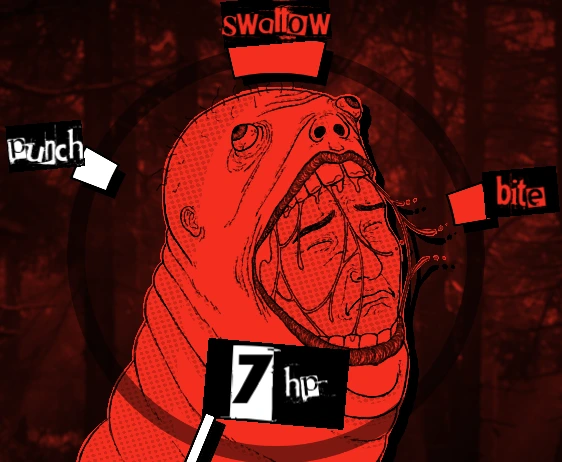
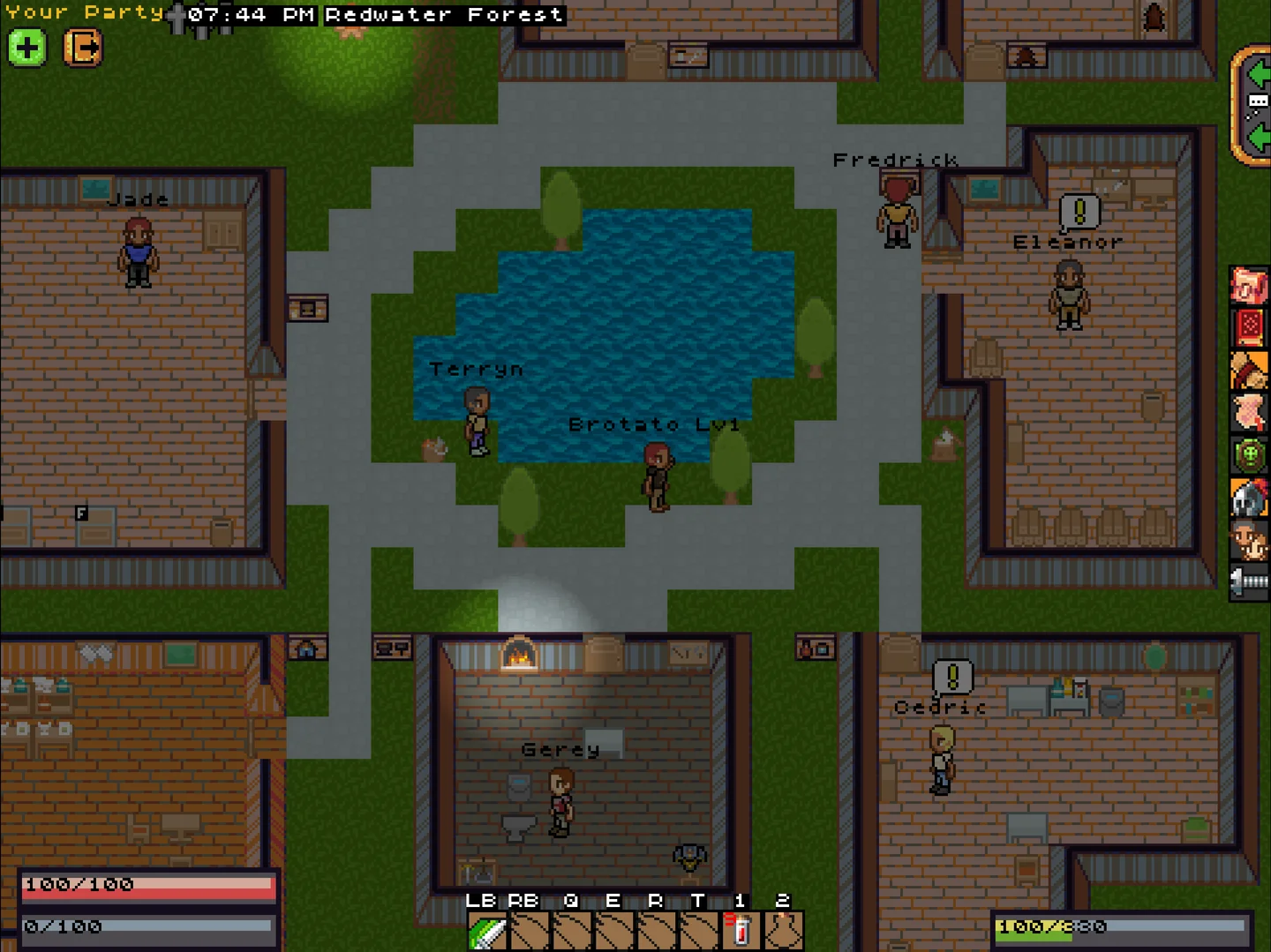
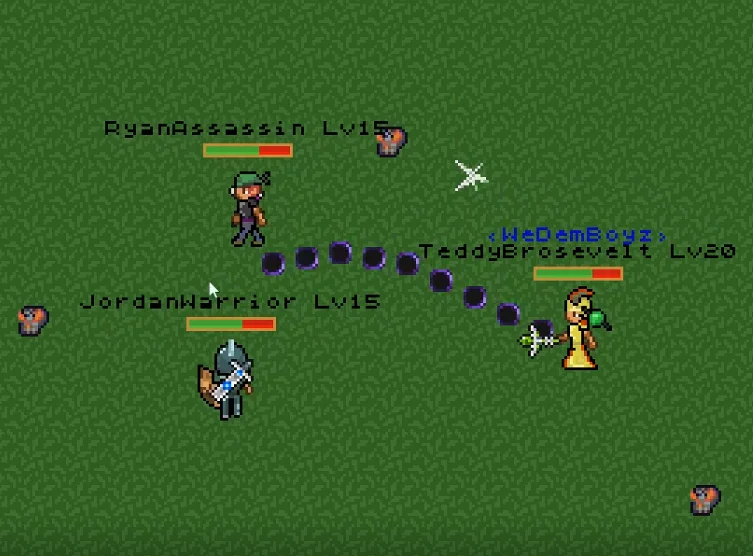
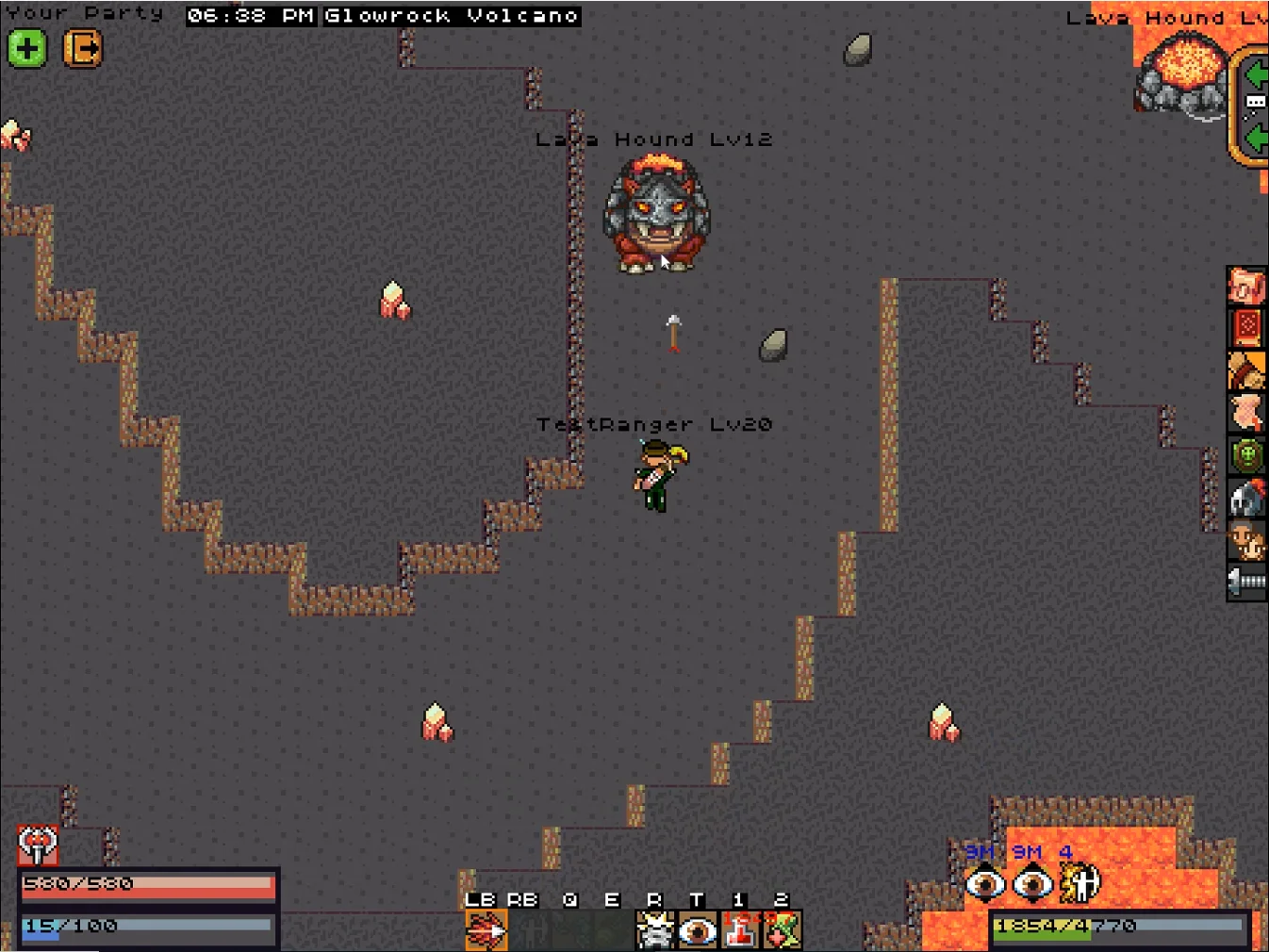
The pictures used here are copied from the Aetheria source website and labelled as original-game references. They show the broader fantasy presentation, not a verified current Emberlight playthrough. That matters when a scene contains a location, character or interface that you cannot find in this independent browser campaign.
For example, the original Glowrock Volcano illustration should not send you searching for a hidden fourth region here. The hosted solo journey lists three regions in its own rules. Enjoy the image for atmosphere while using the embedded journal to decide where your current character can travel and which objective is next.
The two video references use the same selections as the source site. Their footage may reflect another version, so treat it as a look at Aetheria rather than a complete checklist of available features. Online groups or original progression shown in a recording do not make this single-player frame a multiplayer lobby.
Keep a souvenir you can actually restore
A save export is a practical souvenir of a session: a JSON file created through the game's pause menu. Give it a recognisable name and keep it somewhere you can find again. Export before a new character experiment, a browser change or a device cleanup, rather than waiting until the existing progress becomes inaccessible.
Local browser saving and exported files serve different purposes. Local storage supports continued play in the current context; a file gives you a separate backup to manage. Neither means this website operates a cloud account service for the game. Another device will not necessarily know about a character just because you visited the same guide.
If importing a file fails, confirm that it belongs to this solo edition. Keep the untouched original while investigating, and avoid guessing at changes to unfamiliar values. A rejected save is not repaired by repeatedly selecting unrelated files. There is no support feature on this page that can convert an original MMORPG account into Emberlight progress.
Leave the attraction ready for next time
Before you finish, name the next small task in your own words. It might be to find the remaining starleaf, learn the dodge timing or inspect the next weapon purchase. A concrete note makes returning pleasant because you do not have to reconstruct the whole session from a partially completed journal and an unfamiliar position.
If the embedded game does not start, use Open game directly. A fullscreen refusal is a separate browser limitation and does not necessarily mean the game failed. On a phone, test the actual touch controls before a longer visit; a nicely fitting webpage cannot prove that every device will handle movement and combat comfortably.
You can always return to Frankie's collection for a different pace. The attraction metaphor is only a way to organise this guide: there are no shared tickets, transferable rewards or story connections between these games. Enjoy the variety while keeping each game's save, controls and version boundaries separate and understandable.
Aetheria video references
Same selections as the source website. Footage may show the original game or another version, not the current Emberlight feature set.
Aetheria Online questions
Do I need to finish Frankie’s story first?
No. Aetheria is a separate game in the collection, with its own character and local progress.
What is a good first visit?
Choose a class, test movement, locate the journal and learn the route back to camp. One clear objective is enough for an introductory session.
Does the activity selector award progress?
No. It offers personal practice suggestions and resets on reload. It cannot read or modify the game save.
Can I change heroes without losing anything?
Export your existing save before starting a different character. Do not assume the website keeps a separate cloud slot for every experiment.
Why do the pictures look different from the browser game?
They are labelled original-game reference images copied from the source website, not current Emberlight screenshots.
Can I play with a friend?
The embedded adventure is solo. The downloadable original Aetheria Online has separate systems and accounts.
How do I stop for the day?
Reach a suitable stopping point, open the pause menu and export a JSON backup. Make a small note of your next objective if useful.
Will Install App move my save to another device?
No. Installing a website shortcut does not synchronise the separately hosted game’s local storage. Keep an exported backup.
What should I do with a blank frame?
Allow the initial download, check your connection and use Open game directly if embedding remains unavailable. Avoid unnecessary reloads before backing up active progress.