Not every door in Frankie's arcade needs to lead toward an unsettling discovery. Season Shift makes room for a different kind of attention: looking at a small world, wondering how its pieces connect, and taking the time to test an idea. Choose it when you want a calm exploration break rather than another tense search through unfamiliar rooms. Its appeal here is the change of pace, not a promise that the next scene will conceal a scare. Let the atmosphere settle before treating the landscape as a problem to finish.
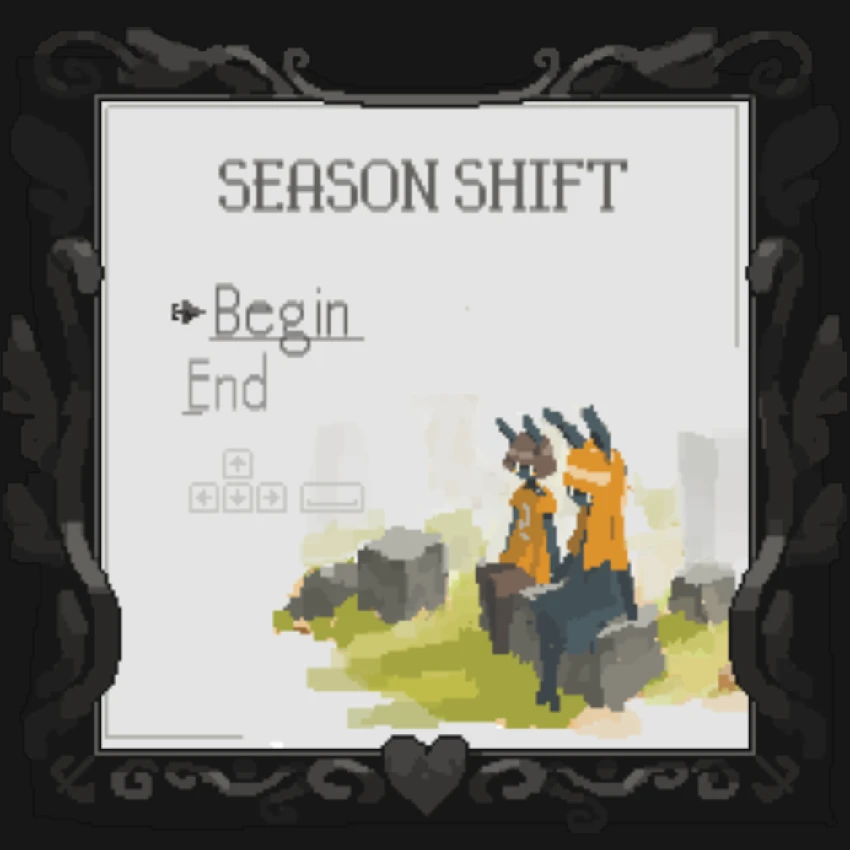
This is a cozy singleplayer pixel puzzle game about changing the world to collect flowers. The creator describes roughly fifteen puzzles, so think of it as a compact collection rather than an enormous campaign. That approximate number is not a completion checklist for this embedded version. You do not need an RPG build, a combat strategy, or a point-and-click inventory routine to approach it. The practical guide below offers observation habits and spoiler-light experiments, not a verified sequence of inputs for every stage.
Start with a small question
Before changing anything, ask what you actually want to learn from the next action. Perhaps you want to understand how a visible route connects to a flower, or whether shifting the world changes a connection you had overlooked. A narrow question gives an experiment a clear purpose. If the result surprises you, that is useful information rather than a wasted attempt. Pause long enough to describe the difference in ordinary words before making another change, especially when several parts of the scene compete for your attention.
Try separating observation from explanation. An observation might be that a route looks different after an action; an explanation is your guess about why. Keeping those separate prevents a plausible first guess from becoming an imaginary rule. You can revise an explanation without losing what you actually saw. This is particularly useful after playing an inventory adventure, where progress often comes from remembering a clue elsewhere. Here, give the current arrangement your attention before looking for an elaborate story-based reason that you cannot proceed.
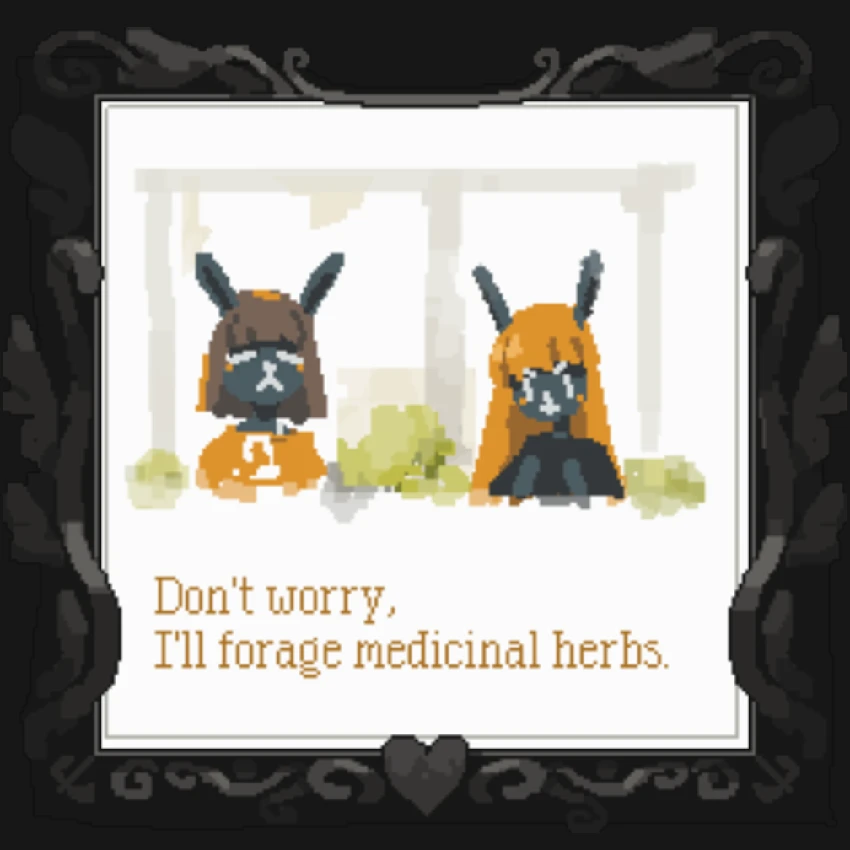
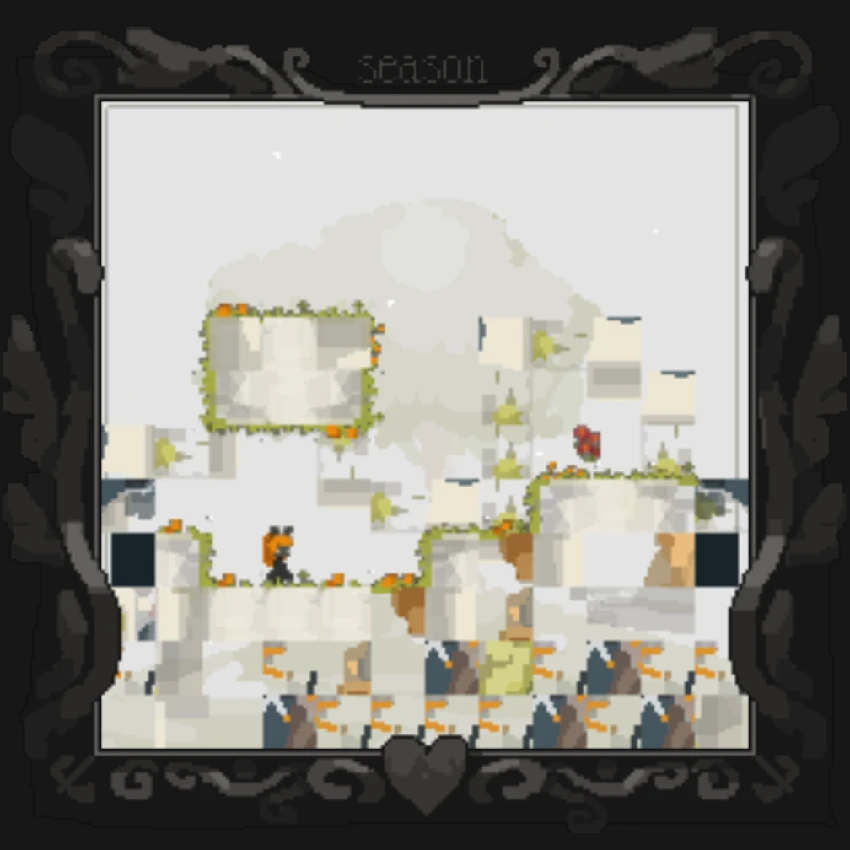
Opening dialogue: one rabbit reassures the other that they will forage medicinal herbs.
Read the space before changing it
Take a slow visual pass across the current puzzle. Identify your position, the flower you are considering, and the space between them. Look for connections rather than assuming that the shortest visual distance is the useful route. A nearby destination can still require a change of perspective, while something farther away may become approachable once you understand the arrangement. This is a planning suggestion, not a claim that every puzzle uses the same geometry. Let the actual screen correct your expectations whenever it contradicts them.
When the artwork is busy, choose two landmarks and compare their relationship before and after a change. You do not need to memorize every pixel. A small reference pair gives your eyes something stable to return to and helps you notice whether your intended connection has improved. If you cannot yet tell which details matter, begin with the player and the goal. Add another landmark only when it answers a specific question. A simple mental map is usually easier to revise than a detailed theory built before you have moved.
Make one experiment at a time
A calm puzzle session does not require perfect predictions. It requires experiments that you can understand afterward. Try a single deliberate change, inspect the result, and decide whether it supports your idea. Repeating several inputs quickly can make a promising discovery harder to explain because you no longer know which action mattered. Slowing down is therefore not just an aesthetic preference. It helps you build a usable picture of the puzzle, including the parts of your original plan that need to be abandoned.
If a change does not help, keep the useful observation and reconsider the question. You might have tested the wrong connection, moved before looking carefully, or expected a familiar rule from another game. None of those possibilities means you need a complete walkthrough immediately. Use any recovery options that the game itself presents, and read their instructions before relying on them. This guide does not prescribe an unverified reset key or promise an undo system. Refreshing the whole browser page is not a safe substitute for understanding an in-game option.
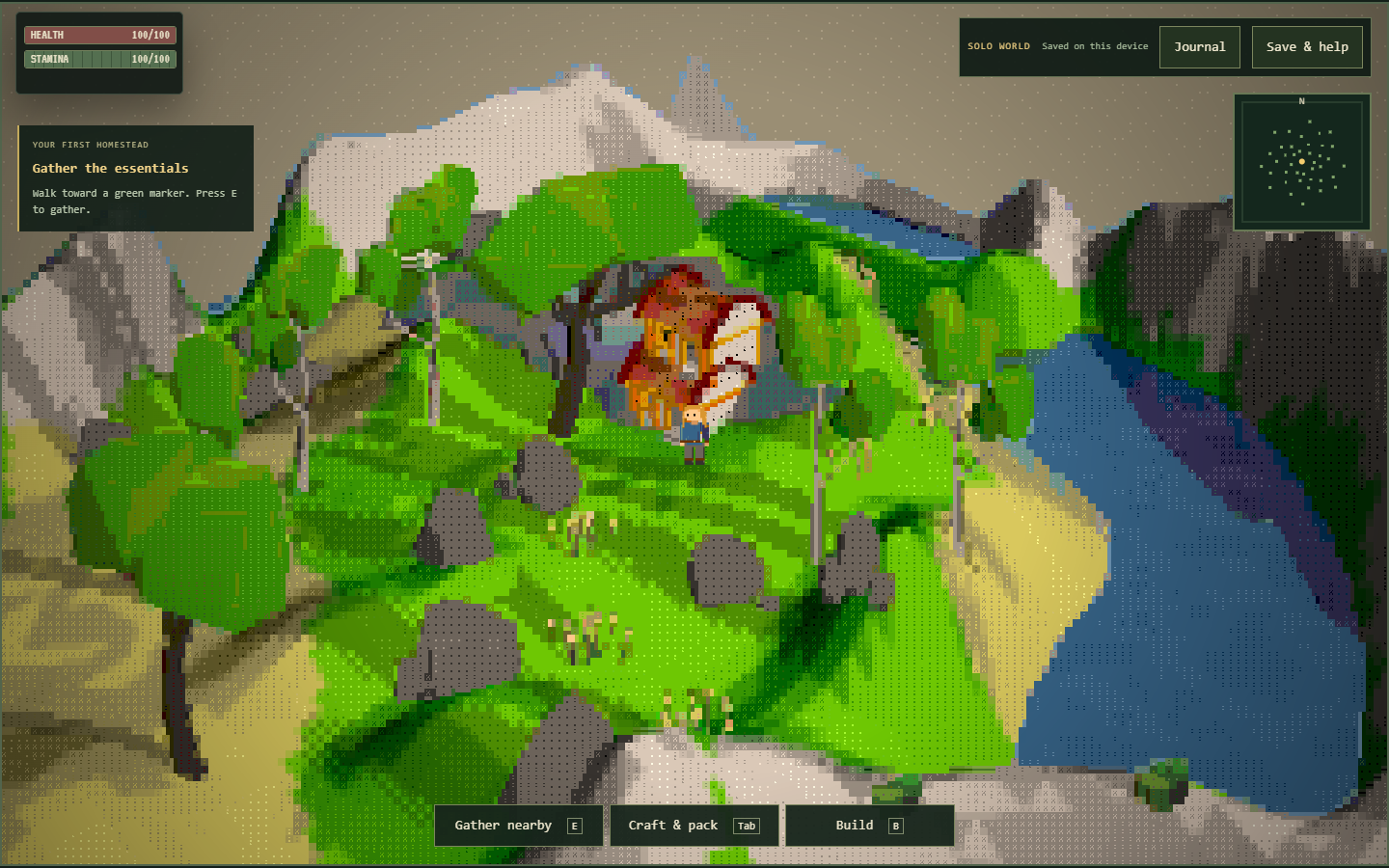
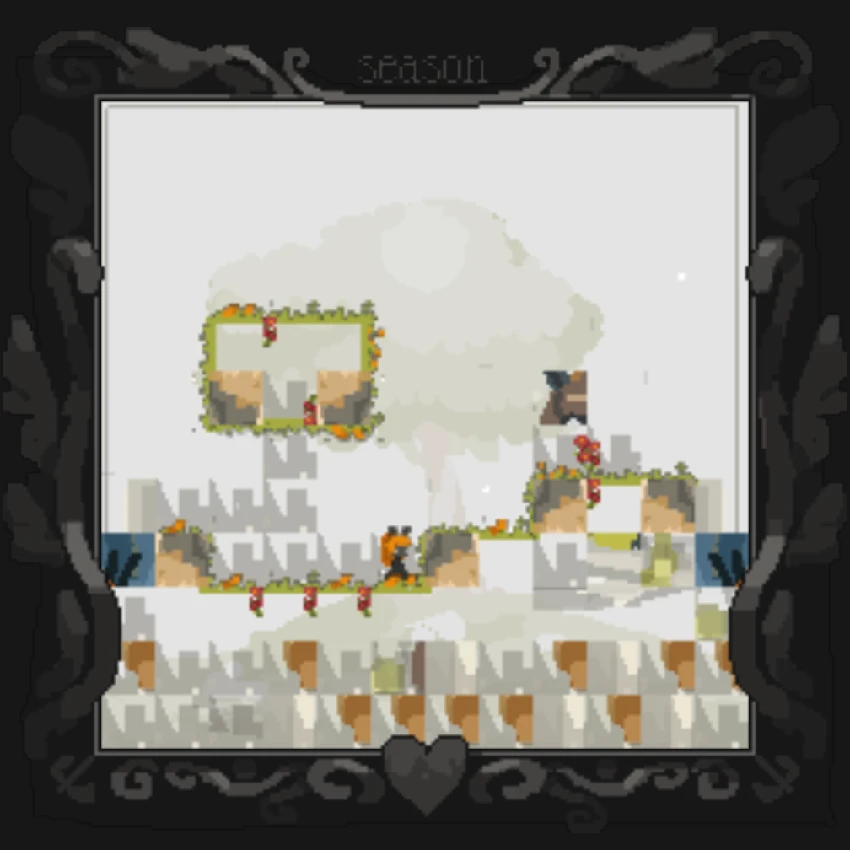
The first puzzle area: compare the character at lower left with the red flower on raised ground to the right.
Plan toward flowers, not toward busywork
Collecting flowers supplies the practical focus for your exploration. When you feel yourself making changes without a purpose, return to that focus and name the obstacle between your current position and the next intended goal. Avoid turning every decorative detail into a suspected item or secret switch. That habit makes sense in some adventures on this site, but importing it automatically can create unnecessary work here. Give visible connections and the effects of world shifting priority over speculative inventory combinations or imagined quest requirements.
A useful route plan can be very short: establish a connection, check that the connection is usable, then reassess the remaining distance. Do not assume that an attractive arrangement is already a complete solution. Follow the result on screen and update the plan as you learn. If your route fails, identify the first point where your expectation and the game diverged. Starting your next experiment at that point is more informative than repeating the entire sequence from memory and hoping that a different ending appears.
Use the visitor checklist as a thinking aid
The checklist below belongs to this website, not to the game. Use it to organize one puzzle attempt: notice the goal, study the current arrangement, predict a change, test it, and compare the result. Checking a box is a personal note that you performed that thinking step. It does not award a flower, unlock a stage, measure skill, or read your position from the embedded player. Its purpose is to make a vague feeling of being stuck into a small set of questions you can answer.
You can uncheck an item when you want to revisit it. Clear the whole list before another puzzle if a fresh sequence helps, or leave earlier steps marked while you compare two ideas. The notes last only in the current mounted page session and are not saved to an account or synchronized with game progress. Reloading or leaving this page may clear them. That deliberate separation keeps the tool honest: it is a lightweight companion for your attention, not an imitation save slot or an automatic completion tracker.
The same starting puzzle after moving right and pressing Z. The platform and vegetation arrangement has changed; this is not a later level.
Keep the break comfortable
Choose the length of the session yourself instead of treating the approximate puzzle count as a deadline. A satisfying break might be one clear discovery, one solved arrangement, or simply learning what a particular change does. Stop at a moment when you can describe your next question, rather than continuing until every attempt feels identical. If you return later, that question provides a better starting point than a general memory that the puzzle was difficult. You can write it outside the game if you want a durable personal note.
Comfort also includes knowing what this page can and cannot promise. The game is presented as a relaxing puzzle experience, but individual frustration and accessibility needs vary. Adjust your sound and screen setup to suit your environment. The original creator lists keyboard and gamepad input and stated that the original version does not support iPad. This hosted adaptation adds touch arrow and Z controls, a separate feature rather than a guarantee for every phone or tablet. In the supplied host testing, Enter or Z starts, Right moves the character, and Z changes the world. Follow the current prompts and distinguish movement from world shifting.
When the player does not respond
The cover is a launch gate, not a picture of a running game. Press the play control once to request the externally hosted player, then allow its resources to load. If the surrounding page scrolls instead of the game responding, click inside the player and consult its instructions. Focus can move away when you use the checklist or another website control. Returning focus is a reasonable first check before concluding that a puzzle is broken, especially when the game previously responded in the same session.
If the embedded view remains blank, keep troubleshooting within this page: this host requires an iframe, and opening its address directly shows guidance rather than a playable fallback. The Retry frame button reloads only the embedded game after you confirm that unsaved progress may be lost. Cancel that confirmation if you want to preserve the current session. Fullscreen may also be restricted by browser settings; continue in the normal-size player when that happens. Avoid repeated retries while progress matters. Save behavior has not been verified here, so neither reloading the frame nor restarting the browser should be treated as a harmless recovery step.
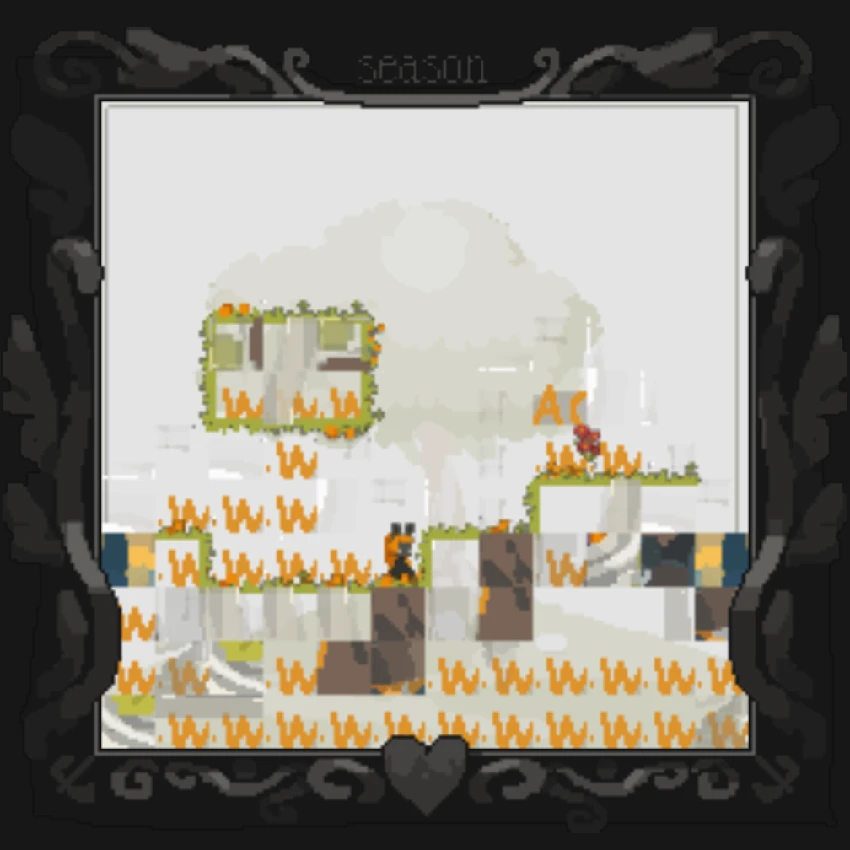
The same starting puzzle after Up and Right inputs. This frame records exploration, not a completed solution or a later stage.
Return to the arcade with a different habit
The most useful souvenir from this quiet detour is a way of looking. Distinguishing a visible fact from a guess, making one purposeful change, and checking the consequence are habits you can bring back to other puzzle games. The actual rules will differ, so carry the method rather than copying the mechanics. Frankie's inventory-based exploration asks different questions from this flower-focused world shifting. Recognizing that difference helps both experiences feel more deliberate instead of flattening every game into the same search for a hidden object.
Use the shared game shelf when you are ready for another attraction, or return to this guide without starting the player if you only want to revisit the planning steps. The screenshots are reference images, not interactive maps, and their filenames should not be read as a promised sequence of levels. No video walkthrough is included on this page. You can therefore browse the practical notes without accidentally starting a footage playlist, while choosing for yourself how much help to use before returning to the puzzle.
One-puzzle visitor checklist
Personal planning only. Session-only notes; not synchronized with game progress.
0 of 6 planning steps marked.
This independent guide does not certify parity between hosted builds.
Questions before playing
Is Season Shift a horror game?
No. It is a cozy singleplayer pixel puzzle game. This page presents it as a calm alternative to the site's darker attractions.
Is it an RPG or an inventory adventure?
Neither describes the core activity here. Focus on shifting the world and collecting flowers, rather than character builds or combining inventory objects.
How many puzzles are there?
The creator describes approximately fifteen. That is an approximate scope, not a verified stage count for every hosted version.
Which controls should I use?
In the supplied hosted-version testing, Enter or Z starts, Right moves, and Z changes the world. The hosted adaptation also offers touch arrows and Z. Follow the prompts for the current screen.
Can I play on iPad?
The original creator stated that the original version does not support iPad. This hosted adaptation adds touch arrow/Z controls, but that does not guarantee compatibility with every iPad, phone, or browser.
Does the checklist save my flowers?
No. It is a session-only website planning aid with no connection to game saves or collected flowers.
Can I read before loading the game?
Yes. The article, screenshots, and questions are available independently. The iframe loads only after you select Play.
What if fullscreen fails?
Continue in the embedded player on this page. Direct access to the game host is not a playable fallback. Retry frame is available for loading problems, but requires confirmation because reloading may lose progress.
Is this an official game website?
No. This is an independent guide on Frankie's Fun House.