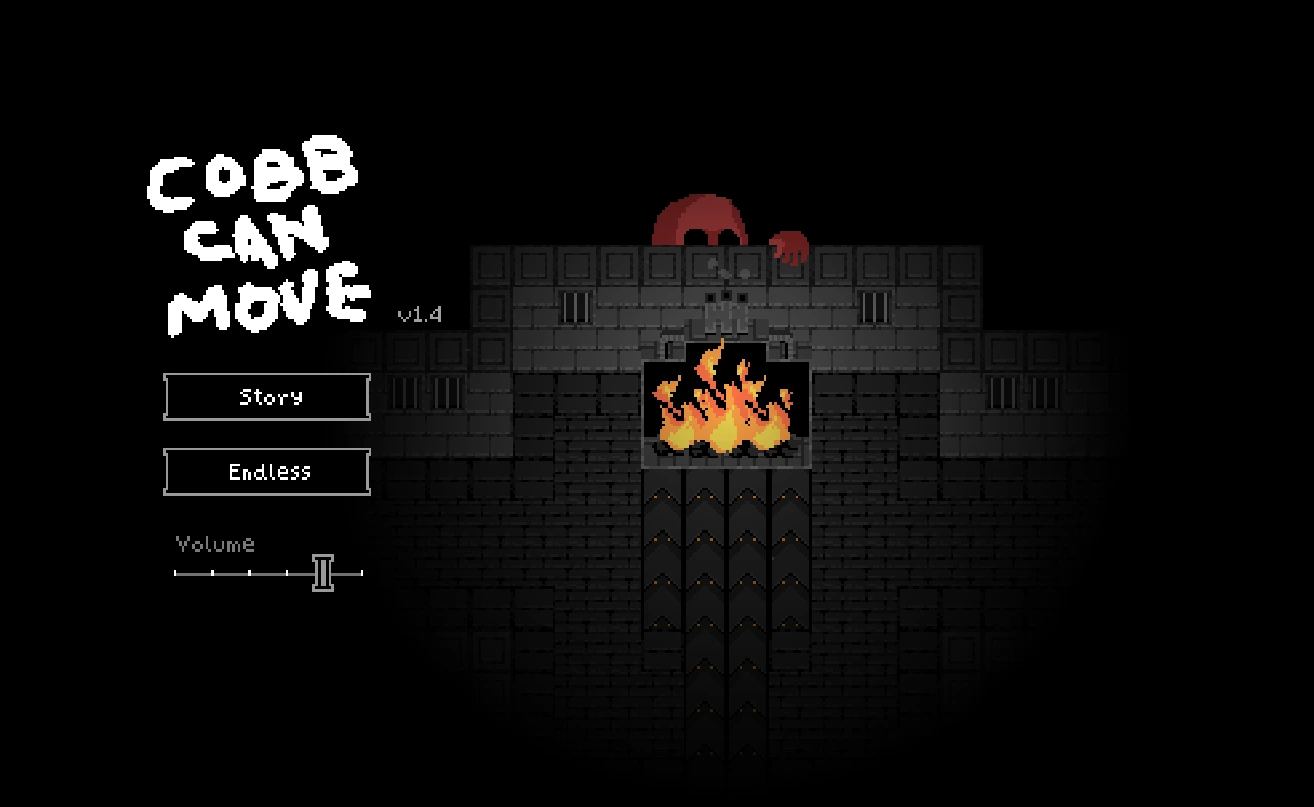
Cobb Can Move is a compact survival attraction where a familiar-looking situation can demand a different response as the rules change. Trade the fun house inventory for observation, controlled movement, and a short review of what actually ended the last run.
A short attraction with an unstable rulebook
Cobb Can Move takes a different route through horror than Frankie's Fun House. You are not primarily examining a room for a puzzle item or reading a branching conversation. The author describes a survival game whose rules change. That distinction is the best preparation you can bring: a response that worked a moment ago should not become an unquestioned habit when the game presents new information.
Approach the first attempt as a reconnaissance run. Learn how movement feels, where instructions appear, and how clearly you can see the play area. A short failure can still be useful if you understand one more element afterward. This guide does not give a universal winning sequence or claim that a particular score is guaranteed. It provides a repeatable way to observe, decide, and review, which is more appropriate for a changing survival challenge than memorizing an unverified route.
Set up the screen for observation
Before starting, make the game large enough to read comfortably. Fullscreen can help if the embedded area is too small, but increasing size is only useful when you can still scan the whole field without losing track of important cues. If the browser zoom is unusually high, restore a comfortable view before judging the game's readability. Keep the surrounding webpage from becoming a competing source of movement while you are trying to concentrate.
Check the volume at a moderate setting. Horror audio is part of the presentation, but turning it excessively loud does not make your decisions more accurate. If you use headphones, set the level before a tense moment rather than during one. Pause through the game's own controls if a pause feature is available; moving the pointer outside the frame is not evidence that the simulation has stopped. Do not assume a background tab safely suspends every game process either.
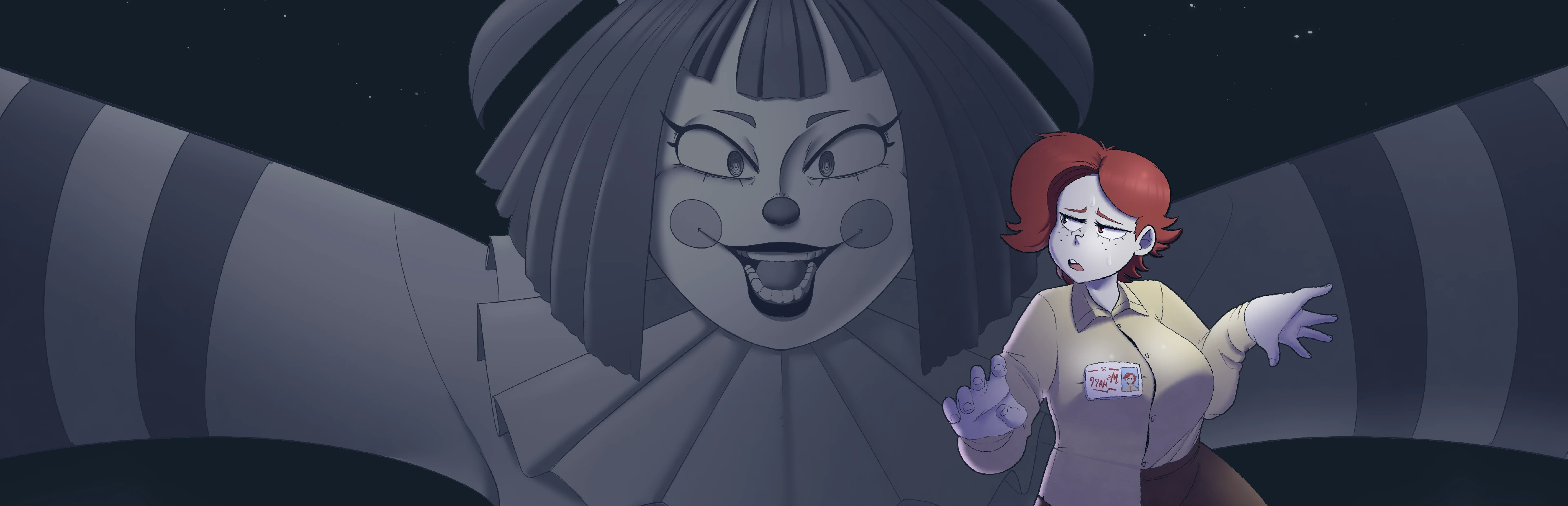
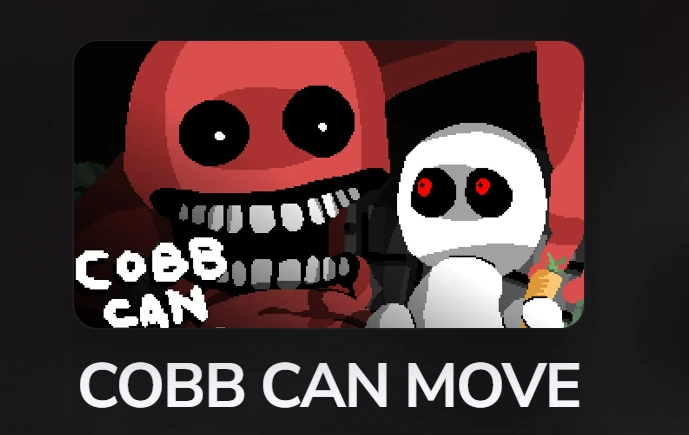
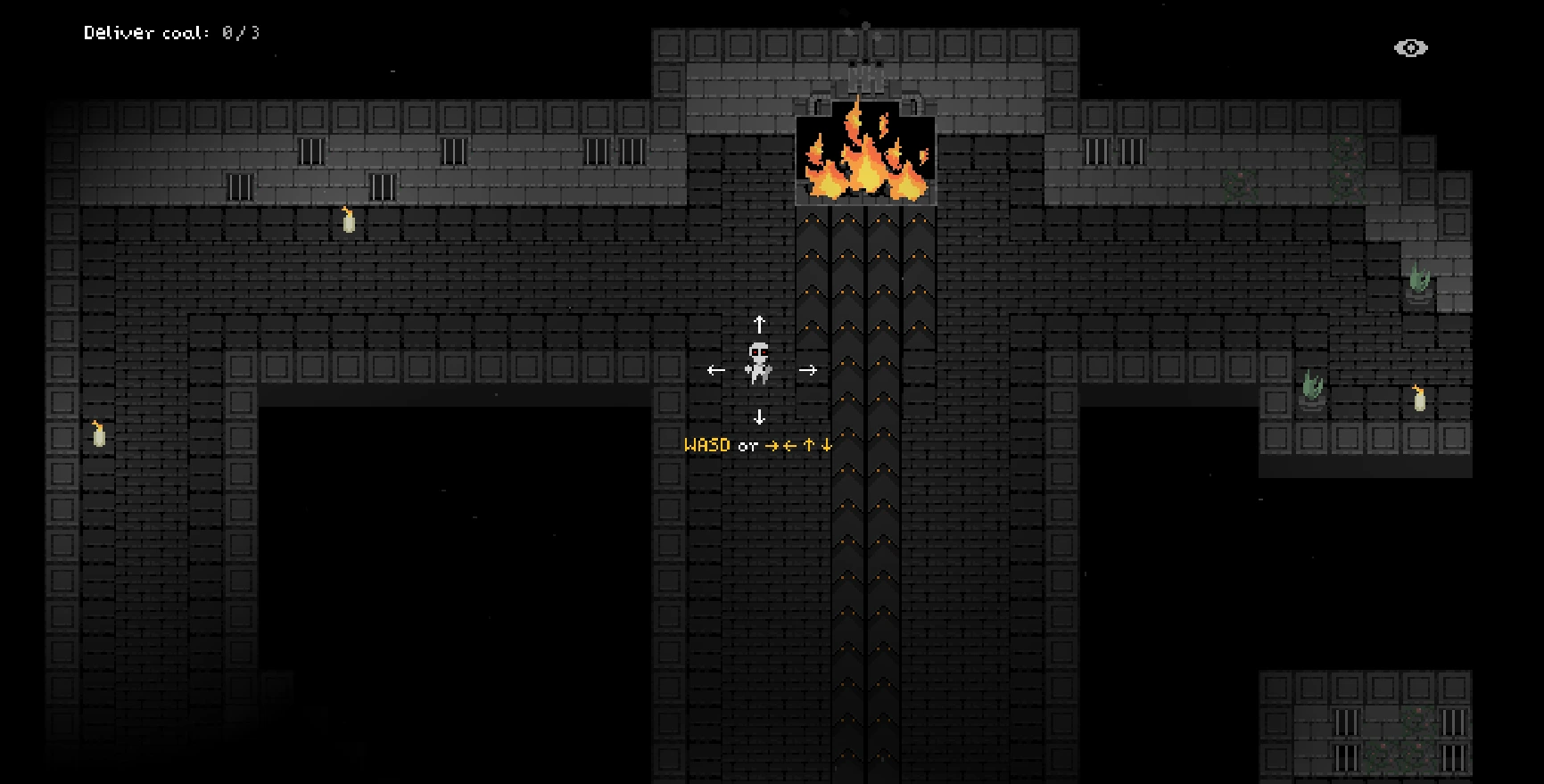
Cobb Can Move reference image. Artwork provides visual context, not proof that a particular choice or ending is available in the embedded build.
Confirm input instead of guessing the controls
The author lists keyboard and gamepad input. Use the controls shown in the embedded release, because this page does not certify every binding or controller combination. Click inside the player before pressing movement keys. When an arrow key scrolls the website rather than moving the player, focus may still be on the surrounding document. Repeated key presses can make that confusion worse without telling you anything useful about the game itself.
On a phone, a responsive webpage and a playable game are different requirements. The player can fit a small screen while the underlying game still expects hardware keys. We have not verified a complete touch-control interface for this build. If no suitable on-screen controls appear, use a supported keyboard or gamepad setup instead of treating the empty area as a bug in the guide. Connecting a controller also does not guarantee that the browser has recognized it; test before beginning a serious run.
Read the current instruction as fresh information
Whenever the game announces a rule, take it as the current operating condition rather than decorative text. Read the whole message and consider what action it changes. A rule about an enemy's behavior is not automatically a rule about your movement, and a change in presentation is not by itself proof of a mechanical change. Use the information the build actually gives you instead of filling gaps with an explanation remembered from a video.
If you cannot read and move safely at the same time, make learning the rule your priority during an exploratory attempt. That may produce a shorter run, but it prevents repeated failures caused by never understanding the instruction. Afterward, restate the rule in your own words. If you cannot explain it clearly, mark it as uncertain rather than building an elaborate strategy on top of a guess. Good survival preparation starts with knowing which information is reliable.
Keep movement intentional
Panic often produces a long sequence of inputs that is difficult to reconstruct afterward. Try to make movement decisions small enough that you can observe their consequences. Look at the space you intend to enter, not only at the threat you want to leave behind. An escape direction can be unhelpful if it leaves you without room to react to the next event. This is general movement advice, not a promise that one region of every generated layout is safe.
During early attempts, change only one movement habit at a time. You might work on avoiding unnecessary reversals or checking your destination before committing. Do not simultaneously change sensitivity, input device, and strategy if your goal is to understand why an attempt improved. Too many changes make the comparison ambiguous. A controlled experiment is more useful than a lucky long run that teaches you nothing about what you did differently or how to reproduce it.
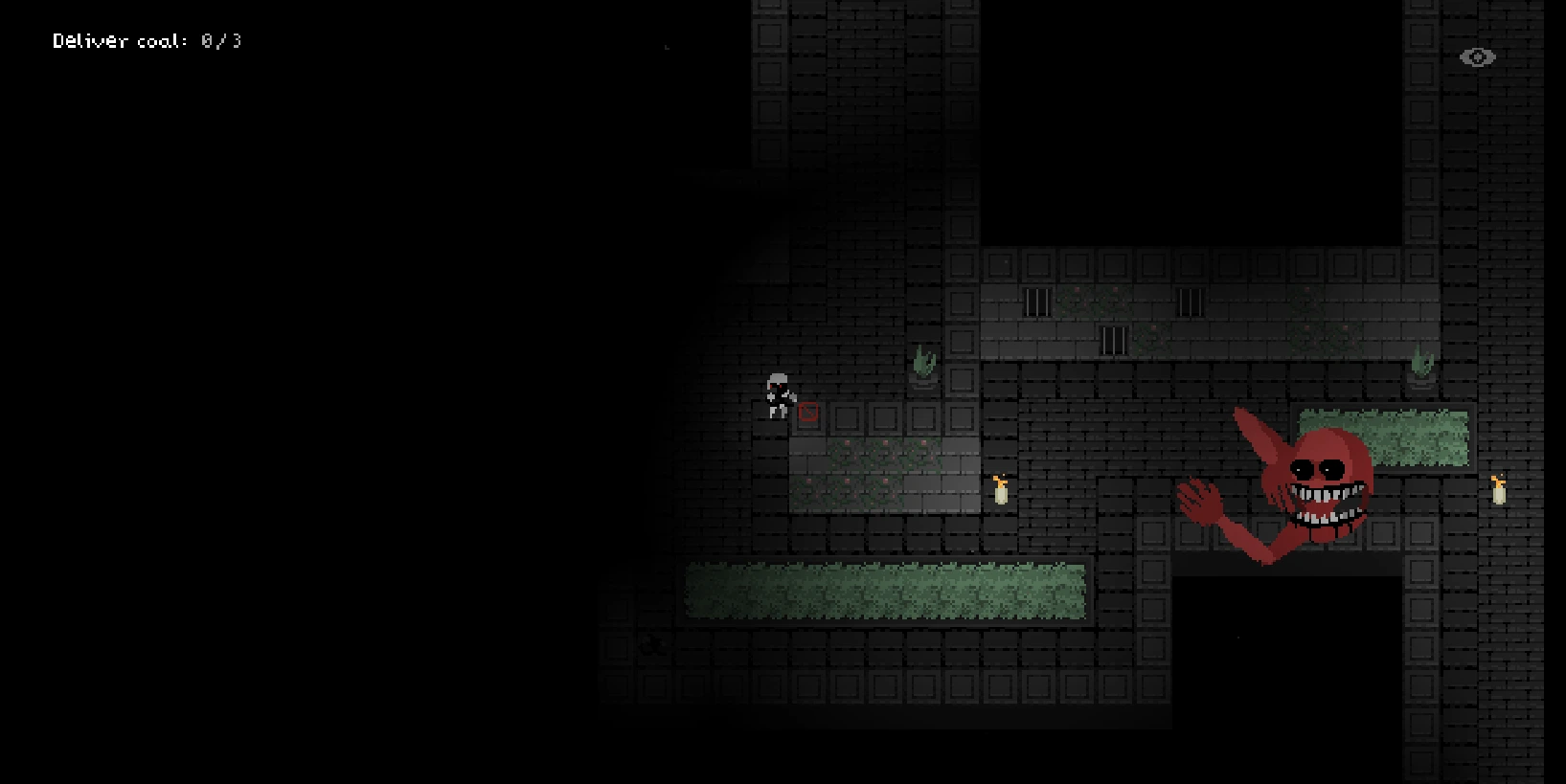
Cobb Can Move reference image. Artwork provides visual context, not proof that a particular choice or ending is available in the embedded build.
Watch space as well as the pursuer
It is natural to stare at whatever looks dangerous. The cost is that the rest of the play area becomes a surprise. Develop a brief scan: your position, the nearby space, the threat, then the instruction or status information. The exact rhythm will depend on the game speed and your comfort. The purpose is to avoid forgetting an obstacle or a newly relevant area while focusing on one moving object.
Do not translate that scan into a fixed route around the edge or a rule to stay in the center. A procedural or changing situation may invalidate either habit. Instead, compare the available space with the current condition. When a route becomes crowded or hard to read, reconsider before you commit to it. If you are unsure why a collision occurred, look for the last clearly observed event rather than assuming that the game ignored an otherwise perfect movement input.
Use audio without inventing a microphone mechanic
Sound can contribute to atmosphere and may help you notice events, but a game producing audio is not the same as a game listening to your microphone. This page does not request microphone access. Do not infer a voice-control mechanic from an ominous sound or from language about hearing in a rule. Follow the game's explicit instructions and permissions rather than applying features from unrelated voice games in the collection.
If a cue seems important, compare what you hear with what is visible. A single sound may be ambiguous, especially if music or another browser tab is playing. Lower unrelated audio so that you can distinguish the game from your environment. If you prefer to play quietly, check how much information the visual presentation provides before relying on a sound-dependent interpretation. Avoid claiming that every audio change marks a specific enemy state unless you have actually confirmed that relationship in this release.
Turn a failed run into one concrete observation
After a failure, resist the urge to restart immediately every time. Ask what you know rather than what you suspect. Did you enter a space, miss a displayed instruction, lose keyboard focus, or react after a visible event? Record one short observation and one question. Separating them prevents an assumption from hardening into a false rule that makes the next several attempts less effective.
For the following run, choose a single test related to that question. If you think an instruction changed the safe response, focus on reading and applying that instruction. If the problem was input focus, solve the browser interaction before changing strategy. You do not need a detailed spreadsheet; a few words can be enough. The preparation checklist below helps establish this routine, but it cannot detect your deaths, read your score, or verify that a particular tactic has succeeded inside the game.
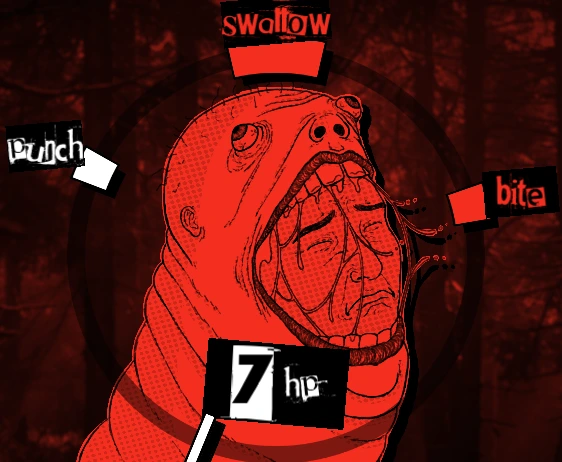
Cobb Can Move reference image. Artwork provides visual context, not proof that a particular choice or ending is available in the embedded build.
Compare attempts fairly
A longer survival time can be encouraging without proving that every decision was better. Layout variation, timing, and unfamiliar events can affect what you encounter. Compare attempts with attention to the conditions, not only the final number. A shorter run in which you correctly understood a new rule may provide more useful learning than an unusually favorable run where you repeated an old habit without testing it.
Give yourself a narrow goal for a few attempts. You could focus on reading each announcement, keeping movement controlled, or recognizing when you have lost track of the play area. Then review whether that specific goal improved. Do not promise yourself a particular score based on an online recording from an unknown version. Use videos to see how another player approaches decisions, not as a contract that your game must produce the same sequence or difficulty every time.
Use reference images and video deliberately
The screenshots here provide visual orientation between guide sections. They can help you recognize the presentation without pretending to document a complete sequence of safe moves. A still image cannot show timing, input duration, or what happened just outside its frame. It is therefore a poor basis for an exact survival solution. Treat it as context and return to the live game when you want to test a movement or read an instruction.
The optional video can be more useful when you arrive with a precise question. Watch how the player responds before and after a rule appears, and compare the visible instruction with your own build. Rewind a short segment if necessary rather than copying a whole run from memory. If the recording shows controls, content, or pacing that differs from your experience, note the version uncertainty. Do not assume you have missed an unlock simply because the footage looks different.
Diagnose loading separately from difficulty
A blank player is not a difficult game state. First wait for loading, then check whether the title screen or menu responds. If the page controls work but the game does not, try the direct-open link to the same external host. That can help distinguish an embedded display restriction from a general loading failure. An HTTP response alone cannot establish that all game assets have loaded or that your device supports the complete runtime.
If an input stops responding during play, consider focus before assuming the game changed its rules. A click on another page control can move keyboard input away from the frame. Return to the game carefully, and restart only if necessary. When reporting a problem, include the browser, device, visible message, and whether the direct view behaves differently. Avoid disabling security features as a generic fix. The page cannot repair a remote outage by adding another Play button.
Know when to change attractions
Cobb's repeated short attempts can make it tempting to continue after your attention has dropped. If you stop reading instructions and begin making the same mistake automatically, a break is more productive than another rushed restart. End with one note about the next thing to test. That gives your next session a clear starting point without requiring you to remember a frustrating chain of failures.
Return to Frankie's Fun House when you want a slower pace built around inspecting objects. Choose one of the visual novels when you want to read rather than react. These are different kinds of attention, and switching between them can keep the collection enjoyable. Cobb Can Move should be approached as a focused survival challenge, not as a compulsory test you must complete before seeing the rest of the website. Its value is in learning the changing situation, not in an invented promise of a guaranteed win.
Optional screening
Watch with spoilers in mind
Videos may show different releases and reveal scenes or outcomes. They are not a guarantee of the hosted build's features.