Kingdom of Marionettes turns a quiet theater shift into a disturbing encounter with its performers. Approach this adult visual novel as a night watch: pay attention to requests, remember the circumstances of a choice, and leave room for the puppets to surprise you.
Take the night watch, not a puzzle ticket
Kingdom of Marionettes belongs beside Frankie's Fun House because both use an unusual entertainment space to unsettle the visitor. Their activities are different, however. Here, the attraction is a visual novel. Reading exchanges and selecting responses matters more than looking for a draggable object or testing a combination on a door. Start with that distinction and you are less likely to mistake a story pause for a missing interaction.
Imagine your first session as an attentive night watch rather than a speedrun. Listen to the way a request is framed, notice a contradiction, and let the scene establish its own boundaries. This guide offers a method for following the story without telling you how every encounter resolves. It does not pretend that a list of sensible real-world precautions is an official game route. The protagonist's fictional situation and your own reading strategy remain separate things.
What makes the theater unsettling
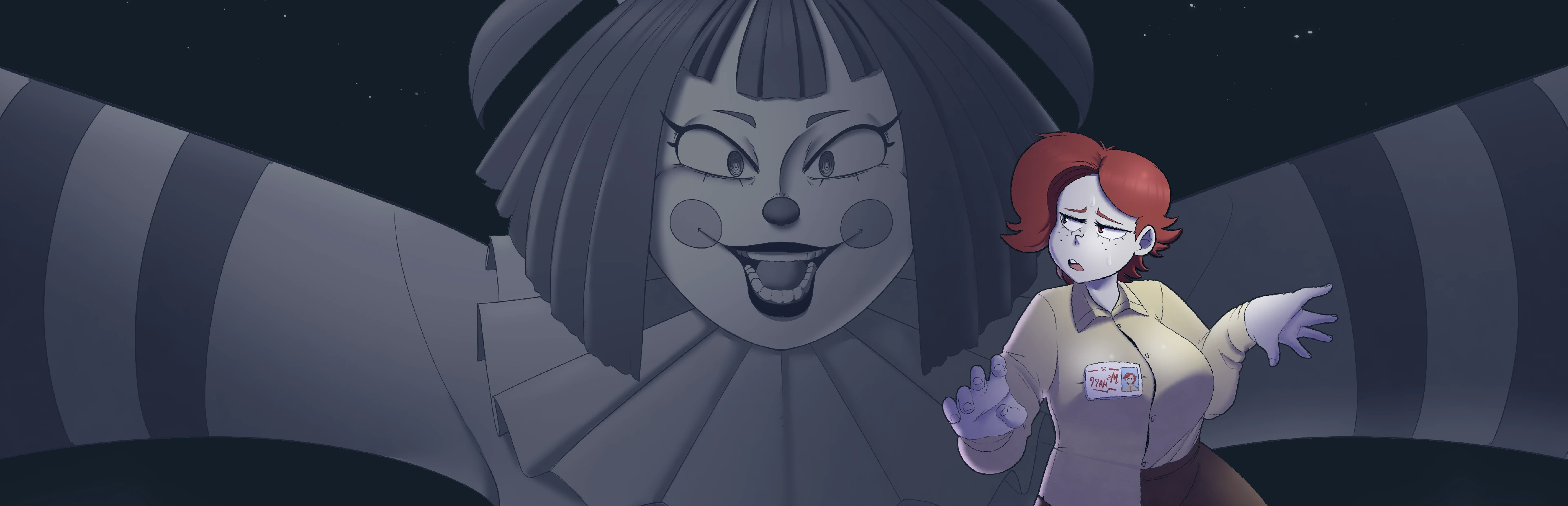
The setup casts you as a new security guard in a neglected puppet theater. Ordinary duties become less ordinary when its inhabitants do not remain still. A jester puppet is part of that encounter. This establishes the central contrast: a workplace that ought to have clear routines becomes a space where the rules of an interaction are uncertain. You need not know every character's later importance to understand why that situation is uncomfortable.
When reading a scene, distinguish the theater's practical setting from the relationship being proposed. A task may explain why the protagonist stays in a place, while a conversation changes how that place feels. Do not assume a decorative prop is a collectible, or that every instruction is a timed objective. Observe what the actual interface permits. The tension can come from having to interpret another character, even when the player is not moving freely around the stage.
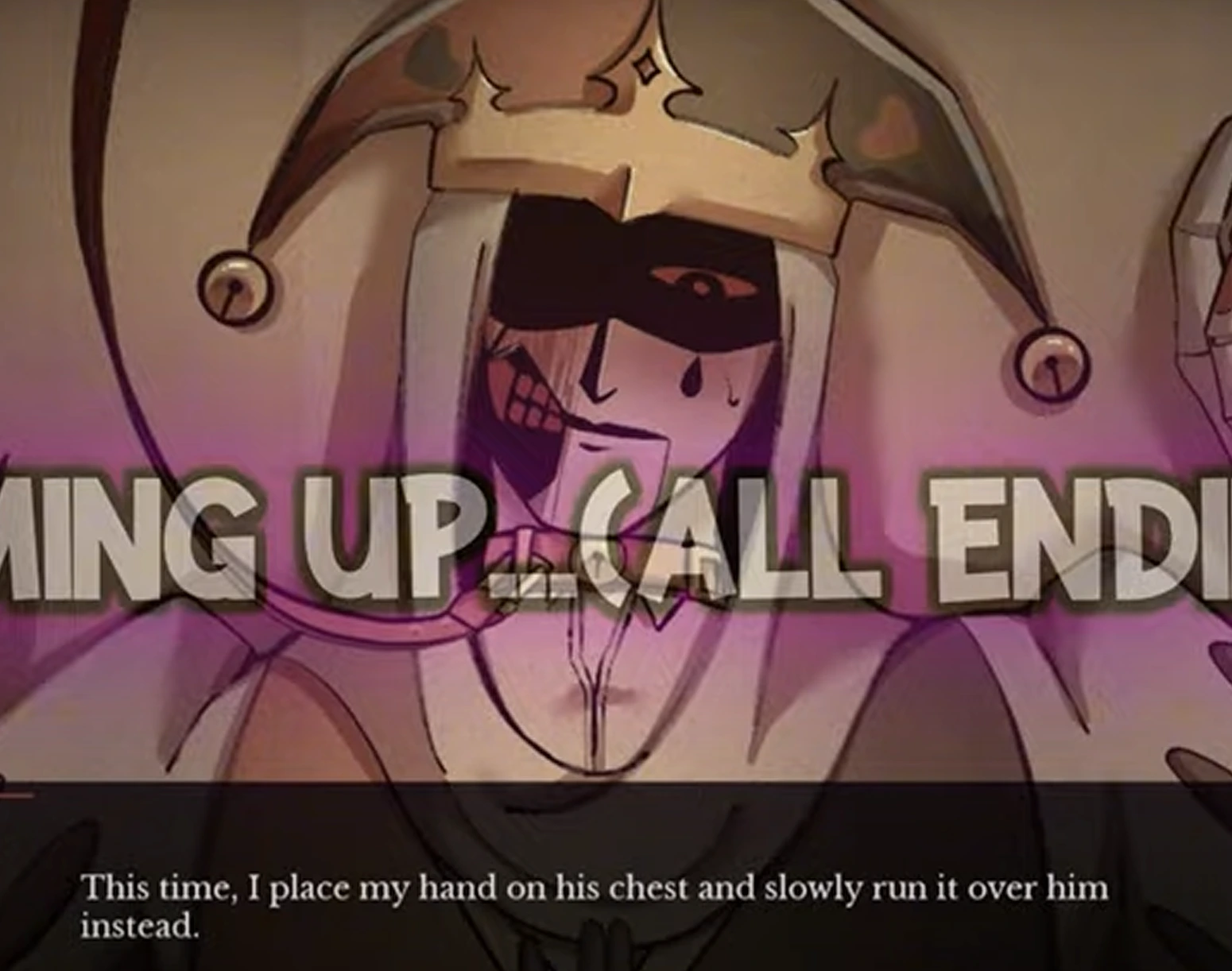
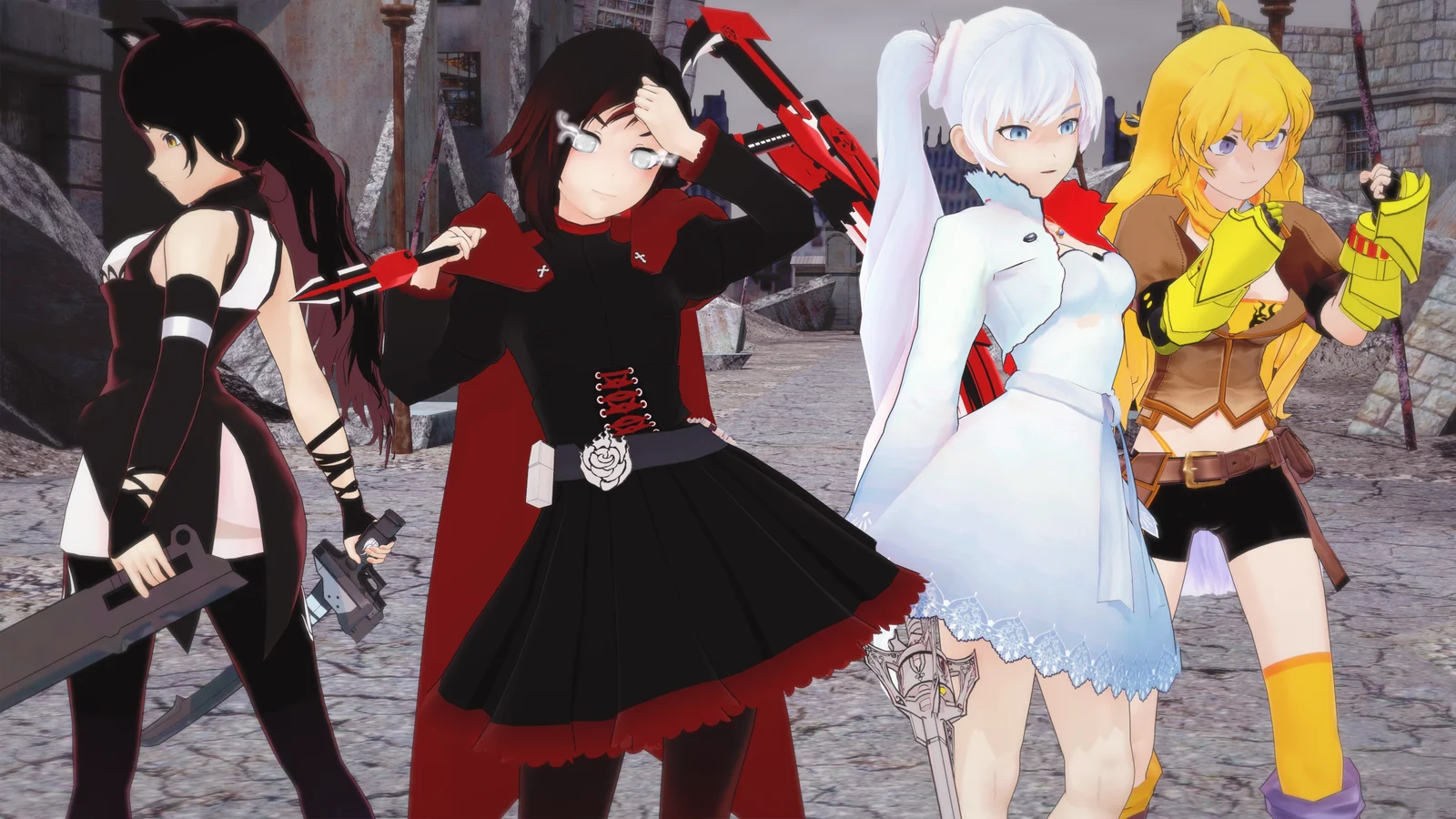
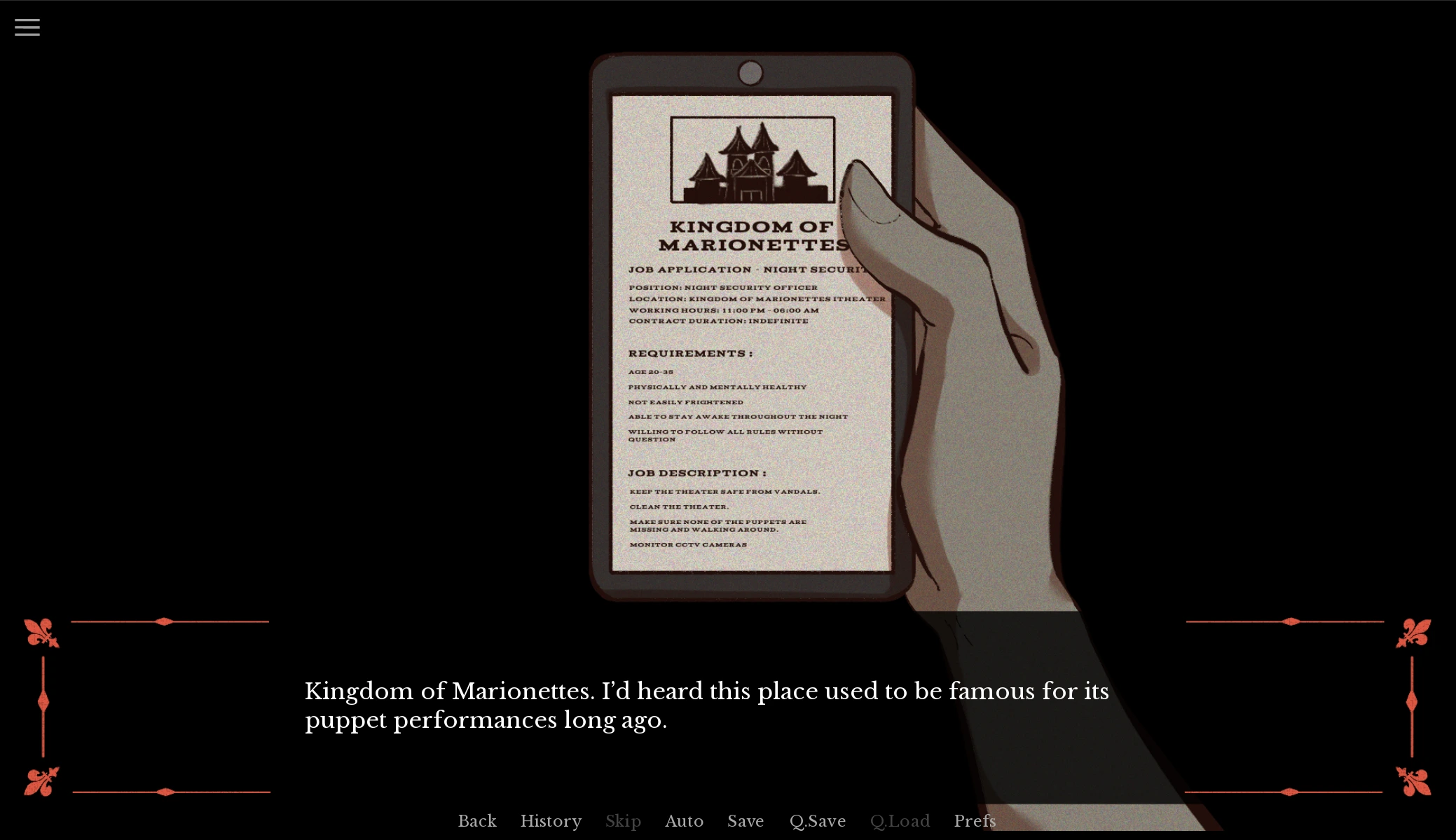
Kingdom of Marionettes reference image. Artwork provides visual context, not proof that a particular choice or ending is available in the embedded build.
Review the mature-content boundary
The author describes the game as intended for adults, with unsettling relationship dynamics and startling effects among its warnings. Its puppet designs do not make it a children's theater game. If manipulation or obsessive behavior is a subject you prefer to avoid, that matters just as much as sensitivity to a jump scare. The page's short warning is a starting point, not a replacement for the notices inside the release you open.
Take a moment to set volume and display brightness before beginning. Avoid playing on a shared screen without considering who else may see the material. If the game offers effect settings, use the settings you can actually find rather than assuming the page's fullscreen control changes them. You are allowed to stop at any point. Finishing an attraction is not more important than respecting a personal boundary, and no checklist on this page removes the game's mature themes.
Establish which performance you are seeing
The author's release history and a separately hosted browser version can move at different speeds. Kingdom of Marionettes has been presented as a developing project with act-based content. We have not verified the embedded build's complete version identity or whether its scenes match the current downloadable release. For that reason, this page does not turn a feature announcement into a promise that you can reach it in the player above.
Before following a guide, inspect the title screen and any version or act labels available in the game. Keep that information with your notes. A video of a later release may contain characters or scenes that your build cannot show, no matter how many times you replay a decision. Conversely, a guide for an older release may describe a sequence that has changed. Comparing the version first saves considerably more time than searching for an imaginary hidden prerequisite.
Learn the interface before the story becomes tense
Once the external game initializes, locate its menu and preferences. Test how you advance a line, how you return to the menu, and whether a save interface is available. Use the labels displayed by this build rather than treating general visual-novel keyboard conventions as a guarantee. A browser port can reserve a key for the page, and touch behavior can differ from mouse behavior even when the artwork looks identical.
Give the game focus by clicking inside its frame before using the keyboard. If your browser moves down the page instead, stop and refocus rather than pressing more keys quickly. The page's Fullscreen button changes the viewing area only. The direct-open link launches the same hosted game address in a new tab, which can be useful for diagnosing embedding problems. Neither control unlocks scenes, creates saves, nor changes a demo into a complete release.
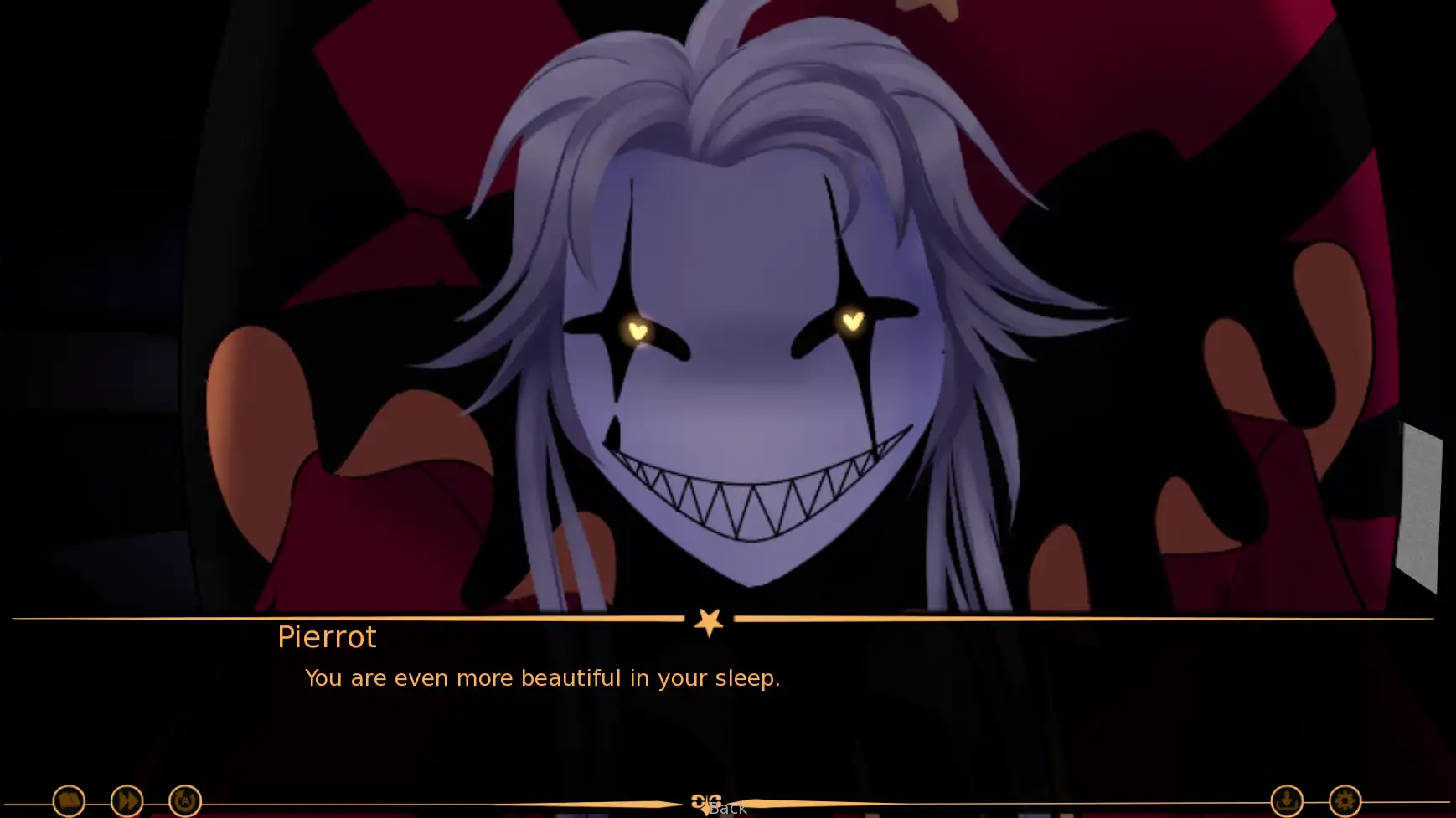
Kingdom of Marionettes reference image. Artwork provides visual context, not proof that a particular choice or ending is available in the embedded build.
Separate a request from the reason behind it
A useful reading habit is to ask three questions when a character wants something: what is being requested, what explanation is offered, and what remains unexplained? You do not need to answer those questions correctly to enjoy the scene. They help you slow down enough to understand a choice. A charming delivery may make a demand feel smaller than it is, while an awkward sentence may conceal a useful clue about the situation.
This is an interpretive framework, not a hidden trust calculator. Do not assume that agreeing always increases affection or that refusing always causes a bad ending. Those rules would require specific evidence from the relevant build. Instead, keep track of the exchange in front of you and select the response you want to explore. If a consequence later seems connected, record that possibility without presenting a single playthrough as proof of the underlying game logic.
Give the first shift a consistent voice
Choose an attitude for your first visit that feels comfortable to follow. You might answer cautiously, ask questions where the options allow it, or remain curious about the theater. These are personal reading intentions, not selectable difficulty modes. Consistency gives you a clearer account of the story you experienced. Alternating between opposite answers solely to please everyone can make later events harder to interpret, even if the game permits that behavior.
Allow yourself to reach a natural stopping point before looking up every alternative. An imperfect first session can establish a useful baseline. On a second visit, choose one encounter that genuinely interests you and compare it. There is no need to turn the entire playthrough into a spreadsheet on day one. The aim is to preserve your curiosity while giving you enough structure to return to a question without starting over blindly or overwriting your preferred progress.
Save with a purpose and verify it
If the game offers save slots, use them before consequential choices or before you end the session. A label describing the scene is more useful than a conclusion such as perfect ending. Keep a baseline slot separate from experimental branches where possible. After saving, look for the game's own confirmation or updated slot information. The preparation checklist below cannot confirm a successful save because it has no connection to the embedded game's storage.
Do not assume that progress follows you across devices, private windows, or different hosting domains. Browser storage is often tied to those boundaries. A save visible in the direct-open view may behave differently under an embedded context depending on the browser's settings. We have not tested that compatibility here. If export is available, test a small backup before relying on it. Avoid clearing storage while investigating a blank screen until you have considered the possible loss of existing progress.
Compare outcomes without naming every secret
An ending label tells you where a particular run stopped; it does not necessarily explain every decision that led there. To investigate an outcome, note the last important choice and the earlier context you remember. On the next attempt, vary one relevant decision if the interface allows it. A careful comparison can reveal a difference in dialogue without requiring a complete all-endings guide or exposing surprises you have not yet reached.
Be cautious with claims about secret outcomes. A screenshot alone does not establish an exact unlock sequence, and a video's title can refer to a different release. This page deliberately avoids giving an unverified recipe for every ending. If you want a detailed walkthrough later, match it to the visible build and confirm its starting point. Until then, use the story's own feedback as evidence and treat community theories as possibilities rather than requirements you must satisfy.
Let the artwork support the reading
The local images on this page introduce the visual atmosphere of the attraction. They are not a map of clickable hotspots. Their placement beside the guide is intended to give your eyes a break and help you connect the writing to the theater's presentation. A screenshot captured elsewhere may include a scene or interface state that is not immediately available when you start the embedded version.
When looking closely, compare how composition directs attention toward a character or the surrounding space. Consider how a theatrical setting changes your expectations of a smile, a pose, or an entrance. Those observations can enrich a reading without becoming claims about secret mechanics. If you prefer an entirely unspoiled first visit, use the player before browsing the illustrations and video. The guide remains here when you are ready to compare what you noticed with another presentation of the game.
Troubleshoot a quiet or unresponsive stage
A game that has not finished loading can look similar to one that has lost input focus. Wait for visible loading progress, then click within the frame and test a menu interaction. If sound is the only missing element, check the game's volume controls and the browser's permission to play audio. Starting the game with an explicit click often matters for browser media behavior. Repeated refreshing is not a reliable substitute for identifying which part stopped responding.
If the embedded view reports a denied connection, try the direct-open address to distinguish a frame restriction from a general host failure. Report the exact message, the browser, and whether the direct view worked. Do not disable browser security or assume that downloading a file from an unrelated mirror is necessary. This website can present the external game, but it cannot guarantee the availability of that host or repair a broken release from inside your current session.
Leave the theater with a useful next step
At the end of a session, write a short note about where you stopped and what you want to investigate next. A single question is enough: a request that felt ambiguous, a dialogue choice you want to reconsider, or a release detail to verify. That is more useful than trying to memorize every line. Save through the game's own controls where supported, and remember that checking our preparation boxes does not preserve the story.
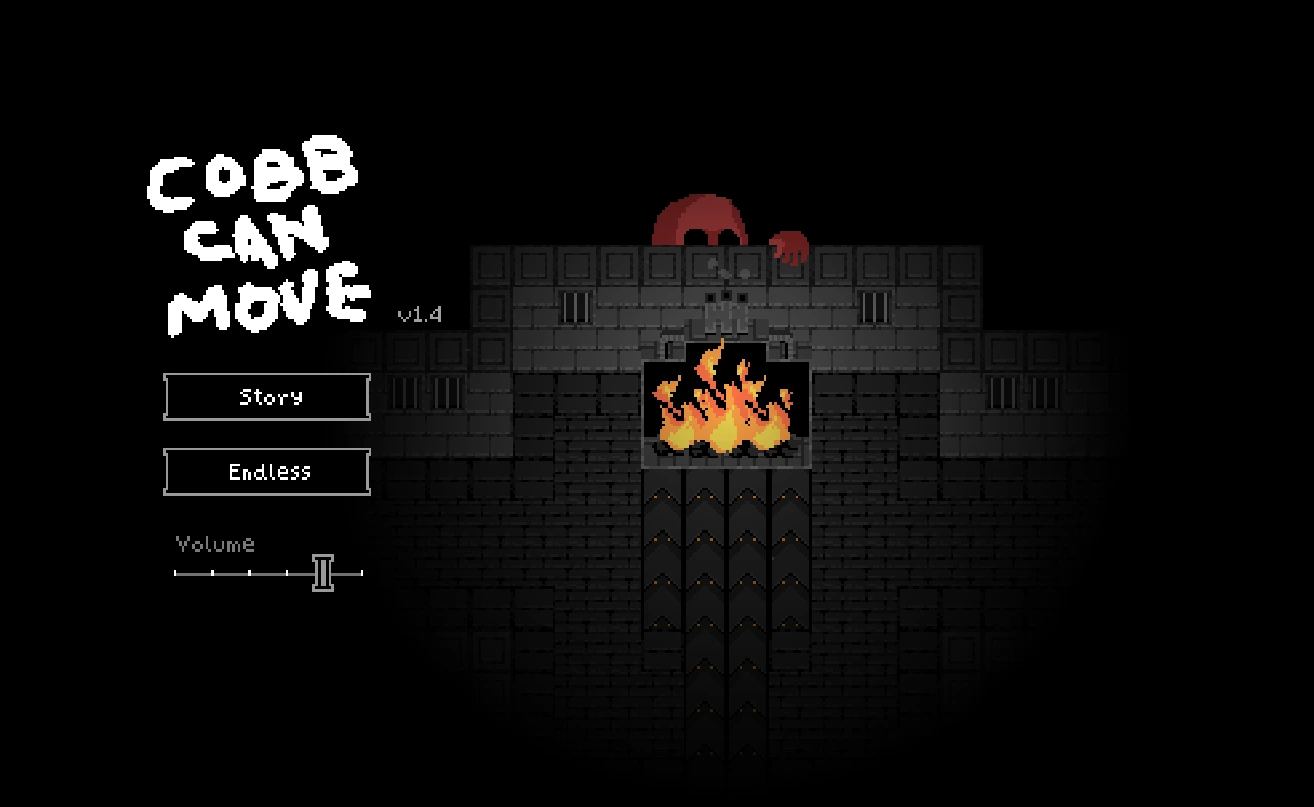
For a change of pace afterward, Frankie's Fun House returns you to physical observation and puzzle objects. The Freak Circus keeps the theatrical mood but moves to a different cast and story. Cobb Can Move replaces reading with survival decisions. Choose according to the activity you want next, not merely the similarity of the cover art. Kingdom of Marionettes works best here as its own unsettling narrative stop, not as a disguised sequel to any neighboring attraction.
Optional screening
Watch with spoilers in mind
Videos may show different releases and reveal scenes or outcomes. They are not a guarantee of the hosted build's features.